




Technology trends
Mobile workstations: perfect devices for creative professionals 2024
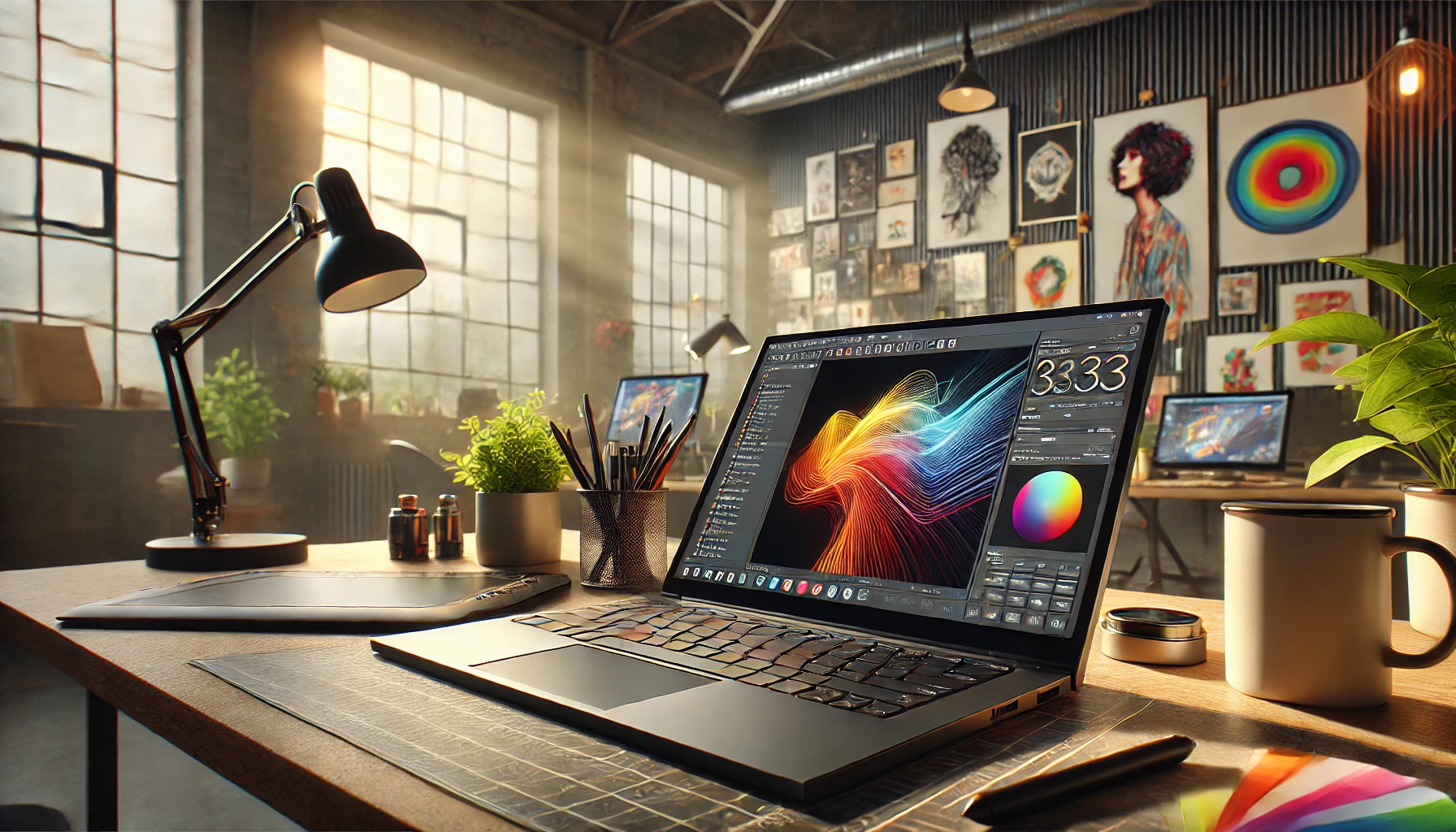
Mobile workstations: perfect devices for creative professionals 2024
Mobile workstations are no longer just a niche product – they are indispensable tools for creative professionals in the fields of graphic design, video editing, CAD applications and much more. In 2024, these powerful laptops reach a new level by combining the highest computing power, impressive displays and robust reliability. In this article, we take an in-depth look at the best mobile workstations of the year, their features and what to look out for when choosing one.
What are mobile workstations?
Mobile workstations are high-performance laptops that have been specially developed for creative and demanding applications. In contrast to standard laptops, they offer:
- Powerful CPUs and GPUs, optimized for computing-intensive tasks
- Professional graphics cards such as NVIDIA RTX or Quadro
- ISV (Independent Software Vendor) certifications to support professional software
- Expandable and modular hardware
- High-resolution and color-accurate displays
These features make mobile workstations the first choice for architects, engineers, video producers and designers who want to work on the move.
Important features of modern mobile workstations
Before we dive into the selection of the best models, here’s a list of crucial features that creative professionals should look out for:
1. performance of the CPU and GPU
Most mobile workstations rely on Intel Core i7/i9 or AMD Ryzen 7/9 processors. Intel Xeon and AMD Ryzen Threadripper CPUs are also used for maximum performance. NVIDIA RTX and professional Quadro solutions dominate the GPU market. A powerful GPU is essential, especially for software such as Adobe Premiere Pro, 3D rendering tools or CAD applications.
2. high quality displays
Creative professionals need screens with precise color reproduction and resolutions of at least Full HD. Models with 4K or even OLED displays will become increasingly affordable in 2024. Standards such as AdobeRGB or DCI-P3 are also important to support true colors.
3. memory and expandability
As creative software and projects often generate huge amounts of data, a mobile workstation should offer at least 16 GB of RAM – ideally 32 GB or more. When it comes to storage solutions, top models rely on lightning-fast NVMe SSDs with capacities of up to 4 TB. The ability to expand RAM and hard disks at a later date is a big plus.
4. battery life and mobility
While performance and mobility often mean compromises, there are many models in 2024 that offer both. Mobile workstations achieve battery runtimes of up to 10 hours – enough for a productive working day.
5. connectivity
Thunderbolt 4 ports, SD card readers and enough USB ports are standard for mobile workstations. Many models also offer options for 5G mobile connections or Wi-Fi 6 for super-fast internet.
Comparison: The best mobile workstations 2024
After extensive research, we have compiled a comparison table of the best mobile workstations currently available in 2024:
| Model | CPU | GPU | Display | RAM | Memory | Price |
|---|---|---|---|---|---|---|
| Lenovo Legion Slim 5 | Intel Xeon W-1200 | NVIDIA RTX A5500 | 16″, 4K OLED | 32 GB | 1 TB NVMe SSD | 3.500 € |
| HP ZBook Fury 16 | Intel Core i9-13950HX | NVIDIA RTX 5000 | 16″, UHD HDR | 64 GB | 2 TB NVMe SSD | 4.000 € |
| Apple MacBook Pro 16 (M3 Pro) | Apple M3 Pro Chip | integrated | 16″, Liquid Retina XDR | 16 GB | 1 TB SSD | 3.200 € |
| Dell Precision 7680 | Intel Core i7-13800H | NVIDIA RTX A3000 | 17″, UHD+ IGZO | 32 GB | 1 TB NVMe SSD | 3.000 € |
Why mobile workstations are essential for creative professionals
Mobile workstations offer an ideal balance between performance and mobility. But why are they so important for creative professionals?
- Performance-intensive applications: Editing and rendering tasks in tools such as Autodesk Maya, Adobe Photoshop and DaVinci Resolve require hardware that works smoothly and quickly.
- Multitasking capabilities: Whether live streaming, parallel workloads or 3D simulations – mobile workstations are designed for multiple tasks simultaneously.
- ISV certification: ISV certifications ensure compatibility and optimal performance with certain software solutions, an important factor for professional workflows.
Tips for choosing the right workstation
The requirements vary depending on the area of application. Here are some helpful tips to help you find the best workstation for your needs:
- Take your workflow into account: Different applications require different performance levels. For example, video editors benefit from a powerful GPU, while CAD users should attach great importance to CPU performance.
- Consider the budget: Mobile workstations are an investment. Choose a model that meets your requirements without breaking your budget.
- Check the connections: If you are planning to use additional monitors or accessories, suitable connection options are crucial.
FAQ
- What is the difference between a mobile workstation and a gaming laptop?
- Mobile workstations are optimized for professional software and offer ISV certifications, while gaming laptops are designed for gaming performance. In addition, workstations often have more professional GPUs such as NVIDIA Quadro.
- Are mobile workstations modular?
- Many workstations allow RAM and storage upgrades, and a few also offer replaceable GPUs.
- Should I choose a 4K display?
- If you work in areas such as graphic design or video editing, a 4K display with high color accuracy is recommended. A good Full HD display is often sufficient for CAD applications.
Conclusion
In 2024, mobile workstations offer creative professionals an impressive range of services that cannot be compared with conventional laptops. They combine computing power, mobility, reliability and innovative features that are specially tailored to the needs of demanding users. Whether you are an architect, video producer or 3D artist – a mobile workstation will make your work easier and open up new creative possibilities.
If you are still unsure which workstation suits your requirements, visit our online rental or contact our support team. We will glaldy advise you!
Read more - You may also be interested in
Would you like to delve deeper into the topic or discover similar content? Below, we have compiled three additional articles for you that are thematically related to this article. These may also be relevant and interesting for your company.
Technology trends
Shadow AI in everyday office life: risks, rules and safe alternatives for companies (intended for event/project teams & temporary devices)
Shadow AI in everyday office life: Recognize 2026 risks & safe alternatives for event and

Advisor
Deepfake fraud & social engineering: protective measures for event staff, promotion teams and rental equipment
Deepfake fraud & social engineering 2025: How to protect events, promotion teams & rental equipment.
Feb

Technology trends
NIS2 compact for event IT & hardware rental: What companies should implement organizationally & technically now
NIS2 Directive 2025: How event IT & hardware rental companies are implementing organizational & technical
Feb
Technology trends
VR glasses 2025/2026 for trade fairs & events: device overview and selection criteria
VR glasses for trade fairs 2025/2026: The latest models & top criteria. How to choose
Feb

Sustainability
Renting hardware instead of buying: Environmental benefits, capacity utilization and carbon footprint
Why rent 2025 hardware? Reduce CO₂, optimize capacity utilization & benefit from sustainable IT solutions
Feb

Technology trends
USB-C/docking stations & “one cable for everything”: efficient workstation setups for events and pop-up offices
One cable for everything: How USB-C docking stations enable efficient workstation setups at events &
Feb

Sustainability
Sustainable logistics in IT: reusable transport boxes, return shipping without packaging waste & secure delivery
Sustainable IT logistics 2025: reusable transport boxes, waste-free returns & secure delivery. Modern solutions for
Jan

Sustainability
Circular economy through rental/leasing instead of buying: CO₂, costs and flexibility in comparison
Sustainable & flexible: circular economy through rental/leasing instead of buying! CO₂ reduction, costs & agility
Jan