




Rental solutions for companies
iPad or Surface rental – which is the best choice for your company?
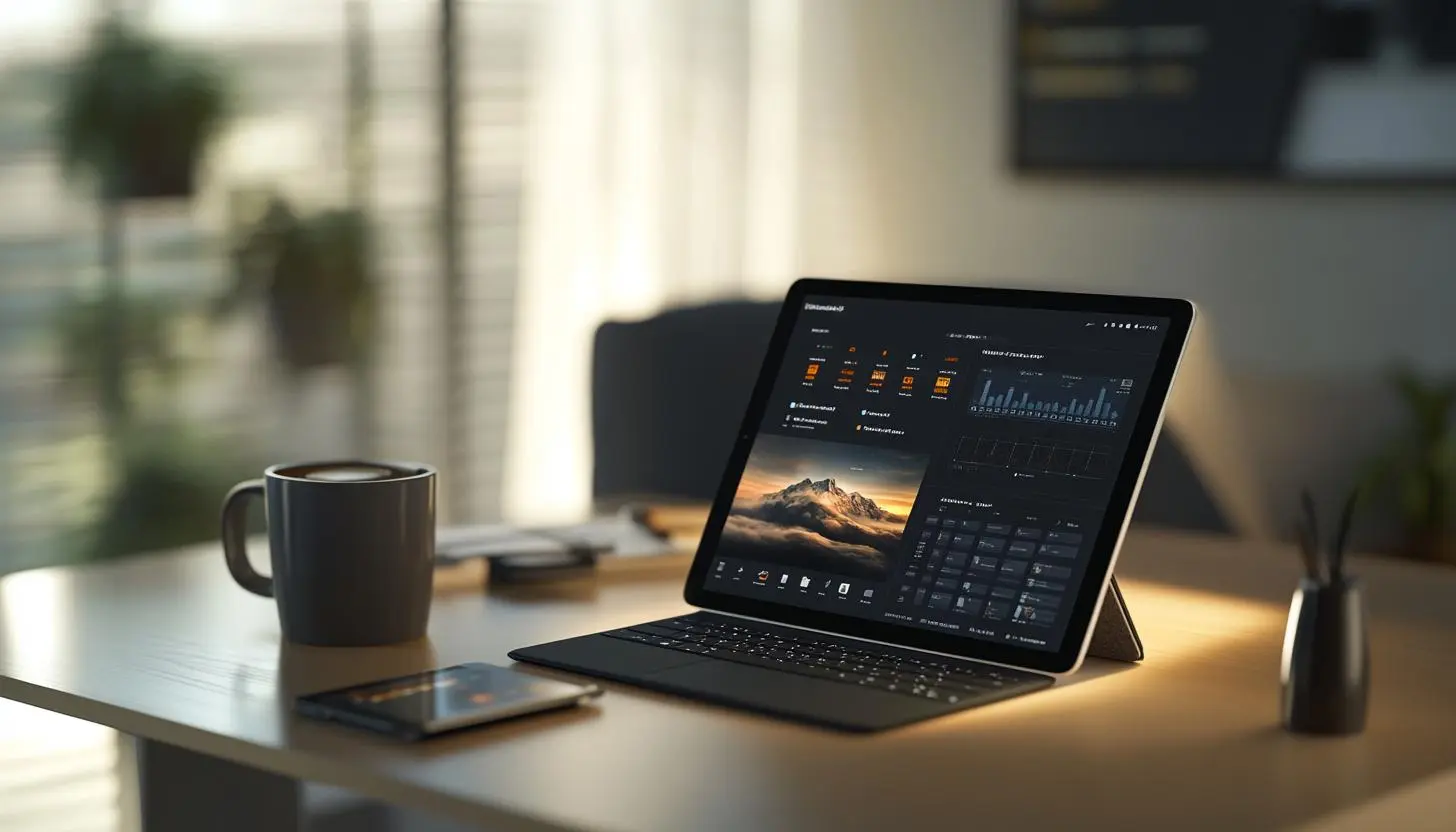
Surface vs iPad: Which is the better tablet for you?
Choosing the right tablet can be crucial – whether for productivity, creativity or everyday use. Two of the most popular options on the market are the Microsoft Surface and the Apple iPad . But which device is the better choice for you? In this comprehensive comparison, we look at the most important differences, features and possible uses of the two devices.
Hardware & design: premium quality for both
Both Microsoft and Apple are known for their high-quality devices. While the iPad impresses with its slim, minimalist design and an aluminum back, the Surface offers a robust housing with an integrated kickstand.
| Feature | Microsoft Surface | Apple iPad |
|---|---|---|
| Material | Magnesium alloy | Aluminum |
| Kickstand | Yes, integrated kickstand | No, requires additional accessories |
| Ports | USB-C, possibly USB-A, microSD on some models | USB-C (Lightning on older models) |
| Stylus support | Surface Pen (magnetically attachable) | Apple Pencil (different generations depending on model) |
Operating system & software: Windows vs. iPadOS
A major difference between Surface and iPad is the operating system. While Surface devices run on Windows, Apple relies on iPadOS, a version of iOS specifically optimized for tablets.
Windows on the Surface: The desktop experience
A major advantage of the Microsoft Surface is that it runs Windows 11. This allows you to use almost all desktop programs, including Microsoft Office, Adobe programs and various developer tools. You can manage files as normal, connect external hard drives and enjoy a PC-like experience.
iPadOS: A fluid and intuitive tablet experience
iPadOS is optimized for optimal touch operation. It offers excellent performance, an intuitive user interface and numerous apps from the App Store that have been specially developed for touchscreens. However, it cannot run all desktop applications – the iPad is aimed more at mobile users and creative professionals.
Power & performance
Both devices offer high performance, but there are significant differences between the processors:
- Microsoft Surface: Depending on the model, there are versions with Intel Core or ARM processors. High-end models such as the Surface Laptop Studio are equipped with powerful processors that are also suitable for demanding applications.
- Apple iPad: The Pro models use the powerful Apple M1 or M2 chip, which can also be found in the MacBooks. Even the standard models offer impressive performance for everyday tasks and multitasking.
Benchmarks show that Apple’s new M processors offer very high computing power, outperforming many Intel variants in the Surface. So if you are looking for maximum performance – for image and video editing, for example – a iPad Pro is a good choice.
Accessories & operation
Both manufacturers offer an impressive range of accessories:
Surface accessories
- Surface Pen – precise stylus with tilt detection
- Surface Type Cover – detachable keyboard with trackpad
- Docking stations for extended connectivity
iPad accessories
- Apple Pencil – ideal for notes and drawings
- Magic Keyboard – integrated keyboard with trackpad
- Smart covers for protection and stand function
An important point is the pen operation. The Apple Pencil is ideal for artists and designers, especially in conjunction with apps such as Procreate or Photoshop. The Surface Pen, on the other hand, offers better integration in Windows applications such as OneNote or Adobe Suite.
Battery life & mobility
Mobility is essential for tablets. There are clear differences between the two devices here:
iPad: The battery life of an iPad is typically between 8 and 12 hours, depending on use. Thanks to the energy-efficient chip and optimized software, the iPad often lasts longer than a comparable Surface model.
Surface: The battery life varies depending on the model and use. While simple models such as the Surface Go can easily achieve 8-10 hours, the battery life of powerful models such as the Surface Pro or Surface Laptop Studio can drop to 6-8 hours.
Which device is better for whom?
Which tablet suits you best depends largely on your requirements:
Microsoft Surface is ideal for:
- Users who require a complete Windows environment
- People who frequently work with classic desktop programs such as Excel, Photoshop or developer environments
- Those who need flexible connectivity (many ports and external storage options)
Apple iPad is ideal for:
- Creative users, especially artists and designers
- Users who want a smooth and intuitive tablet experience
- People who depend on a stable and high-performance mobile system
FAQ
Can you play games with a Surface?
Yes, depending on the model. The more powerful Surface variants support PC games, especially with a dedicated GPU. However, a classic laptop or desktop PC is better suited for high-end gaming.
Is the iPad a replacement for a laptop?
For many everyday tasks, yes, especially with a keyboard. However, it is limited when it comes to desktop software. If you use a lot of classic Windows programs, you will probably be happier with a Surface.
Is the Surface or the iPad better for students?
Both devices have their strengths. The iPad is ideal for note-taking and creative work, while the Surface is well suited to students who need full laptop functionality.
Conclusion: the choice depends on your needs
Whether Surface or iPad – both devices have their own strengths and weaknesses. If you need a
In the end, your own workflow will decide which device is the best choice for you. Whether you’re looking for a tablet for work, university or creative use, both Microsft and Apple offer excellent options.
Read more - You may also be interested in
Would you like to delve deeper into the topic or discover similar content? Below, we have compiled three additional articles for you that are thematically related to this article. These may also be relevant and interesting for your company.

Advisor
Deepfake fraud & social engineering: protective measures for event staff, promotion teams and rental equipment
Deepfake fraud & social engineering 2025: How to protect events, promotion teams & rental equipment.
Feb

Technology trends
NIS2 compact for event IT & hardware rental: What companies should implement organizationally & technically now
NIS2 Directive 2025: How event IT & hardware rental companies are implementing organizational & technical
Feb

Technology trends
VR glasses 2025/2026 for trade fairs & events: device overview and selection criteria
VR glasses for trade fairs 2025/2026: The latest models & top criteria. How to choose
Feb

Sustainability
Renting hardware instead of buying: Environmental benefits, capacity utilization and carbon footprint
Why rent 2025 hardware? Reduce CO₂, optimize capacity utilization & benefit from sustainable IT solutions
Feb
Technology trends
USB-C/docking stations & “one cable for everything”: efficient workstation setups for events and pop-up offices
One cable for everything: How USB-C docking stations enable efficient workstation setups at events &
Feb

Sustainability
Sustainable logistics in IT: reusable transport boxes, return shipping without packaging waste & secure delivery
Sustainable IT logistics 2025: reusable transport boxes, waste-free returns & secure delivery. Modern solutions for
Jan

Sustainability
Circular economy through rental/leasing instead of buying: CO₂, costs and flexibility in comparison
Sustainable & flexible: circular economy through rental/leasing instead of buying! CO₂ reduction, costs & agility
Jan

Sustainability
Reusable transport boxes in hardware logistics: safety, returns without packaging, processes
Reusable transport boxes revolutionize hardware logistics in 2025: safe, efficient & sustainable ♻️ Discover the
Jan