




Advisor
MacBook or iPad rental – which option suits your company’s requirements better?
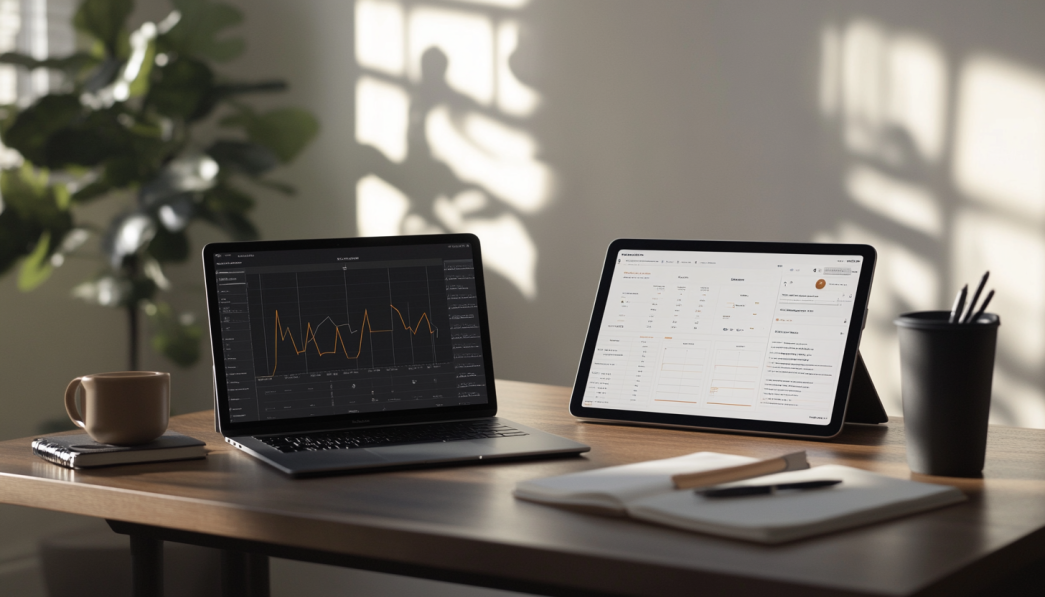
MacBook or iPad – Which Apple device is better for you?
Choosing between a MacBook and an iPad is often more difficult than you think. Apple has continuously developed both MacBooks and iPads, making the decision between the two devices even more challenging. In this blog post, we’ll help you make the perfect choice by highlighting the key features and functions of the devices. Whether you’re a student, creative professional or someone looking for a reliable work device for everyday use, we’ve summarized the most important factors for you.
1. overview: MacBook vs. iPad
Both the MacBook and the iPad have their own strengths. While the MacBook is known for powerful work and multitasking, the iPad scores with mobility, a touchscreen and versatility.
| Feature | MacBook | iPad |
|---|---|---|
| Design | Premium build quality, keyboard, and trackpad | Ultra-portable, touchscreen |
| Operating System | macOS | iPadOS |
| Performance | Powerful enough for professional software | Ideal for creative apps and on the go |
| Use Cases | Productivity, Programming, Multimedia | Drawing, Notes, Mobility |
2. comparison of the hardware
Apple relies on premium hardware in both the MacBook and the iPad, but the devices are built for different purposes.
MacBook: Top class for the discerning
Whether MacBook Air or MacBook Pro, Apple’s notebooks are known for their impressive performance. With the introduction of the
iPad: Flexibility at its best
The iPad scores with simplified and mobile hardware. The
3. the software: macOS vs. iPadOS
Another decisive factor in the choice between MacBook and iPad is the operating system.
macOS
The macOS operating system is one of the MacBook’s greatest strengths. It is ideal for multitasking, professional software such as Final Cut Pro or Photoshop and offers a wide range of options for productivity. It is also perfect for users who want to program or carry out intensive office work.
iPadOS
The iPadOS is optimized for the touchscreen and enables intuitive operation. Thanks to new functions such as support for external displays and the ability to use apps in split-screen mode, the iPad is slowly but surely becoming a real option for professional applications.
4. requirements and applications
Your personal requirements should be at the forefront of your decision between MacBook and iPad. Here is a brief guide for different user groups:
- Students: If you have to write or program a lot and are looking for a device for everyday use, the MacBook is the better choice.
- Creative professionals: Illustrators, designers and creatives who want to use the Apple Pencil could be very happy with a iPad Pro be very happy.
- Travelers: Due to its mobility and low weight, the iPad is unbeatable for traveling.
- Business users: If you rely on classic office applications, a MacBook is a good choice, especially with its larger keyboard and powerful operating system.
5. price-performance ratio
The question here is: How much are you willing to invest? There are different models in different price ranges for both the MacBook and the iPad:
MacBook: Prices start at around €1,199 for the MacBook Air and go up to over €3,000 for the more powerful MacBook Pro models.
iPad: An entry-level iPad is available for around €400. The iPad Pro models, on the other hand, can easily cost over €1,000, depending on the features.
Summary of prices:
| Model | Starting Price |
|---|---|
| MacBook Air | €1,199 |
| MacBook Pro | €1,599 |
| iPad (Base Model) | €399 |
| iPad Pro | €1,099 |
6. advantages and disadvantages at a glance
To make your decision even easier, here is a brief summary of the pros and cons:
MacBook
- + High performance and storage options
- + Large screen applications
- + Extensive for productivity
- – More expensive
- – Less mobile
iPad
- + Mobility and simplicity
- + Optimized for creative applications
- + More favorable entry opportunities
- – Limited desktop functionality
- – Accessories often expensive
FAQ
1 Which device is better for the job?
If you need to multitask a lot or use professional software such as editing programs, you should choose a MacBook. For more mobility and creative applications, the iPad is better.
2. can the iPad completely replace a MacBook?
The iPad has come a long way and can replace a MacBook in certain areas such as drawing or for mobile work. Nevertheless, it lacks some of the functions that a fully-fledged macOS system offers.
3. is the iPad Pro worth the higher price?
For creative people who need the Apple Pencil, it is a worthwhile investment. For normal users, however, an iPad Air or a standard iPad will suffice.
Conclusion
The choice between MacBook and iPad depends heavily on your requirements. The MacBook proves to be an indispensable tool for professionals, students and anyone who needs powerful devices for multitasking and software. The iPad, on the other hand, is the right choice for anyone who wants to stay mobile, loves creative projects or simply prefers a handy device.
When investing in one of these devices, you should not only consider the cost, but also the possible uses in your everyday life. No matter which model you choose – with an Apple device, you’ll be perfectly equipped.
Read more - You may also be interested in
Would you like to delve deeper into the topic or discover similar content? Below, we have compiled three additional articles for you that are thematically related to this article. These may also be relevant and interesting for your company.

Advisor
Deepfake fraud & social engineering: protective measures for event staff, promotion teams and rental equipment
Deepfake fraud & social engineering 2025: How to protect events, promotion teams & rental equipment.
Feb

Technology trends
NIS2 compact for event IT & hardware rental: What companies should implement organizationally & technically now
NIS2 Directive 2025: How event IT & hardware rental companies are implementing organizational & technical
Feb

Technology trends
VR glasses 2025/2026 for trade fairs & events: device overview and selection criteria
VR glasses for trade fairs 2025/2026: The latest models & top criteria. How to choose
Feb

Sustainability
Renting hardware instead of buying: Environmental benefits, capacity utilization and carbon footprint
Why rent 2025 hardware? Reduce CO₂, optimize capacity utilization & benefit from sustainable IT solutions
Feb

Technology trends
USB-C/docking stations & “one cable for everything”: efficient workstation setups for events and pop-up offices
One cable for everything: How USB-C docking stations enable efficient workstation setups at events &
Feb

Sustainability
Sustainable logistics in IT: reusable transport boxes, return shipping without packaging waste & secure delivery
Sustainable IT logistics 2025: reusable transport boxes, waste-free returns & secure delivery. Modern solutions for
Jan

Sustainability
Circular economy through rental/leasing instead of buying: CO₂, costs and flexibility in comparison
Sustainable & flexible: circular economy through rental/leasing instead of buying! CO₂ reduction, costs & agility
Jan

Sustainability
Reusable transport boxes in hardware logistics: safety, returns without packaging, processes
Reusable transport boxes revolutionize hardware logistics in 2025: safe, efficient & sustainable ♻️ Discover the
Jan