




Technology trends
On-device AI on notebook & tablet: Local AI tools for offline use at events (e.g. Ollama/LM Studio)
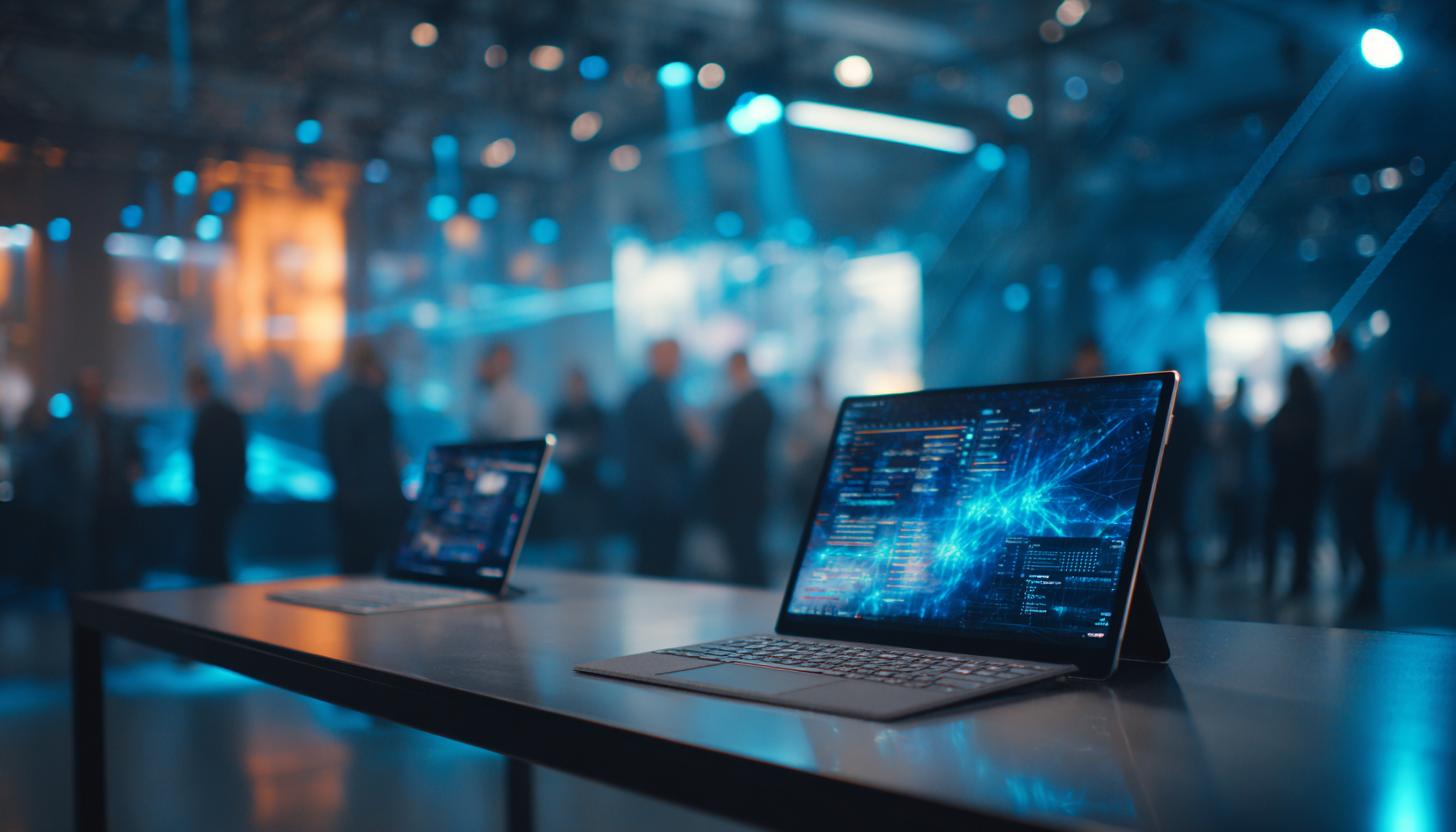
On-device AI on notebook & tablet: revolution in offline applications
The performance of artificial intelligence (AI) has increased exponentially in recent years and many industries can no longer be imagined without it. In the B2B segment, more and more companies are relying on AI-supported solutions to optimize processes. The development of on-device AI in particular, which runs locally on notebooks or tablets, means that companies can now also benefit effectively from this technology offline.
Why local AI?
The use of on-device AI offers numerous advantages, especially at events:
- Data security: Local AI solutions process data directly on the device, so no transmission via the internet is necessary. This ensures increased data protection and meets regulatory requirements for sensitive business and customer data.
- Independence from the Internet: Reliable internet access is often not available, especially at events and trade fairs. AI applications on a rented laptop or powerful tablet work offline, which guarantees trouble-free use.
- Fast processing: As data processing takes place directly on the device, response times are particularly short, which is a major advantage when using real-time translations or live analyses.
Current technologies in use
Tools such as Ollama and LM Studio are leaders in the field of on-device AI. While Ollama enables robust speech and image processing on Windows and Android, LM Studio scores with collaboration functions and AI-supported decision-making on macOS and iOS. If you are looking for the ideal hardware, you should consider the versatile Microsoft Surface Pro 10 for mobile AI applications, for example, which impresses with its high performance and flexibility.
| tool | Functions | Compatibility |
|---|---|---|
| Ollama | Voice and image processing, offline data analysis | Windows, Android |
| LM Studio | Collaboration functions, AI-supported decision-making | macOS, iOS |
Use cases at events
The possible applications of on-device AI in the event sector are diverse:
- Real-time translations: AI makes it possible to bridge language barriers at international events without additional infrastructure – optimally usable on devices such as the iPad Air M2 13 inch, which impresses with its mobility and performance.
- Automated data evaluation: With the help of powerful laptops, such as the HP ZBook Firefly 15 G8, feedback or survey results can be analyzed directly on site.
- Interactive presentations: Use of AI to integrate live feedback into the presentation – easy to implement on modern notebooks and tablets.
Advantages for B2B companies
Companies that regularly organize or attend events benefit enormously from on-device AI:
- Cost savings: Elimination of ongoing costs for Internet services and complex data protection structures.
- Built-in flexibility: The choice to flexibly rent powerful devices such as laptops or tablets offers maximum adaptability for changing projects.
- Competitive advantage: Companies position themselves at the forefront of technology and demonstrate a willingness to innovate.
Product availability and rental options
The B2B rental market now offers numerous notebooks for rental and tablets for short-term use that are ideally equipped for AI applications. This allows companies to benefit from the advantages of modern hardware and software without high investment costs.
Current recommendations for the use of local AI include the HP ZBook Firefly 15 G8 with a powerful processor, which was developed for data-intensive applications at long events, and the 13 inch iPad Air M2, whose multi-touch display and optimized sensor technology is predestined for a wide range of AI use cases.
Frequently Asked Questions (FAQ)
Question: Is local AI more expensive than cloud-based solutions?
Answer: Initial acquisition or rental costs may be higher, but there are no ongoing fees for data transfer and cloud usage, which can pay off in the long term.
Question: Can I also install the AI tools on my devices myself?
Answer: Many tools can be easily installed on standard laptops and tablets. With rented devices such as the Surface Pro 10, compatibility with AI solutions is usually guaranteed.
Conclusion
On-device AI opens up new opportunities for companies to operate more flexibly, efficiently and securely at events. Modern laptops and tablets, which you can rent specifically for your events, offer an optimal platform for these innovative applications. Investing in on-device AI is therefore not only operationally but also strategically worthwhile and helps companies to position themselves in a future-proof and agile way.
Read more - You may also be interested in
Would you like to delve deeper into the topic or discover similar content? Below, we have compiled three additional articles for you that are thematically related to this article. These may also be relevant and interesting for your company.

Rental solutions for companies
iPads/tablets for registrations & lead capture at events: setup, accessories and best practices
iPads & Tablets 2026 for Event Registration & Lead Capture: Top Setup, Accessories & Best
Apr

Technology trends
Apple vs. Windows in event use: which devices are better suited for which use cases
Apple or Windows for events in 2026? We show strengths, weaknesses & areas of application
Apr

Advisor
Phishing & social engineering at trade fairs: Typical attacks and protective measures for teams on site
Phishing & social engineering at trade fairs 2026: Recognize typical attacks, protect your team &
Mar

Advisor
Windows 11 rollout & end of Windows 10 support (2026): What companies should consider now when renting and leasing devices for projects, events and rollouts
Windows 11 rollout & end of support for Windows 10: What companies need to consider
Mar
Rental solutions for companies
Fiber to the room (adhesive fiber optics) for exhibition stands & pop-ups: plan, install and remove temporary high-speed cabling without leaving any residue
Discover the advantages of adhesive glass fiber for your exhibition stand: high-speed, flexible, residue-free &
Mar

Technology trends
Shadow AI in everyday office life: risks, rules and safe alternatives for companies (intended for event/project teams & temporary devices)
Shadow AI in everyday office life: Recognize 2026 risks & safe alternatives for event and
Mar

Rental solutions for companies
Plan event IT accessories correctly: stands, brackets, adapters & cables without stress
Plan your event IT accessories stress-free! Tips on stands, brackets, cables & more. Rent cleverly
Mar

Sustainability
Energy efficiency in temporary setups: energy-saving displays, mini PCs, standby concepts and on-site operation
Energy-efficient event technology 2026: Discover smart displays, mini PCs & standby tricks for sustainable events!
Mar