




Advisor
Operating Windows 11 securely in the company/project: Secure Boot, BitLocker, hardening & update strategy
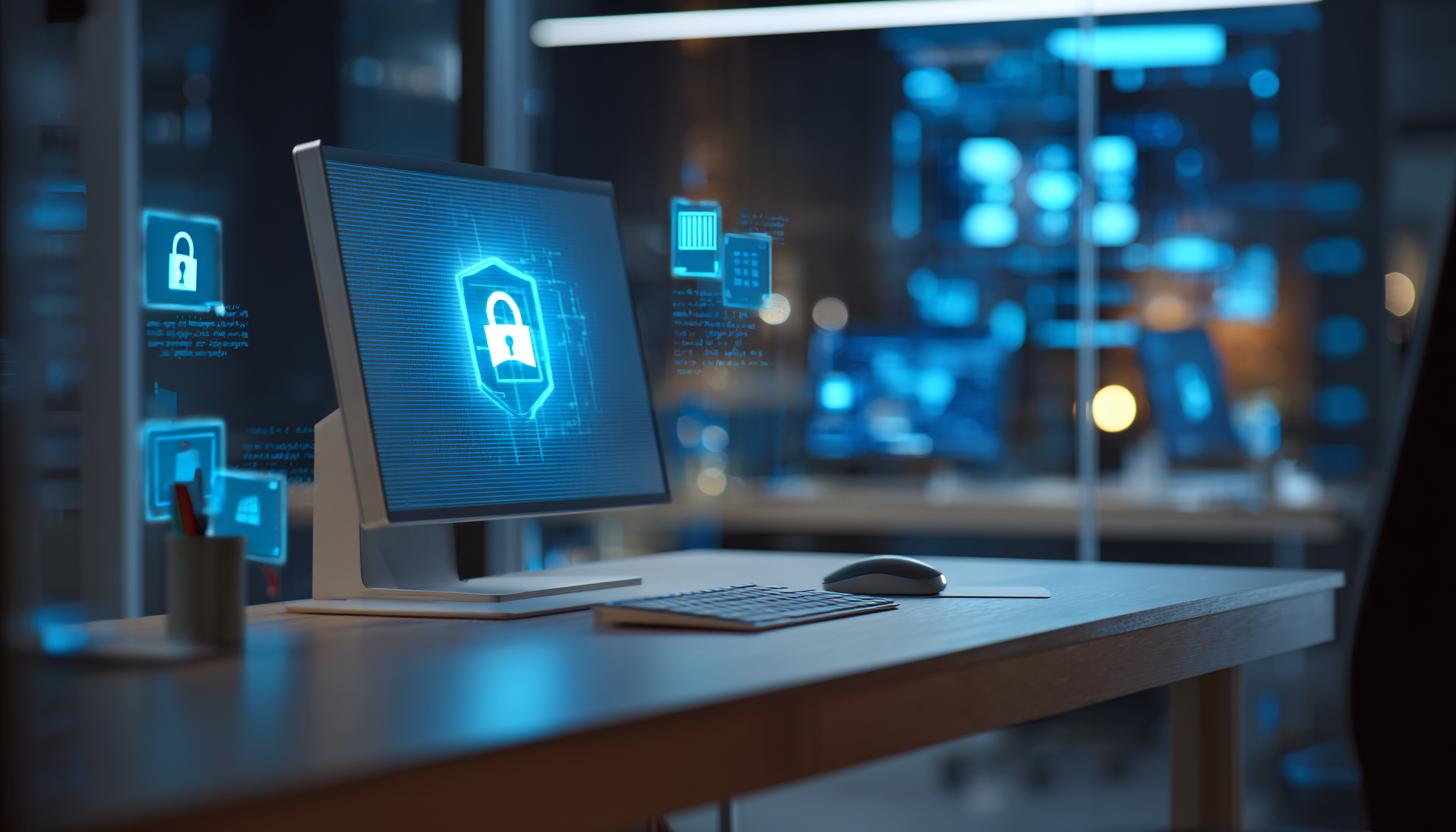
Operating Windows 11 securely in the company
In the age of digital transformation, the security of IT infrastructures is essential for the success of any company. With the advent of Windows 11, IT managers are faced with the challenge of making the most of the new security features. In this article, we take a closer look at how you can operate Windows 11 securely in your company. We look at the relevant security measures such as Secure Boot, BitLocker, hardening and an effective update strategy. If you need modern computers for your company at short notice, suitable devices with Windows 11 are always available via reliable rental services.
Secure Boot: The first line of defense
Secure Boot is a function of the UEFI firmware (Unified Extensible Firmware Interface) that ensures that only trustworthy software is loaded when the system is booted. This prevents malicious code from becoming embedded in the system at startup. Current business laptops with Windows 11 in particular support Secure Boot and therefore offer a high level of security right from the start.
- Advantages: Protection against rootkits and boot sector malware
- Implementation: Activate Secure Boot in the BIOS/UEFI settings of your devices.
- Compatibility: Make sure that all your drivers and software are compatible with Secure Boot to avoid boot problems.
BitLocker: Protect data
BitLocker is a hard disk encryption technology that is integrated into Windows 11. It protects the data on drives from unauthorized access, especially in the event of theft or loss of the device. Devices such as the HP Dragonfly G4 notebook support BitLocker at hardware level and are therefore particularly suitable for companies with the highest security requirements.
- Setup: Activate and configure in the Windows security settings.
- Security advantage: Encrypts the entire hard disk, protecting all data stored on it.
- Recovery: Make sure that the BitLocker recovery keys are stored securely.
Hardening: Securing the operating system
Hardening refers to measures that make an operating system more resistant to threats. Especially with flexible devices, such as the HP Omnibook Ultra Flip, you benefit from modern security features if you specifically secure the system according to your company guidelines.
| Measure | Description |
|---|---|
| Deactivation of unnecessary services | Reduces the attack surface by only activating the necessary services. |
| Use of firewall policies | Controls access to network resources with strict firewall rules. |
| User authorizations | Assigns minimum rights that are necessary for the fulfillment of user tasks. |
Update strategy: always stay up to date
A key element of system security is the regular installation of updates. A well thought-out update strategy ensures that no security gaps arise due to outdated software. Modern devices such as the HP Spectre x360 2-in-1 laptop enable easy adaptation to new Windows 11 updates thanks to the latest hardware architectures.
- Automated updates: Activate automatic updates, but plan a manual check in advance for business-critical systems.
- Test environments: Test updates in a control environment before they are rolled out across the entire company.
- Regular checks: Set up a fixed schedule to check the update compliance of your systems.
FAQ
1. why is Secure Boot important?
Secure Boot protects the system by preventing unsigned or malicious software from loading at startup, providing effective protection against serious threats such as rootkits – especially on modern laptops like the MSI Cyborg 15.
2. how can BitLocker prevent data loss?
BitLocker encrypts the entire drive and thus secures the stored data. In the event of device loss or theft, the data is inaccessible without the recovery key.
3. what difficulties can arise during the introduction of Windows 11?
Some older applications or hardware components may not be fully compatible. Managing the new security features may also require additional training for IT staff. With specialized business devices such as the HP Omnibook Ultra Laptop, the transition is often smoother as they have already been optimized for compatibility with Windows 11.
Conclusion
The introduction of Windows 11 in your corporate network opens up numerous opportunities to improve the security of your digital infrastructure. Features such as Secure Boot, BitLocker and larger-scale hardening and update strategies provide robust mechanisms to counter potential security threats. Careful implementation of these strategies can help mitigate risk while increasing IT department efficiency.
Use the modern security approaches of Windows 11 to bring your company’s IT infrastructure to a new level of security. Our B2B rental of computers and mobile devices makes it easier for you to make a secure and efficient transition. Contact us to find out more about our current offers and customized solutions for your company.
Read more - You may also be interested in
Would you like to delve deeper into the topic or discover similar content? Below, we have compiled three additional articles for you that are thematically related to this article. These may also be relevant and interesting for your company.

Rental solutions for companies
iPads/tablets for registrations & lead capture at events: setup, accessories and best practices
iPads & Tablets 2026 for Event Registration & Lead Capture: Top Setup, Accessories & Best
Apr
Technology trends
Apple vs. Windows in event use: which devices are better suited for which use cases
Apple or Windows for events in 2026? We show strengths, weaknesses & areas of application
Apr
Advisor
Phishing & social engineering at trade fairs: Typical attacks and protective measures for teams on site
Phishing & social engineering at trade fairs 2026: Recognize typical attacks, protect your team &
Mar
Advisor
Windows 11 rollout & end of Windows 10 support (2026): What companies should consider now when renting and leasing devices for projects, events and rollouts
Windows 11 rollout & end of support for Windows 10: What companies need to consider
Mar

Rental solutions for companies
Fiber to the room (adhesive fiber optics) for exhibition stands & pop-ups: plan, install and remove temporary high-speed cabling without leaving any residue
Discover the advantages of adhesive glass fiber for your exhibition stand: high-speed, flexible, residue-free &
Mar

Technology trends
Shadow AI in everyday office life: risks, rules and safe alternatives for companies (intended for event/project teams & temporary devices)
Shadow AI in everyday office life: Recognize 2026 risks & safe alternatives for event and
Mar
Rental solutions for companies
Plan event IT accessories correctly: stands, brackets, adapters & cables without stress
Plan your event IT accessories stress-free! Tips on stands, brackets, cables & more. Rent cleverly
Mar
Sustainability
Energy efficiency in temporary setups: energy-saving displays, mini PCs, standby concepts and on-site operation
Energy-efficient event technology 2026: Discover smart displays, mini PCs & standby tricks for sustainable events!
Mar