




Advisor
Windows 11 rollout & end of Windows 10 support (2026): What companies should consider now when renting and leasing devices for projects, events and rollouts
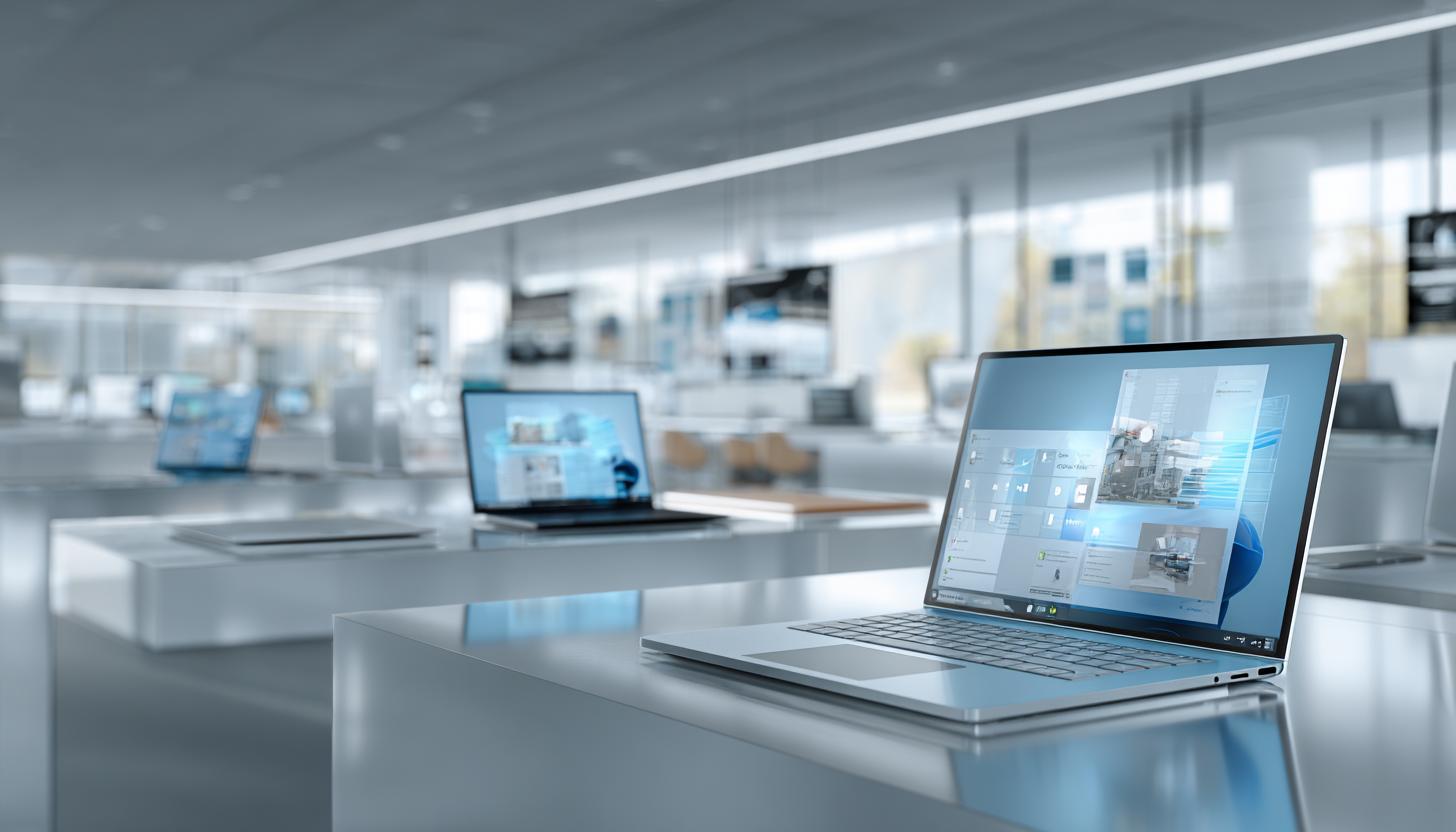
Windows 11 rollout in companies: What’s important now for rental and leased devices after Windows 10 ends support
The end of support for Windows 10 has significantly increased the pressure on many IT departments. Ever since the regular security updates expired, it has been clear that companies need to systematically switch their workplace environments to Windows 11 or temporarily work with paid transitional solutions. This is particularly relevant for companies that do not rely exclusively on purchased hardware, but work with rental devices, leased notebooks, temporary project devices or event hardware. This is where many questions arise in practice: Which devices are actually Windows 11-capable? How can larger rollouts be implemented at short notice? What needs to be considered for international projects, trade fairs, training courses or seasonal fleets? And when is rental the better option than long-term procurement?
Anyone looking for the topic of Windows 11 Rollout Enterprise 2026 is actually looking today for a solution to the current situation: How can the secure, fast and economical changeover succeed in day-to-day business? Because the challenge is no longer theoretical, but operational. Companies need devices that are available at short notice, can be administered centrally and, ideally, are delivered pre-configured and ready to use.
Why the end of support for Windows 10 is forcing companies to act
With the end of regular support for Windows 10, many environments will no longer have a reliable supply of security updates. This has direct consequences for compliance, data protection, IT security and cyber insurability. Particularly in sectors with sensitive data, such as healthcare, industry, finance or public projects, the risk increases significantly if systems continue to run on an operating system that is no longer regularly supported.
Although there are extended options for certain scenarios, such as paid Extended Security Updates, these are primarily intended as a temporary solution. They are no substitute for sustainable modernization. In addition, many older devices do not meet the hardware requirements of Windows 11. Requirements such as TPM 2.0, Secure Boot and supported processors mean that some existing device fleets cannot continue to be used or could only be migrated with considerable effort.
For companies, this means that the Windows 11 rollout is not just an operating system project, but often also a hardware refresh, an infrastructure project and a logistics task.
Windows 11 as a rollout topic: More than just an update
In practice, the impact of an operating system change on processes, support structures and project planning is often underestimated. Although Windows 11 brings many familiar elements with it, it also places new demands on device management, security guidelines and user acceptance. Anyone operating many end devices at different locations must not only migrate technically, but also re-plan the entire life cycle of the hardware.
Typical questions in companies are current:
- Which existing devices are compatible and which need to be replaced?
- How can rollouts be coordinated across several locations or countries?
- How are project staff, training participants or event teams equipped with Windows 11 devices at short notice?
- How can bottlenecks in procurement and internal IT capacity be mitigated?
- What role do rental and leasing devices play for transitional phases or temporary requirements?
Time-critical projects in particular show that rigid procurement models are often too slow. If several dozen or several hundred devices are needed within a few days or weeks, the rental of technical end devices can be a much more flexible solution. For classic office workstations, many companies turn to office laptops for rental because they can be quickly integrated into existing rollout and support processes.
Which device requirements companies should check now
Before a rollout can begin, transparency is needed regarding the existing device base. Many companies have grown fleets with different manufacturers, generations and equipment. Not every device is suitable for Windows 11, even if it still appears powerful at first glance.
Important test points include processor compatibility, TPM 2.0, UEFI/Secure Boot, RAM equipment, SSD availability and driver support. It is also worth taking a look at the actual intended use: simple office workstations have different requirements than trade fair setups, graphics workstations, field service devices or mobile project teams.
| Test criterion | Why it is important | Practical relevance for companies |
|---|---|---|
| TPM 2.0 | Basic requirement for Windows 11 and modern security functions | Many older devices are excluded as a result |
| Secure Boot / UEFI | Protects the boot process and is relevant for Windows 11 | Particularly important for standardized rollout processes |
| Supported CPU | Not every older processor is supported | Decisive for replacement or continued use |
| RAM and SSD | Influence performance and user acceptance | Relevant for productive work and support effort |
| Driver and manufacturer support | Stability and update capability depend on it | Indispensable for large fleets and long operating times |
| Management capability | Important for Intune, Autopilot, MDM and remote administration | Saves time with distributed rollouts and project devices |
Companies should not just focus on minimum technical requirements. For a smooth rollout, it is crucial that devices are reliably available, uniformly configurable and quickly replaceable. This is especially true for temporary fleets, where interruptions to operations are immediately noticeable.
Why rental devices can make strategic sense for the Windows 11 rollout
Many IT decision-makers initially think of buying or leasing when it comes to rollouts. Both can make sense, but are not ideal in every scenario. Rental devices offer considerable advantages for project-related deployments, rollout peaks, test setups, transition phases or event setups.
A typical example: A company is migrating its main sites to Windows 11, but has to run training courses at several branches at the same time. For these temporary training environments, a permanent purchase of additional hardware would hardly make economic sense. Rental notebooks or tablets close this gap. If you are looking for flexible mobility, you can rent Apple iPads for companies, for example for training, registration processes or mobile presentation areas.
Rental hardware can also serve as a bridge in the event of delivery bottlenecks or internal rollout delays. Instead of postponing a project, devices can be made available ready for use at short notice. For many companies, this is precisely the decisive factor: the ability to act despite time pressure.
Rental, leasing or purchase: which solution suits which needs?
The choice of the right model depends heavily on the project duration, budget logic, period of use and flexibility requirements. While leasing is often interesting for plannable, longer-term standard workstations, rental plays to its strengths for short-term or fluctuating requirements. Traditional purchasing, on the other hand, offers ownership, but ties up capital and requires long-term use.
| Model | Typical use | Advantages | Note |
|---|---|---|---|
| Rental | Projects, events, rollout peaks, tests, interim | High flexibility, fast availability, no long-term commitment | Not usually the cheapest model for long-term use |
| Leasing | Plannable standard fleets with longer terms | Calculable costs, predictable renewal cycles | Less flexible with short-term changes |
| Purchase | Long-term use with full control over assets | Ownership, individually plannable | High initial investment, residual value risk, lower agility |
Hybrid models are increasingly in demand, especially in the B2B environment. Companies buy or lease their basic fleet and supplement it with rental equipment as required. This creates scope for seasonal peaks, staff expansion, special projects or rollout waves.
Relevant usage scenarios for rental and leasing devices in 2026
The need for Windows 11-capable devices is not limited to the traditional office. Modern companies work mobile, project-driven and across locations. As a result, the importance of having professionally prepared end devices available at short notice is growing.
Typical scenarios are
- Rollout projects: Additional devices as a buffer for migration, exchange and pilot groups
- Training courses: standardized notebook or tablet fleets with preconfigured Windows 11
- Trade fairs and events: presentation devices, mobile workstations, tablets at the stand or registration devices
- Interim workstations: Short-term equipment for new teams, external project staff or transitional phases
- International projects: Temporary provision of devices at changing locations
- Test and pilot phases: Testing of new images, applications or security policies without permanent investment
Modern business notebooks are particularly in demand for high-quality mobile workstations or management devices. One example is the HP Dragonfly G4 notebook PC for rental, which is suitable for demanding, mobile use scenarios in the corporate environment.
It is not just the hardware that is decisive for such applications, but the service behind it. Companies need reliable partners who can not only supply devices, but also configure them, label them, inventory them if required and handle the logistics cleanly.
What companies should look out for in a Windows 11 rollout with rental devices
In order for the rental of end devices to really create added value in the corporate context, it should be professionally planned. Pure hardware availability is not enough. The decisive factor is how well the provider understands project-oriented requirements.
The most important points include device quality, a uniform technical standard and the option of preconfigured delivery. It is ideal if devices can already be provided with the desired Windows 11 setup, a defined user profile, language packs, security specifications or industry-specific software. Issues such as BIOS configuration, MDM integration, asset tagging or shipping to multiple destinations also play a major role in practice.
Depending on the user profile, flexible convertible devices can also be useful, for example for presentations, consultations or hybrid workstations. In such cases, an HP Spectre x360 2-in-1 laptop is a suitable option if notebook and tablet functions are required in one device.
Equally important: How quickly can replacements be delivered? Is there support for large quantities? Can accessories and peripherals be rented at the same time, such as docks, monitors, mice, scanners or mobile routers? For projects, it’s not just the device that counts, but the complete workplace solution.
Don’t underestimate security, compliance and device management
Windows 11 is also prioritized by many companies because the operating system better supports modern security requirements. Functions relating to hardware-based security, identity protection and central administration can be implemented much more consistently if the hardware basis is right. This is precisely why rental or leased devices should not be considered “second class”. They must meet the same requirements as permanently deployed end devices.
Among other things, encrypted data carriers, clean take-back processes, secure data erasure, traceable device history and compatibility with MDM and endpoint management solutions are important. For companies with sensitive data or regulated environments, this is a key selection criterion when looking for a provider.
Accelerate rollouts: Why pre-configured devices are so valuable
A major time waster in rollout projects is the manual setup of devices. If notebooks or tablets first have to be unpacked, installed, patched, inventoried and assigned to users at the company, this slows down the entire process. Professionally provided rental devices can bring enormous efficiency gains here.
Preconfigured devices make it possible to start projects faster, reduce the workload of IT teams and ensure a consistent user experience. This is particularly helpful for time-critical rollouts, trade fairs or decentralized delivery to different branches. For compact tablet setups, such as for check-in processes or as mobile project devices, an iPad 11 rental can be a lean and quickly deployable solution.
Why an inquiry with a B2B lessor can be worthwhile
Many companies only discover that they lack devices, time or internal resources during a project. A specialized B2B rental service for technology and mobile devices can provide support at precisely this point. Instead of initiating long-term procurement processes, Windows 11-capable notebooks, tablets or complete workstation sets can be requested at short notice and scaled according to demand.
This is particularly interesting for companies that:
- require larger quantities at short notice,
- have to supply several locations in parallel,
- set up temporary project or event environments,
- need a hardware buffer for migrations,
- rent or lease equipment and value professional handling and business service.
Anyone who is currently planning rollouts or needs to modernize existing structures should not just look at the device price. Availability, speed, service quality and the partner’s ability to properly implement even complex B2B requirements are important. This is precisely what creates real added value in day-to-day project work.
FAQ on the Windows 11 rollout in companies
Why is the end of support for Windows 10 so critical for companies?
Because without regular security updates, the risk of security gaps, compliance violations and system instability increases. Companies must therefore switch to Windows 11 or factor in transitional solutions.
Are all existing business notebooks automatically Windows 11-ready?
No. TPM 2.0, Secure Boot and processor compatibility in particular are frequent exclusion criteria. An inventory of the devices is therefore essential.
When is rental worthwhile instead of leasing or buying?
Especially for temporary requirements, project peaks, events, training courses, pilot phases and to bridge delays or delivery bottlenecks.
Can rental devices be delivered pre-configured with Windows 11?
With a professional B2B provider, this is possible in many cases. This saves time, relieves the burden on internal IT and speeds up the rollout.
Which devices are particularly in demand for rollouts?
Above all, business notebooks, tablets, convertibles and additional peripherals such as docks, monitors or mobile accessory packages. In the tablet sector, an iPad Air M3 11 inch for mobile, handy setups or an iPad Air M3 13 inch for more workspace and presentation comfort are interesting, depending on the application.
What should companies consider when selecting a provider?
Business-grade hardware, fast availability, configuration service, professional logistics, support, secure data erasure and experience with larger B2B projects are important.
Conclusion
Switching to Windows 11 is no longer a question of the future for companies, but part of ongoing IT operations. Following the end of support for Windows 10, many organizations need to act quickly, securely and economically. This becomes particularly challenging when outdated hardware needs to be replaced, rollouts need to be coordinated across multiple locations or short-term project requirements need to be covered.
In these situations in particular, rental and leasing devices offer an important strategic supplement. They create flexibility, shorten response times and help to implement modernization projects without unnecessary delay. For projects, events, training courses, interim phases or large-scale rollouts, renting preconfigured Windows 11 devices can therefore be a real competitive advantage.
If your company is currently planning a Windows 11 rollout, needs temporary hardware or is looking for additional business devices for projects and events at short notice, it is worth making an early inquiry. This way, availability, configuration and logistics can be secured in good time – and an IT obligation becomes a well-planned, professionally implemented rollout.
Read more - You may also be interested in
Would you like to delve deeper into the topic or discover similar content? Below, we have compiled three additional articles for you that are thematically related to this article. These may also be relevant and interesting for your company.
Technology trends
Apple vs. Windows in event use: which devices are better suited for which use cases
Apple or Windows for events in 2026? We show strengths, weaknesses & areas of application
Apr
Advisor
Phishing & social engineering at trade fairs: Typical attacks and protective measures for teams on site
Phishing & social engineering at trade fairs 2026: Recognize typical attacks, protect your team &
Mar
Advisor
Windows 11 rollout & end of Windows 10 support (2026): What companies should consider now when renting and leasing devices for projects, events and rollouts
Windows 11 rollout & end of support for Windows 10: What companies need to consider
Mar
Rental solutions for companies
Fiber to the room (adhesive fiber optics) for exhibition stands & pop-ups: plan, install and remove temporary high-speed cabling without leaving any residue
Discover the advantages of adhesive glass fiber for your exhibition stand: high-speed, flexible, residue-free &
Mar

Technology trends
Shadow AI in everyday office life: risks, rules and safe alternatives for companies (intended for event/project teams & temporary devices)
Shadow AI in everyday office life: Recognize 2026 risks & safe alternatives for event and
Mar
Rental solutions for companies
Plan event IT accessories correctly: stands, brackets, adapters & cables without stress
Plan your event IT accessories stress-free! Tips on stands, brackets, cables & more. Rent cleverly
Mar

Advisor
Deepfake fraud & social engineering: protective measures for event staff, promotion teams and rental equipment
Deepfake fraud & social engineering 2025: How to protect events, promotion teams & rental equipment.
Feb

Technology trends
NIS2 compact for event IT & hardware rental: What companies should implement organizationally & technically now
NIS2 Directive 2025: How event IT & hardware rental companies are implementing organizational & technical
Feb