




Advisor
Tablet Rental for Schools – Which Devices Are Suitable for Educational Use?
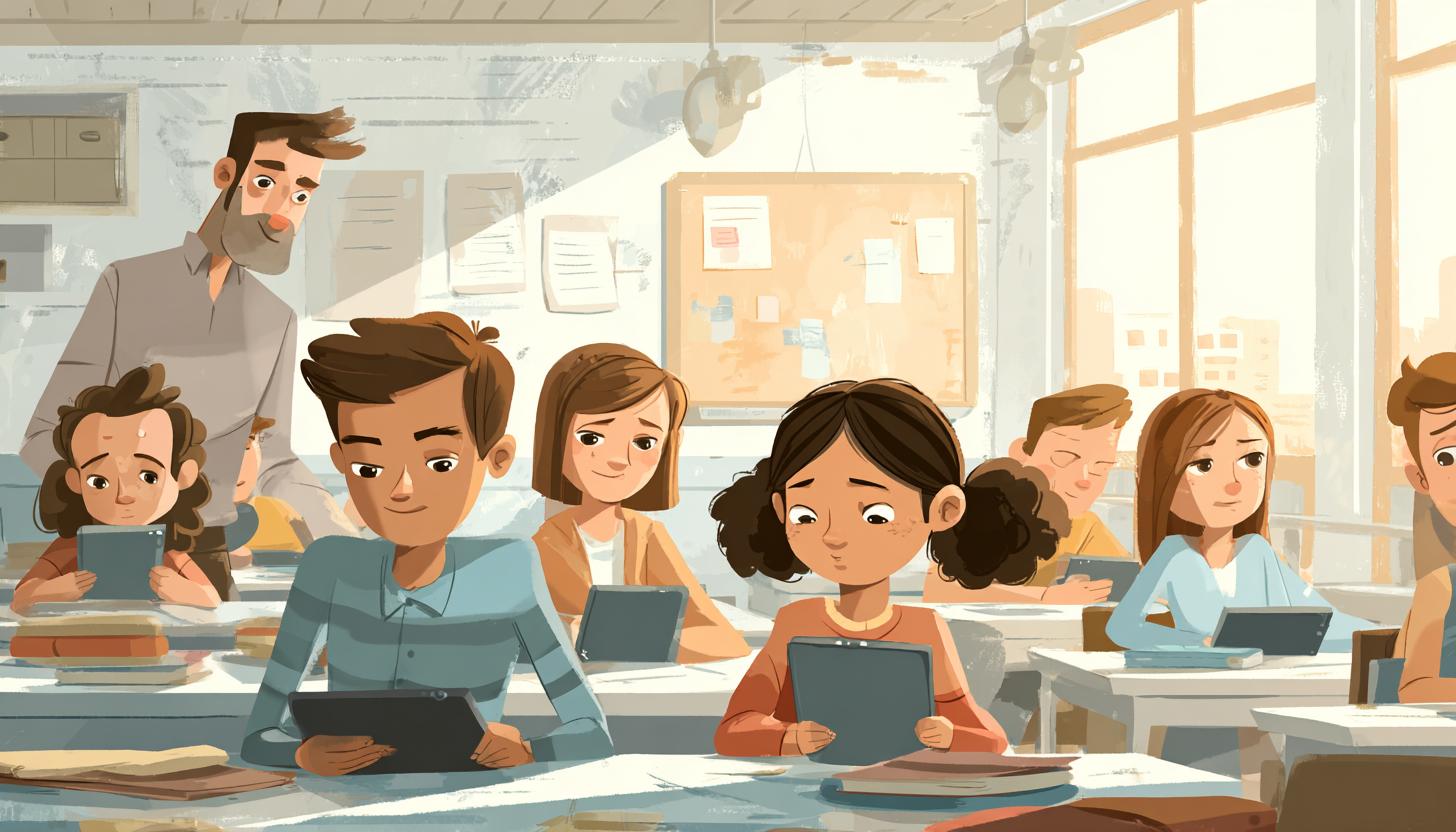
Tablet Rental for Schools – Which Devices Are Suitable for Educational Use?
Digital education is no longer a topic of the future, but a reality in German classrooms. In 2025, tablets are an integral part of modern teaching – especially where flexible learning, teamwork, and digital content are required. However, educational institutions, sponsors, and school associations often face the challenge of staying up-to-date with technology on a limited budget. The solution: tablet rental for schools.
Those who rent tablets instead of buying them benefit from financial flexibility, predictable costs, and consistently modern hardware. In this article, we show which devices are particularly suitable for school use, what to consider when selecting and renting – and what is currently important in the digital classroom.
Why Tablets Are Indispensable in Educational Settings
Tablets are much more than a digital gimmick today. They enable interactive learning, provide access to digital textbooks, simplify the individual support of students, and assist with presentations and collaborations via platforms such as Microsoft Teams, Apple Schoolwork, or Google Classroom.
Benefits of Tablets in Educational Settings:
- Easy Sharing and Storage of Educational Materials
- Access to a variety of educational apps and learning platforms
- Fostering Media Literacy
- Flexible Use in In-Person and Remote Learning
- Lightweight Device Design for Easy Handling by Students
Renting Tablets Instead of Buying – Why It Makes Sense
Whether primary or secondary school: The demands on digital devices are dynamic. Versions evolve, software requires regular updates, and wear and tear is high with daily use. Instead of regularly investing in new hardware, more and more schools are opting for the rental model, for example, to flexibly rent Apple iPads for daily school use.
The main benefits of tablet rental for schools are:
| Advantage | Description |
|---|---|
| Cost Control | Regular, predictable expenses instead of high investment costs |
| Flexibility | Devices can be rented for specific projects, grade levels, or durations |
| Up-to-date Technology | Access to the latest hardware generation and current software updates |
| Technical Support | Often includes maintenance, replacement devices, and assistance with issues |
| IT Services Often Included | Individual pre-configuration, MDM solutions, or app installations |
What Schools Should Consider When Selecting Devices
The choice of the right tablet depends on several factors:
- Age group of students
- Instructional format: individual subjects, project work, homework, presentations
- School’s technical infrastructure
- Compatibility with existing software and learning platforms
- Special Focus on Data Protection and Device Management
These Tablets Are Particularly Suitable for Educational Use
Based on current market analyses, customer experiences, and manufacturer specifications, the following models have proven effective for various school types – some of which are directly available as rental solutions:
| Model | System | Target Group | Features |
|---|---|---|---|
| Apple iPad Air M2 (11 inch) | iPadOS | From Secondary Level I | Modern technology with M2 processor, light & powerful, ideal for creative work |
| Apple iPad Pro M4 (11 inch) | iPadOS | Upper Secondary/Vocational School | Maximum performance, suitable for demanding applications and multitasking |
| Samsung Galaxy Tab S8 | Android | All School Levels | Powerful, with S Pen, flexible for Android apps and learning platforms |
| Microsoft Surface Go 3 | Windows 11 | Secondary Level II/Vocational Schools | Full-fledged Windows operating system, ideal for Office and project work |
| Lenovo Tab M10 Gen 3 | Android | Primary School | User-friendly, robust design, integrated child protection features |
Of course, the right peripherals are also essential: Bluetooth keyboards, cases with stand function, and stylus-compatible devices significantly facilitate use – especially in classroom activities.
Typical Application Scenarios in Schools
The versatility of applications makes tablets true all-rounders:
- Digital Whiteboard: With connection to smartboards, tablets can be used as a control and presentation unit.
- Student Projects: Creative work with video, drawing, and text editing tools.
- Learning Platform Usage: Moodle, itslearning, or Logineo NRW can be optimally used from Android and iOS devices.
- Distance Learning & Hybrid School: End devices with camera, microphone, and LTE connectivity are essential for digital learning.
- Individualized Support: Easy provision of inclusive apps and tailored learning methods for different performance levels.
MDM – Don’t Forget Device Management
A critical point, especially with larger device fleets: Device management. With MDM solutions (Mobile Device Management), IT managers retain control over:
- Installation and updates of apps
- Access rights and usage duration
- Device locations (in case of loss)
- Data protection compliance according to GDPR
Good rental service providers offer MDM solutions as an optional service – an important service that significantly reduces the administrative effort for teachers.
Funding Opportunities 2025
Also in 2025, various funding programs exist at state and federal levels. Special emphasis is placed on digital infrastructure, equipping students from socio-economically disadvantaged households, and further training for pedagogical staff.
Prior close coordination with funding bodies or school authorities is recommended. The rental option can be accounted for here as “Operating Leasing” via project budgets – which further lowers entry barriers.
How Tablet Rental Works on Our Platform
On our website, you can rent robust and up-to-date tablets with just a few clicks – even in large quantities and for a wide range of requirements. It’s that simple:
- Select model(s) and accessories
- Specify desired date and rental period
- Submit online inquiry – offer usually follows within 24 hours
- Upon request: technical consultation, pre-configuration, shipping, and collection included
Whether individual school, school authority, or educational service provider – we tailor our offer individually to your needs.
FAQ: Frequently Asked Questions
Can I also rent tablets short-term for projects or exams?
Yes! Especially for exam periods, workshops, or media projects, our rental solutions are excellently suited for flexible use from just a few days, regardless of whether you need an iPad, Microsoft Surface Go 3, or a Samsung Galaxy Tab S8.
What happens if a device breaks down?
Our optional all-inclusive package includes a technical exchange service. In case of a defect, we provide replacement devices free of charge – within 24 or 48 hours, depending on the rental agreement.
Can I receive the devices pre-configured?
Yes, upon request, we pre-install apps, Wi-Fi access, and MDM profiles – ideal for a stress-free start to lessons.
How many Devices Can I Rent at the Same Time?
Depending on stock levels, our fleets offer hundreds of units. Large school associations benefit from consolidated delivery and group discounts.
Conclusion: Digital Education Needs Flexible Devices – Rental Is the Smart Solution
“Tablet rental for schools” is more than a technical concept – it is an element of modern educational policy. Schools thus gain access to high-quality technology without long-term commitment and benefit from optional services such as MDM or pre-configuration. Especially in a dynamic educational environment with constantly changing requirements, rental is the sustainable alternative to traditional purchase.
Contact us today – we will advise you individually on devices, accessories, MDM, and funding options!
Read more - You may also be interested in
Would you like to delve deeper into the topic or discover similar content? Below, we have compiled three additional articles for you that are thematically related to this article. These may also be relevant and interesting for your company.

Advisor
Deepfake fraud & social engineering: protective measures for event staff, promotion teams and rental equipment
Deepfake fraud & social engineering 2025: How to protect events, promotion teams & rental equipment.
Feb

Technology trends
NIS2 compact for event IT & hardware rental: What companies should implement organizationally & technically now
NIS2 Directive 2025: How event IT & hardware rental companies are implementing organizational & technical
Feb

Technology trends
VR glasses 2025/2026 for trade fairs & events: device overview and selection criteria
VR glasses for trade fairs 2025/2026: The latest models & top criteria. How to choose
Feb

Sustainability
Renting hardware instead of buying: Environmental benefits, capacity utilization and carbon footprint
Why rent 2025 hardware? Reduce CO₂, optimize capacity utilization & benefit from sustainable IT solutions
Feb

Technology trends
USB-C/docking stations & “one cable for everything”: efficient workstation setups for events and pop-up offices
One cable for everything: How USB-C docking stations enable efficient workstation setups at events &
Feb

Sustainability
Sustainable logistics in IT: reusable transport boxes, return shipping without packaging waste & secure delivery
Sustainable IT logistics 2025: reusable transport boxes, waste-free returns & secure delivery. Modern solutions for
Jan

Sustainability
Circular economy through rental/leasing instead of buying: CO₂, costs and flexibility in comparison
Sustainable & flexible: circular economy through rental/leasing instead of buying! CO₂ reduction, costs & agility
Jan

Sustainability
Reusable transport boxes in hardware logistics: safety, returns without packaging, processes
Reusable transport boxes revolutionize hardware logistics in 2025: safe, efficient & sustainable ♻️ Discover the
Jan