Well suited
Trade fairs & events
For product videos, presentations and info screens at your stand.
Include: video source, location



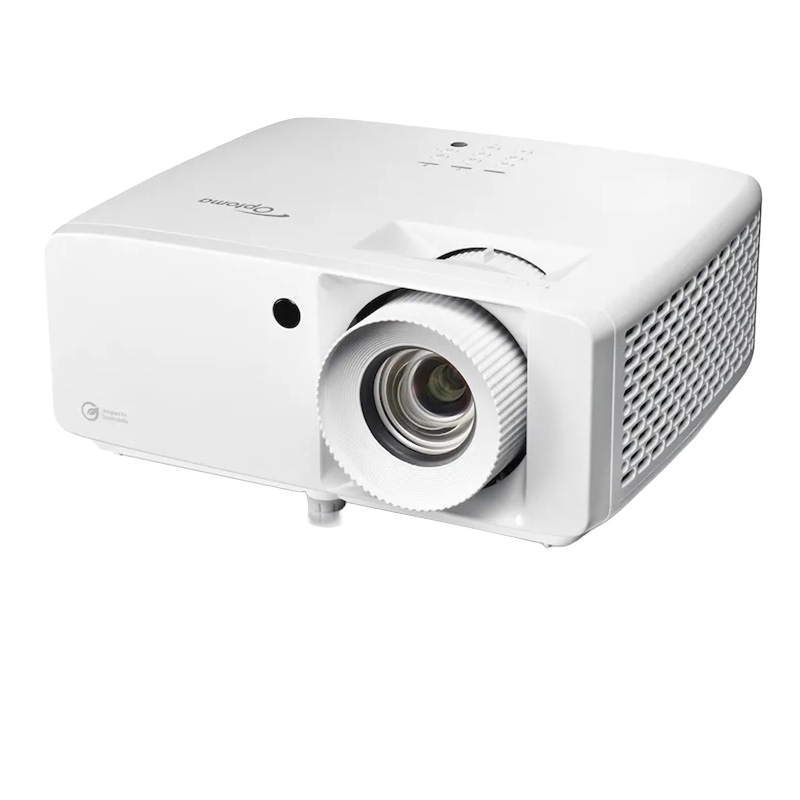
from 129,00 € plus VAT
Request a 4K projector now with no obligation!
Matching accessories?
Rent floor stands and wall mounts for monitors, TVs and kiosk displays together with the screen.
Stands and Wall holderRental of a 4K projector makes sense when you want fine details, small text, and high-quality visualizations to remain clearly visible on a large projection surface. The focus isn’t simply on a larger image, but on a higher level of detail. This is particularly relevant for product shots, architectural visualizations, CAD models, high-resolution videos, photo presentations, and data-rich user interfaces. With rental, you get the right projection equipment for your needs without having to permanently purchase and store a specialized projector.
You can find additional projector types and performance classes in the “Rental Projectors” category. A suitable projection surface can be added by renting a projector screen. The projector, screen, and media player should be planned together to ensure that the higher resolution is actually visible on the screen.
The advantage of high resolution is particularly evident on large screens and at close viewing distances. While Full HD videos often look impressive even from a greater distance, technical drawings, product details, and small control elements benefit much more from additional pixels. Anyone looking to rent a 4K projector should therefore first determine which details the audience actually needs to see. For simple slides with large headings, 4K isn’t always necessary; for more complex visual content, however, the higher resolution can offer a clear advantage in terms of quality.
In product presentations, the fine detail in the rendering of materials, surfaces, edges, and color gradients often determines the overall professional impression. Architectural designs, 3D renderings, and creative concepts also contain details that can be lost if the resolution is too low. When you rent a 4K projector, you can display such content on a large screen without contours appearing unnecessarily rough or text quickly becoming blurry.
The term “4K” is used in the context of projectors to refer to different technical specifications. A projector with native 4K resolution displays the high number of pixels directly via its image panel. In the professional cinema and visualization sectors, for example, this can mean 4,096 × 2,160 pixels. In the UHD context, 3,840 × 2,160 pixels is standard. Anyone looking to rent a 4K projector should therefore not only pay attention to the product name but also check the native resolution of the specific device.
Other devices accept a 4K signal and use rapid pixel shifting to create a higher perceived level of detail. While such methods can produce a very sharp image, they are not technically equivalent to a native 4K panel. For many presentations and videos, 4K enhancement may be perfectly sufficient. For very fine lines, simulation data, or demanding quality control applications, native 4K may be the more sensible choice. The choice should therefore be based on the content and not solely on the term “4K.”
A high-resolution projector cannot fully compensate for missing image information. Presentations, videos, or image files should therefore be of sufficient quality. Laptops, workstations, media players, and video mixers must also be capable of outputting the desired resolution. If you’re renting a 4K projector, it’s recommended that you test it in advance with the actual source device you’ll be using. This allows you to verify that the resolution, aspect ratio, and scaling are applied correctly.
For static presentations, a lower frame rate may be sufficient. For videos, animations, live camera feeds, or moving 3D content, an output of 50 or 60 hertz usually appears smoother. The projector, connection, cables, and source device must support this combination of resolution and frame rate. HDMI is the most common connection; for longer distances, active HDMI cables, fiber-optic cables, or—depending on the model—HDBaseT may be required. For protected media content, the supported HDCP version is also relevant.
In technical presentations, thin lines, measurements, and small text must remain clearly distinguishable. The same applies to dashboards and software demos with many controls. While higher resolution can improve readability in these cases, it is no substitute for an appropriate font size. Content should still be optimized for screen size and viewing distance. In this context, 4K projector rentals primarily offer greater flexibility for complex presentations and enlarged detailed views.
Photographs, product videos, and motion design benefit from crisp detail reproduction. In addition to resolution, color space, contrast, HDR processing, and calibration all influence the visual impression. These characteristics vary by model and should be specifically adjusted for color-critical content. A high-resolution projector is not automatically color-accurate. Anyone looking to rent a 4K projector should therefore specify whether natural product colors or defined brand colors are particularly important.
The benefits of 4K are only apparent when the projection surface and viewing distance are properly matched. On a small screen or from a great distance, the difference compared to a lower resolution may be barely noticeable. The benefits become more apparent on large surfaces and when the audience is seated closer to the screen. A smooth projection surface renders details better than a textured or uneven wall. When renting a 4K projector, you should therefore consider the screen width, seating distance, and the smallest relevant image elements together.
The required light output must be evaluated separately. 4K refers to the resolution, not the brightness. A high-resolution device may still appear to have low contrast in a room that is too bright. Ambient light, image size, and the screen therefore continue to influence the choice of device. For environments that are consistently very bright, rental displays may be a better alternative.
| Criterion | Relevance for 4K projection |
|---|---|
| Native Resolution | Indicates whether 4K is generated directly by the display panel or through an enhancement process |
| Source signal | Must have sufficiently high resolution and be compatible with the projector |
| Frame Rate | Affects the smoothness of moving content |
| Signal Path | Cables and adapters must support the resolution, frequency, and copy protection |
| Canvas | A flat surface preserves fine details and ensures uniform sharpness |
| Viewing Distance | Determines how clearly the resolution advantage is perceived |
To receive a customized quote, please send us the rental period, location, screen size, and information about your content. It is particularly helpful to include the output resolution of the source device, the required frame rate, and the length of the signal path. We’ll determine whether native 4K is required or if a high-quality upscaling model is sufficient for your application. This way, you can take 4K projectors on rental without paying for features that don’t offer any visible added value for your content.
You can reach get-IT-easy by phone at +49 9323 938 71 00 or by email at rent@get-it-easy.de. Submit your no-obligation inquiry now and let us know the content, image size, playback device, and rental period.
For product videos, presentations and info screens at your stand.
Include: video source, location
For meetings, talks and conference rooms. Check the connections of your laptops or players.
Include: players, room size
As an info screen at reception, in a shop window or at events, with a stand or wall mount on request.
Include: content, running time, mount
The right size depends on the viewing distance. Tell us the room and distance and we help you choose.
Include: room, distance, set-up
Tell us what you will use the device for and which applications need to run. We add the details to your rental inquiry.
Check before choosing
Tell us the video source (laptop, media player or USB stick) so connections and cables match.
How renting works
On request we install apps and software, add Wi-Fi access and apply settings before shipping. For larger quantities all devices get the same configuration. You state your requirements in the inquiry form; the scope is listed in the quote.
We deliver available devices throughout Germany by express or overnight shipping in secured reusable boxes. Before the rental period ends you receive return labels and we arrange the pickup. Shipping costs for delivery and pickup are usually included in the quote.
You can optionally book the protection package against theft and damage: 15 % surcharge on the rental price, 10 % deductible per claim. During the rental you can reach us at +49 9323 938 71 00 or rent@get-it-easy.de (Mon–Thu 9:00–17:00, Fri 9:00–15:00).
One quote for everything you need
Rental period, quantity, configuration, accessories and delivery are combined in one non-binding quote by email.
Displays for your next project?
Add the device and quantity to your inquiry list. You enter the rental period and any preparation requests in the inquiry form.
Verfügbare Mietgeräte liefern wir deutschlandweit per Express oder Overnight. So erhalten Sie die Hardware auch bei kurzfristigen Projekten, Messen, Events oder Schulungen rechtzeitig zum vereinbarten Termin. Die Geräte kommen sicher verpackt an und können für den Rückversand in derselben Verpackung zurückgeschickt werden. Für die Rücksendung erhalten Sie von uns einen Link, über den Sie die Abholung der Geräte selbst beauftragen können.
Auf Wunsch bereiten wir Ihre Mietgeräte schon vor dem Versand nach Ihren Anforderungen vor. Je nach Gerät installieren wir zum Beispiel Apps und Software, hinterlegen WLAN-Einstellungen oder nehmen individuelle Einstellungen vor. So erhalten Sie einsatzfertige Hardware, die vor Ort direkt für Ihr Projekt, Ihre Schulung, Messe oder Ihren Unternehmenseinsatz genutzt werden kann.
Bei uns mieten Sie bereits ab einem Tag, bis zu mehreren Wochen oder Monaten. Die kurze Mindestmietdauer eignet sich besonders für zeitlich begrenzte Einsätze wie Messen, Events, Schulungen, Workshops oder kurzfristige Projekte. So zahlen Sie genau für den Zeitraum, in dem Sie die Geräte tatsächlich brauchen. Eine Verlängerung ist nach Verfügbarkeit möglich.
Für Veranstaltungen, Schulungen, Rollouts und größere Unternehmensprojekte stellen wir viele Mietgeräte auch in größeren Stückzahlen bereit. Je nach Modell und Verfügbarkeit erhalten Sie zum Beispiel Tablets, Smartphones, Laptops oder VR-Brillen in einheitlichen Geräteserien. Auf Wunsch werden größere Mengen vorkonfiguriert und gemeinsam an den gewünschten Einsatzort geliefert.
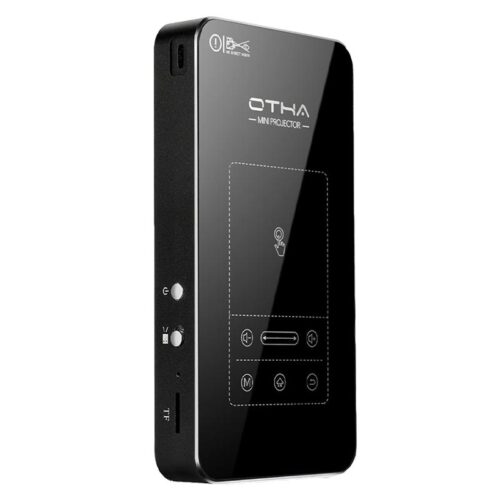
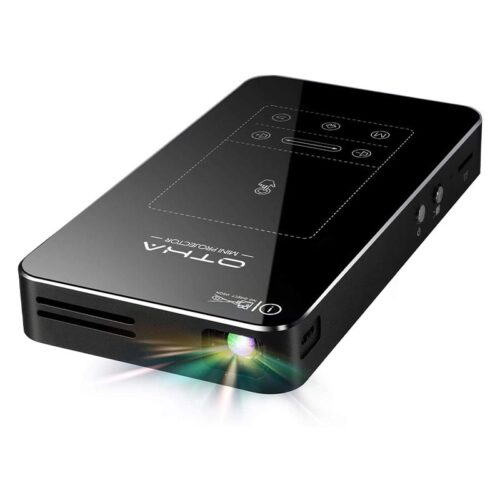
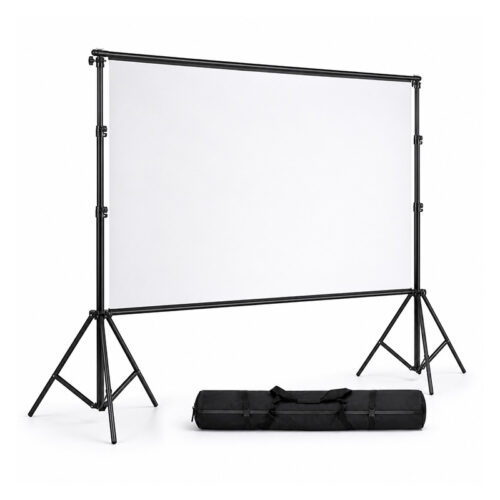
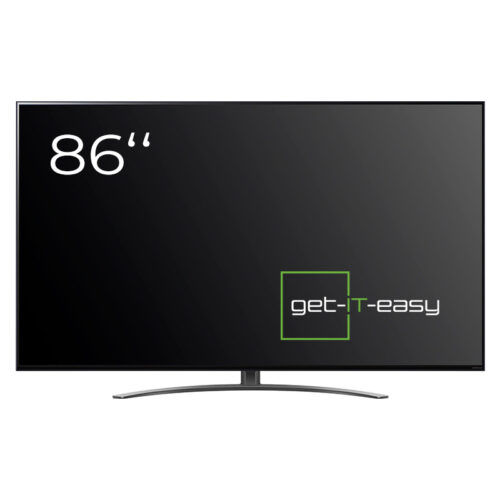
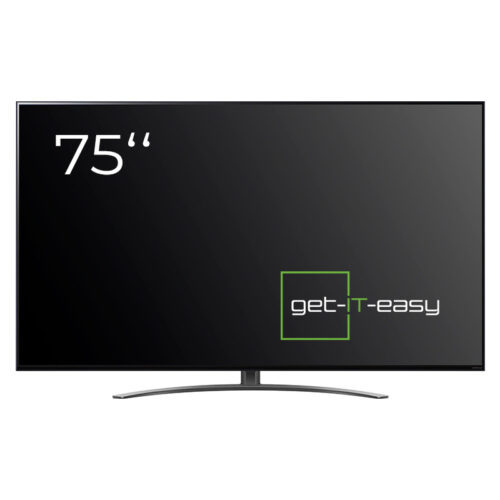
If 4K Projector does not fully meet your requirements, here are suitable alternatives. The latest models in the device category Beamer are Rent a Mini Projector and Projection Screen. The related category TV Television offers TV (86 Inch) and TV (75 Inch). Our team is happy to help you choose.
You are currently seeing a placeholder content of Brevo. To access the actual content, click on the button below. Please note that data will be passed on to third-party providers.
More informationYou need to load content from reCAPTCHA to submit the form. Please note that doing so will share data with third-party providers.
More InformationYou are currently viewing a placeholder content from TrustIndex. To access the actual content, click the button below. Please note that doing so will share data with third-party providers.
More Information