Well suited
Trade fairs & events
For product videos, presentations and info screens at your stand.
Include: video source, location



from 64,00 € plus VAT
Inquire now without obligation!
Matching accessories?
Rent floor stands and wall mounts for monitors, TVs and kiosk displays together with the screen.
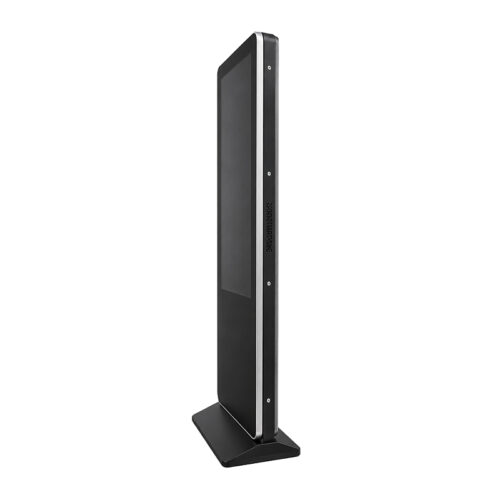
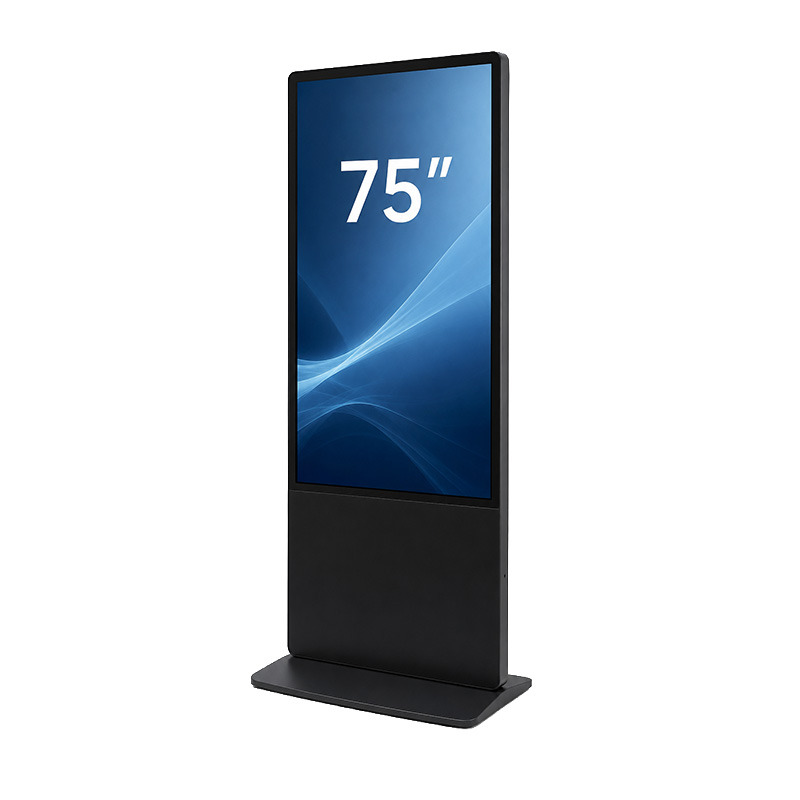
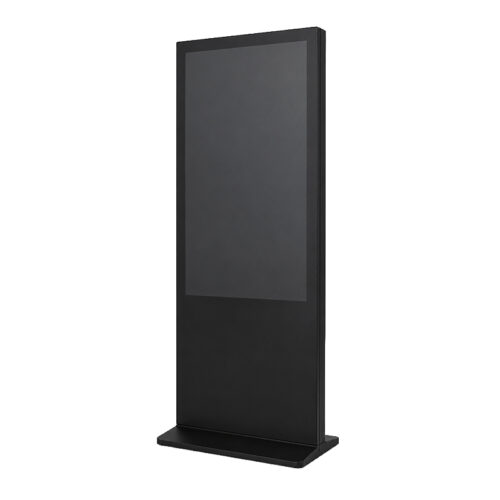
Stands and Wall holderCompanies, agencies, and event organizers can use a 75″ touchscreen advertising display for rental purposes when they need digital content to be visible on a large surface while also being directly interactive. With a screen diagonal of approximately 191 centimeters, the display is ideal for trade show booths, conferences, product launches, roadshows, showrooms, and temporary retail spaces. The 4K UHD resolution displays images, videos, text, and user interfaces in rich detail. The capacitive touchscreen enables precise, intuitive operation via the smooth glass surface. You use the technology only for as long as you need it, avoiding purchase costs, storage requirements, and permanently tied-up capital.
You can find additional sizes and models in the ” Rental Displays and Touchscreens” category. If you need a traditional presentation surface without touch functionality, the ” Rental TVs and Large Screens ” category offers suitable alternatives. Accessories, setup, and audio-visual equipment can be combined with the display on a project-by-project basis.
The 75-inch screen provides ample space for extensive product ranges, services that require explanation, and visually sophisticated applications. Multiple visitors can easily view the displayed content while one person navigates the screen directly. This format is therefore particularly well-suited for open trade show booths, larger reception areas, and promotional zones with medium to high visitor traffic. Those looking to rent a 75″ touchscreen advertising display will receive a solution that combines visual impact from a distance with direct interaction.
The display uses projected capacitive touch technology, or PCAP for short. A sensor layer behind or within the glass surface detects changes in the electric field as soon as the screen is touched. This allows for an immediate response, similar to the user experience on modern smartphones and tablets. Visitors can select buttons, swipe through catalogs, move content, or zoom in on detailed views.
Capacitive touch is not automatically equivalent to traditional double glazing. From a technical standpoint, the key components are the protective glass front and the capacitive sensor layer behind it. The flat surface has a high-quality appearance, can be easily integrated into professional display setups, and is suitable for frequent interactions in publicly accessible indoor areas. Gloves or special styluses should be tested before use, as PCAP relies on conductive touch.
The resolution of 3,840 × 2,160 pixels offers four times as many pixels as Full HD. This ensures that small text, complex graphics, technical drawings, and high-resolution product images remain clearly visible even on the large screen. This is particularly important when visitors are standing close to the display and selecting specific content themselves. When you rent a 75″ touchscreen advertising display, you can present both eye-catching videos and information-rich applications in a consistent 4K resolution.
At trade shows, the display can provide a digital product catalog, a comparison of product variants, or a custom configurator. Visitors can access information on their own and focus specifically on the offerings that are relevant to them. At the same time, booth staff can use the large display area to facilitate consultations. Anyone looking to use a 75″ touchscreen advertising display for rental purposes can use it to create an additional point of contact that clearly explains products and effectively supports one-on-one conversations.
Touch-optimized forms allow you to collect contact information, appointment requests, survey results, or contest entries directly on-site. To ensure a smooth user experience, input fields should be large enough, text should be brief, and process steps should be clear. For sensitive data, it is also recommended to use an application with secure transmission, automatic logout, and clearly defined access controls. The display provides the user interface; the actual data processing depends on the software you are using.
In lobbies, convention centers, and larger corporate facilities, the screen space can be used to display floor plans, room layouts, event schedules, or visitor information. Guests can search for exhibitors, presentations, or locations on their own and view directions to those destinations. At the point of sale, the system supports product searches, product comparisons, and supplementary information. Rental of a 75″ touchscreen advertising display is particularly worthwhile here for temporary events or campaigns where a permanently installed solution would not make economic sense.
An existing website or presentation is not automatically suitable for a large-format touchscreen. Buttons should be easily accessible with a finger, navigation elements should not be too close together, and important functions must remain understandable without lengthy explanations. Plan for short paths to the desired content and a clearly visible home button. An automatic return to the home page is useful when many different visitors are using the same application.
Landscape orientation is particularly well-suited for presentations, videos, product comparisons, and applications with multiple columns. Portrait orientation can be advantageous for digital posters, directories of people, long product lists, or vertically oriented wayfinding systems. Whether both orientations are supported depends on the specific device and the installation solution used. Before considering a 75″ touchscreen advertising display for rental, you should therefore plan the format, user interface, and mounting together.
For Windows software, browser-based applications, PowerPoint, videos, or locally stored content, a suitable laptop or mini-PC can be used as a media player. Depending on the setup, the video signal is transmitted via HDMI, for example; touch data is sent back to the computer separately via a USB connection. Additional interfaces or integrated operating systems may be available for certain configurations. The specific model provided is what matters, so the intended application should be specified in advance.
Web-based applications require a stable connection at the installation site. If network coverage is unreliable, a locally available or offline-capable version may be a good option. Kiosk mode prevents visitors from accidentally accessing the operating system, other programs, or internal files. Updates, automatic notifications, screensavers, and power-saving features should be checked before the event begins. If you’re renting a 75″ touchscreen advertising display, please let us know whether your content will run online or offline and what software will be used.
A 75-inch touchscreen display requires a sturdy stand or mounting solution that can support its weight and is compatible with the VESA mount. A suitable rolling stand can be practical for changing locations; in permanently designated areas, floor stands or wall mounts are appropriate. The center of the screen should be positioned so that controls remain accessible to the intended audience. At the same time, walkways, emergency exits, and adjacent display areas must remain clear.
Power, video, and USB connections should be secured against strain and protected from accidental disconnection. In open areas, it is important to route cables under a cover to prevent tripping hazards. Also check the location of power outlets, the required cable lengths, and the placement of the media player. If you’d like to rent a 75″ touchscreen advertising display, please let us know about the space requirements well in advance so that we can put together the right combination of display, mount, and connection accessories.
| Feature | Specification |
|---|---|
| Screen diagonal | 75 inches, about 191 cm |
| Resolution | 4K UHD, 3,840 × 2,160 pixels |
| Touch Technology | Projected capacitive multi-touch, PCAP |
| Surface | Flat glass front with a capacitive sensor layer behind it |
| Operation | Finger controls for tapping, swiping, scrolling, and zooming |
| Input | Depending on the setup, via a laptop, mini-PC, or integrated solution |
| Connections | Video and touch connections compatible with the provided model, typically HDMI and USB |
| Setup | Suitable floor stand, rolling stand, or VESA mounting solution, depending on availability |
| Applications | Trade shows, events, roadshows, showrooms, point-of-sale (POS), reception areas, and training sessions |
The rental of a 75″ touchscreen advertising display is particularly useful if you only need a large interactive presentation area temporarily or would like to test how your target audience reacts to a digital self-service touchpoint. To receive a customized quote, please provide the location, rental period, number of units, desired orientation, and a brief description of the application.
get-IT-easy delivers rental equipment throughout Germany and tailors the setup to your event. Reusable shipping containers protect the hardware during transit and reduce unnecessary packaging material. After the agreed-upon event, we’ll arrange for return or pickup in accordance with the agreement.
For a non-binding inquiry, you can reach us by phone at +49 9323 938 71 00 or by email at rent@get-it-easy.de. Please specify the rental period, delivery location, and intended use so that we can put together the components you need.
For product videos, presentations and info screens at your stand.
Include: video source, location
For meetings, talks and conference rooms. Check the connections of your laptops or players.
Include: players, room size
As an info screen at reception, in a shop window or at events, with a stand or wall mount on request.
Include: content, running time, mount
The right size depends on the viewing distance. Tell us the room and distance and we help you choose.
Include: room, distance, set-up
Tell us what you will use the device for and which applications need to run. We add the details to your rental inquiry.
Check before choosing
Tell us the video source (laptop, media player or USB stick) so connections and cables match.
How renting works
On request we install apps and software, add Wi-Fi access and apply settings before shipping. For larger quantities all devices get the same configuration. You state your requirements in the inquiry form; the scope is listed in the quote.
We deliver available devices throughout Germany by express or overnight shipping in secured reusable boxes. Before the rental period ends you receive return labels and we arrange the pickup. Shipping costs for delivery and pickup are usually included in the quote.
You can optionally book the protection package against theft and damage: 15 % surcharge on the rental price, 10 % deductible per claim. During the rental you can reach us at +49 9323 938 71 00 or rent@get-it-easy.de (Mon–Thu 9:00–17:00, Fri 9:00–15:00).
One quote for everything you need
Rental period, quantity, configuration, accessories and delivery are combined in one non-binding quote by email.
Displays for your next project?
Add the device and quantity to your inquiry list. You enter the rental period and any preparation requests in the inquiry form.
Verfügbare Mietgeräte liefern wir deutschlandweit per Express oder Overnight. So erhalten Sie die Hardware auch bei kurzfristigen Projekten, Messen, Events oder Schulungen rechtzeitig zum vereinbarten Termin. Die Geräte kommen sicher verpackt an und können für den Rückversand in derselben Verpackung zurückgeschickt werden. Für die Rücksendung erhalten Sie von uns einen Link, über den Sie die Abholung der Geräte selbst beauftragen können.
Auf Wunsch bereiten wir Ihre Mietgeräte schon vor dem Versand nach Ihren Anforderungen vor. Je nach Gerät installieren wir zum Beispiel Apps und Software, hinterlegen WLAN-Einstellungen oder nehmen individuelle Einstellungen vor. So erhalten Sie einsatzfertige Hardware, die vor Ort direkt für Ihr Projekt, Ihre Schulung, Messe oder Ihren Unternehmenseinsatz genutzt werden kann.
Bei uns mieten Sie bereits ab einem Tag, bis zu mehreren Wochen oder Monaten. Die kurze Mindestmietdauer eignet sich besonders für zeitlich begrenzte Einsätze wie Messen, Events, Schulungen, Workshops oder kurzfristige Projekte. So zahlen Sie genau für den Zeitraum, in dem Sie die Geräte tatsächlich brauchen. Eine Verlängerung ist nach Verfügbarkeit möglich.
Für Veranstaltungen, Schulungen, Rollouts und größere Unternehmensprojekte stellen wir viele Mietgeräte auch in größeren Stückzahlen bereit. Je nach Modell und Verfügbarkeit erhalten Sie zum Beispiel Tablets, Smartphones, Laptops oder VR-Brillen in einheitlichen Geräteserien. Auf Wunsch werden größere Mengen vorkonfiguriert und gemeinsam an den gewünschten Einsatzort geliefert.
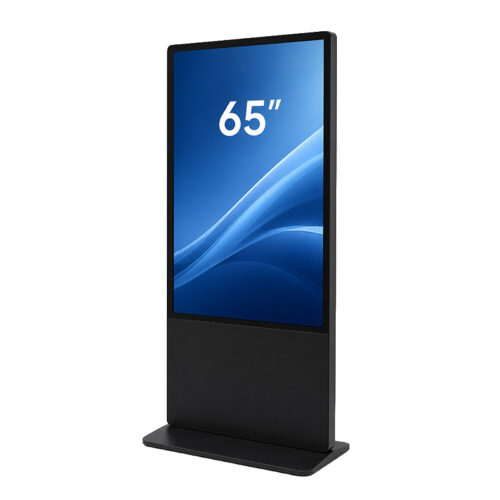
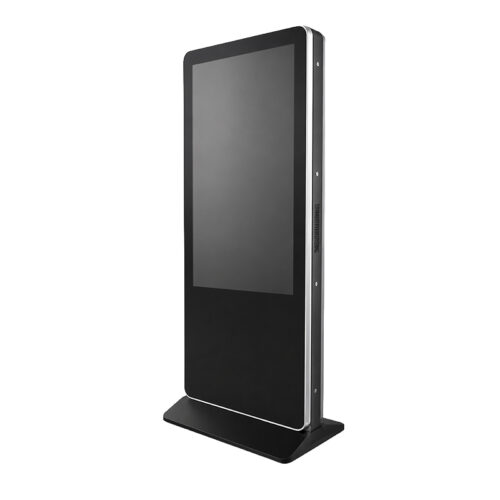
If 75" Touchscreen Advertising Display doesn't fully meet your requirements, you should discover our newest alternative products. The three latest models in the device category Digital Stele are 65" Touchscreen Advertising Display, 49" Dual-Touch Advertising Display and 55" Touchscreen Advertising Display – in descending order. Each of these products offers similar characteristics to 75" Touchscreen Advertising Display, outstanding performance and innovative features in different price ranges to ensure that your individual needs are met. Our team of experts is always on hand to help you choose the right appliance. Browse our range and find the ideal appliance for you!
You are currently seeing a placeholder content of Brevo. To access the actual content, click on the button below. Please note that data will be passed on to third-party providers.
More informationYou need to load content from reCAPTCHA to submit the form. Please note that doing so will share data with third-party providers.
More InformationYou are currently viewing a placeholder content from TrustIndex. To access the actual content, click the button below. Please note that doing so will share data with third-party providers.
More Information