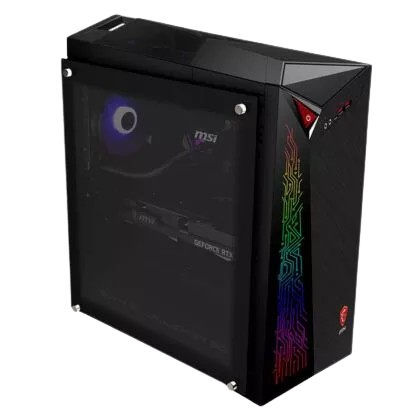
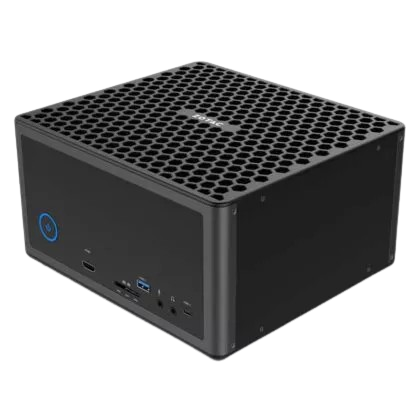
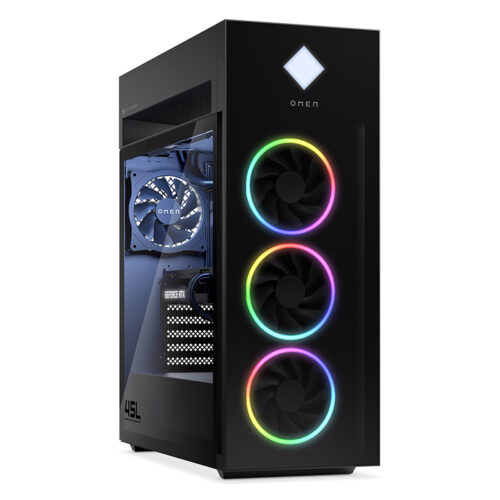
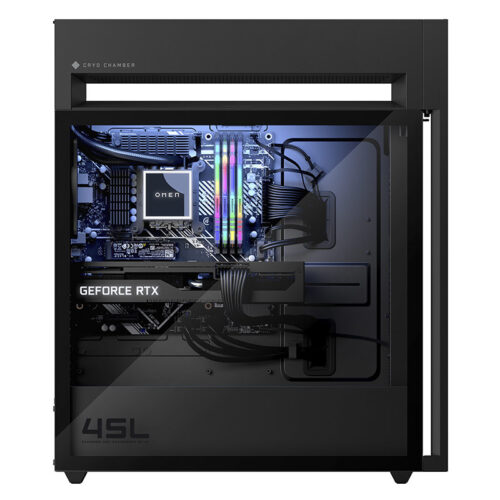
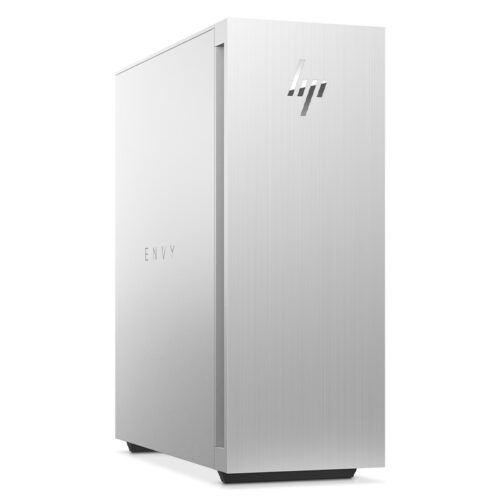
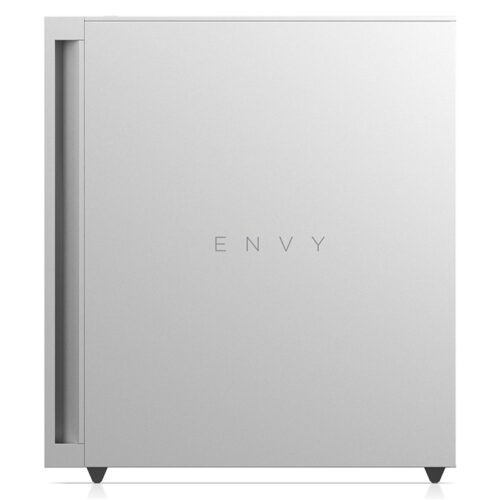
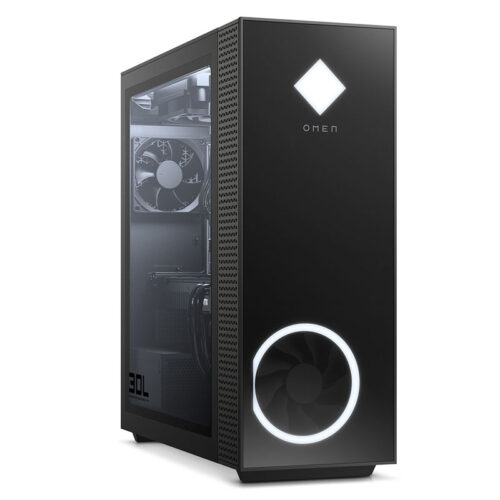
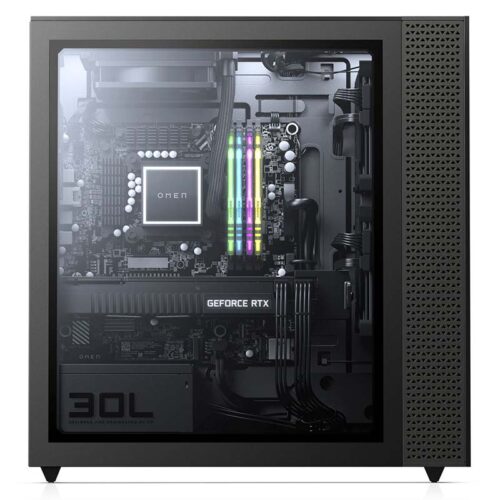
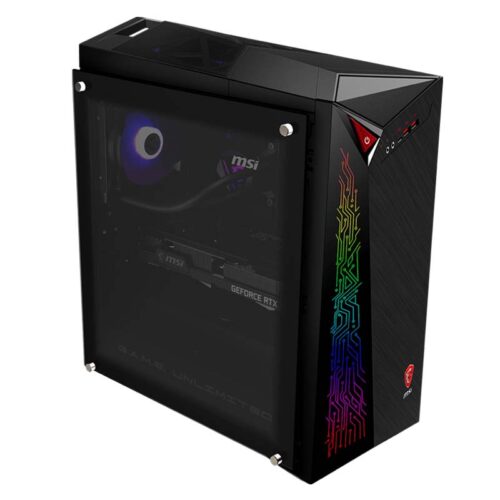
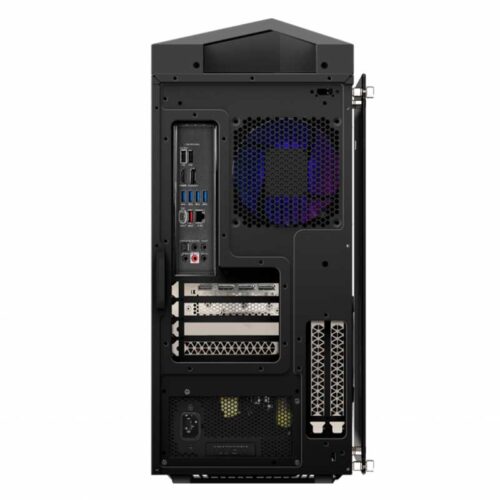
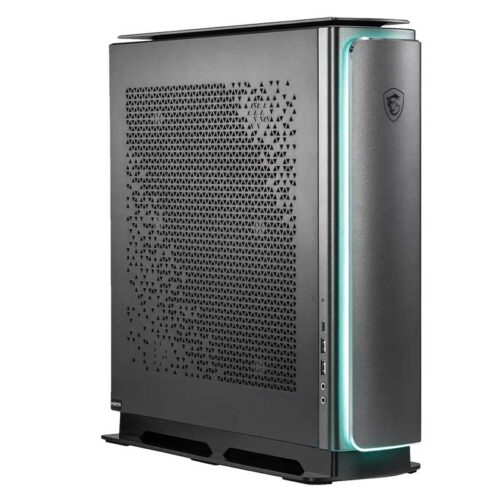
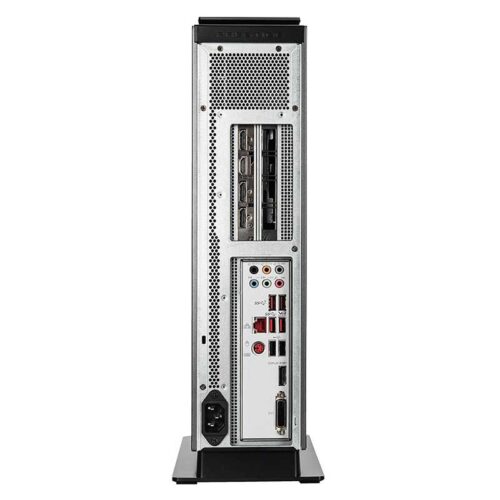
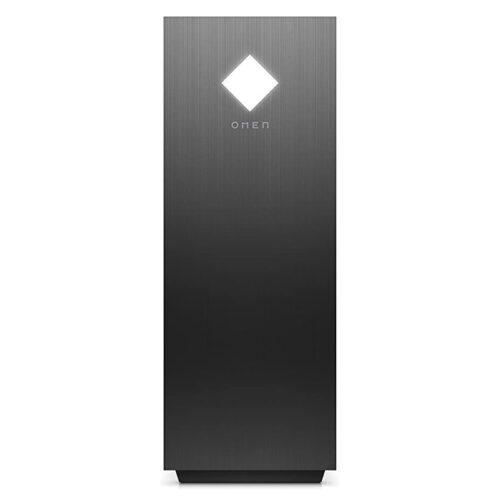
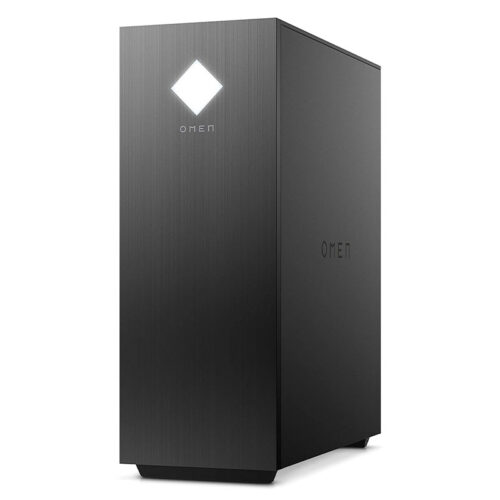
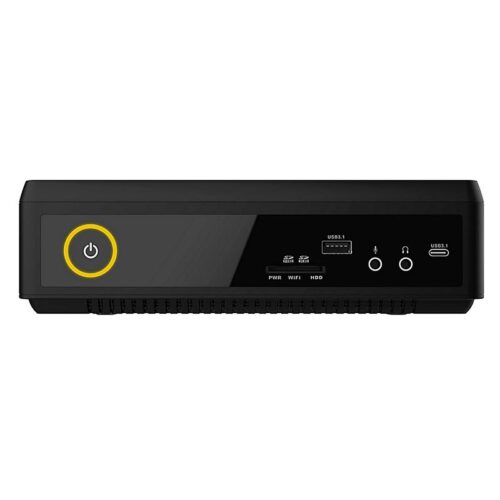
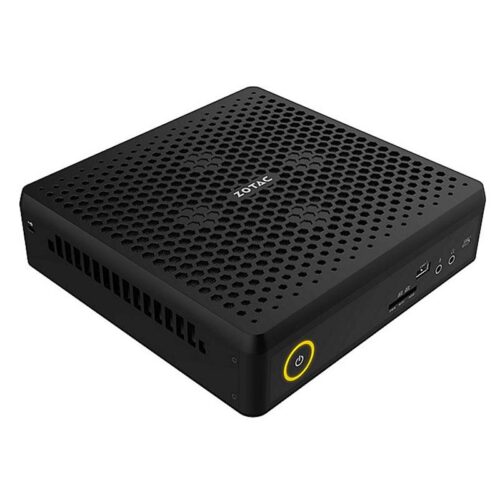
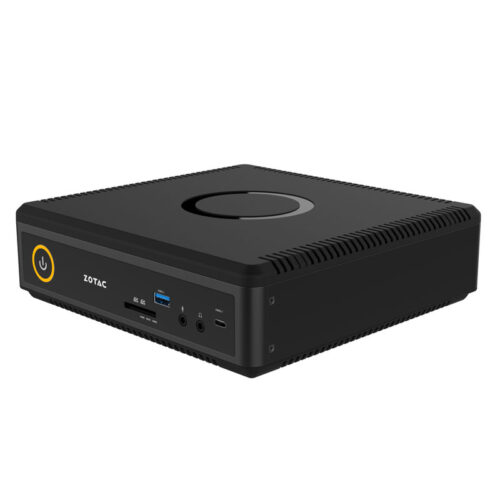
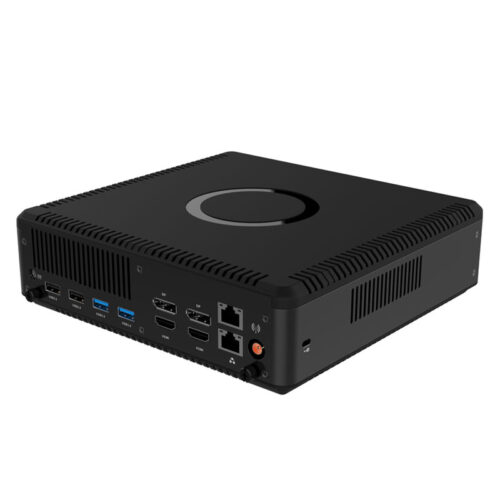
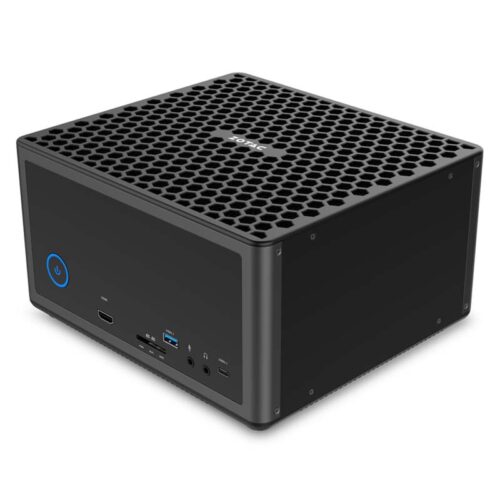
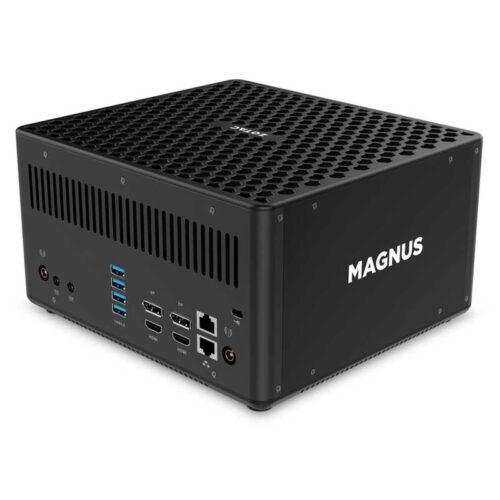
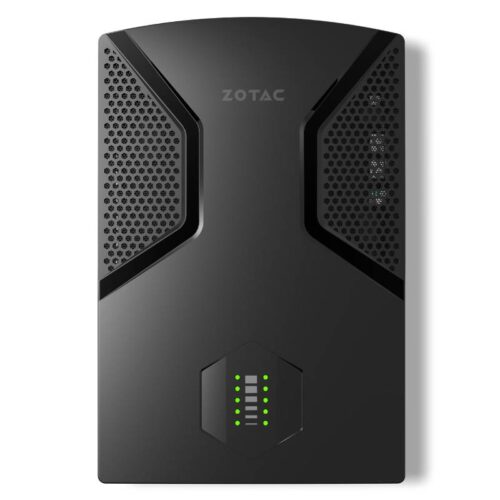
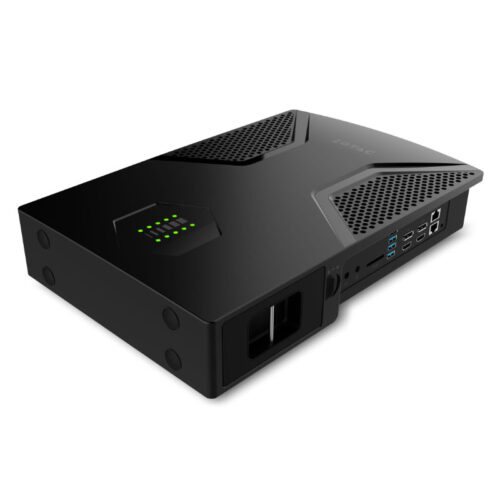
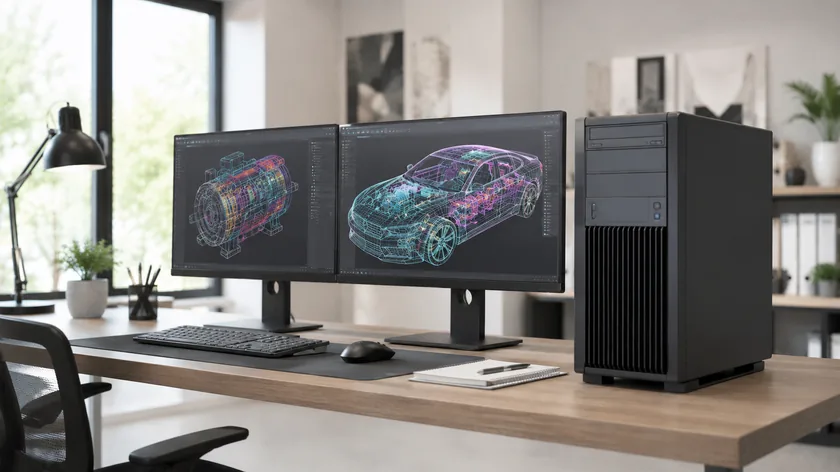
Rental service for gaming desktops and creator PCs with dedicated GeForce graphics. Choose from gaming towers by HP OMEN and MSI, creator desktops for rendering and video editing, and compact, VR-capable mini-PCs by ZOTAC. Rental periods start at one day, with prices beginning at €49 plus VAT. Delivery is available nationwide, even for large quantities. This allows you to equip LAN and gaming events, trade show booths, gaming lounges, VR stations, or workstations for rendering and 3D work.
Rental rates start at 1 dayLarge quantitiesFast delivery
A gaming event requires more than just gaming computers: mobile devices for roadshows, technology for registration and back-office operations, and computing power for post-event processing. get-IT-easy rents out the complete setup from a single source.
Laptop rental
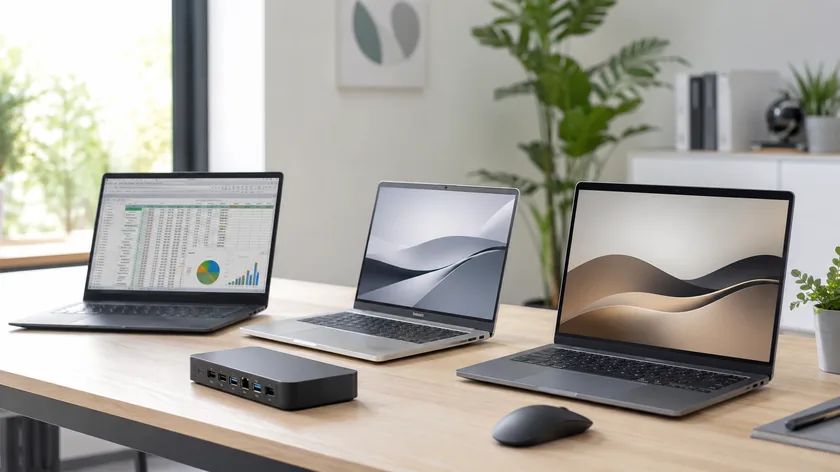
For events without a fixed setup: Gaming laptops offer GeForce RTX graphics on the go, while office laptops support organization and live streaming.
Roadshow
Esports on the Go
Streaming Production
Tournament Organization
Back Office
GeForce RTX for Mobile
Windows + macOS
155 models
Learn more
If your event takes place at different locations, laptops can complement your stationary gaming setup: get-IT-easy rents out 26 gaming laptops with dedicated GPUs (including the MSI GP 66 Leopard and HP OMEN 17) for mobile gaming stations, as well as office laptops for registration, tournament management, and streaming production.
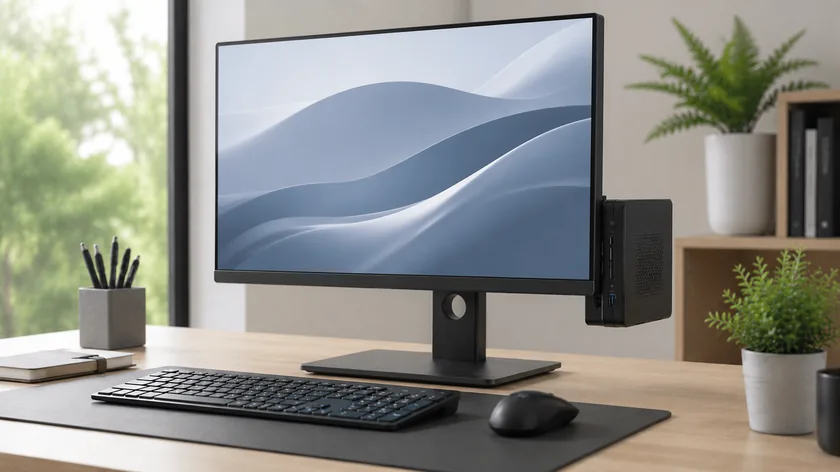
For registration, ticket sales, and back-office operations at the event: compact desktop PCs and iMacs complement your gaming setup at the service stations.
Registration
Checkout
Back Office
Reception
Digital Signage
Mini PC to iMac
quick setup
50 models
Learn more
An event needs reliable technical support around the playing areas: get-IT-easy rents out compact mini-PCs (HP EliteDesk, ASUS NUC, Mac mini) for registration, checkout, and data analysis, as well as iMacs with built-in displays for reception and press—quick to set up and complete with peripherals.
Once the event is over, the workstations continue to handle video editing, rendering, and data analysis around the clock.
Video Editing
Aftermovie
Rendering
Data Analysis
Production
HP Z Series
Multi-core CPUs
Professional Graphics
Learn more
Editing aftermovies, preparing streams, analyzing event data: For post-event processing, get-IT-easy rents out HP Z-Series workstations (Z4 G4, Z440 6-Core)—systems capable of handling hours of rendering and large video projects in continuous operation.
Gaming PC rental – High-End PCs for Events, VR, and Projects
If you want to rent a gaming PC, there’s one thing you need above all else: reliable performance for your specific use case. At get-IT-easy, businesses can take advantage of gaming PC rentals for events, VR applications, trade show booths, training sessions, simulations, gaming areas, and computationally intensive projects.
The rental devices are ready for immediate use, can be preconfigured upon request, and can be combined with compatible accessories such as monitors, keyboards, mice, or VR headsets. This way, you’re not just renting a single PC, but a complete setup tailored to your planned use.
Rental is particularly useful if you only need high-end hardware for a specific period of time. Instead of buying gaming PCs outright, you can use rental services on a project-by-project basis for as little as one day and return the equipment once you're done.
Gaming PC Rental for Businesses, Trade Shows, and Events
Renting a professional gaming PC is very different from purchasing one for personal use. In B2B applications, it’s not just the graphics card and processor that matter, but also availability, quantity, accessories, delivery, setup planning, and a device configuration that is as uniform as possible.
Gaming PCs are often used for interactive trade show booths, gaming zones, esports events, VR stations, product testing, training sessions, or short-term project workstations. Especially when multiple systems need to run simultaneously, a rental solution is significantly more flexible than a permanent purchase.
Applications
Why a Gaming PC Is the Right Choice
What to Look For
Trade Shows and Corporate Events
High-performance PCs are ideal for demos, interactive applications, and gaming areas.
Be sure to include monitors, input devices, power supplies, and networking in your planning from the start.
Virtual Reality
PC-based VR applications often require more graphics power than standalone VR headsets.
Make sure to coordinate your VR headset, connections, software, and PC performance in advance.
Gaming Events and Esports
Multiple systems can be used for tournaments, gaming areas, or community events.
Plan for standardized hardware, identical monitors, and a stable network.
Simulation and 3D Visualization
Graphics-intensive applications benefit from high-performance hardware.
Select the CPU, GPU, RAM, and storage that are best suited for the software.
Streaming and Content Production
Gaming PCs can be used for recording, streaming, or live productions.
Be sure to account for additional monitors, audio equipment, capture hardware, and storage.
Temporary Project Work
Teams gain access to high computing power on short notice without the need for a long-term purchase.
Clarify the duration, number of units, and desired performance in advance.
High-End PC rental: When Is It Worth It to Get Top-of-the-Line Hardware?
Rental of a high-end PC is a good idea if regular office PCs or standard desktops aren't powerful enough for your needs. This applies especially to VR, simulations, 3D presentations, gaming stations, rendering-intensive workflows, streaming, or software testing with high graphics demands.
In the gaming PC category on get-IT-easy, you’ll find desktop and mini PCs from various brands, such as MSI, OMEN, HP, and Zotac. The configuration that’s right for your project depends on how you plan to use it. For simple event stations, a compact system may be sufficient. For VR, 3D demos, or demanding presentations, you should plan for more powerful hardware.
Common Reasons for High-End PC Rental
VR Applications and PC VR Setups
Gaming Areas at Trade Shows and Corporate Events
Interactive product presentations
Simulations and Real-Time Visualizations
Software Tests with High Graphics Load
Streaming and Content Setups
Short-term spikes in performance within project teams
If you need even more professional computing power for CAD, rendering, engineering, or specialized software, you can also rent a workstation . For traditional office workstations, on the other hand, desktop PC rental.
Should I consider gaming PC rental or gaming laptop rental?
Whether a gaming PC or a gaming laptop is a better fit depends on the location and setup. A gaming PC is usually the better choice if the system is set up permanently at a trade show booth, in a training room, at a VR station, or in an event area. It offers high performance, effective cooling, and flexible connectivity options.
A gaming laptop is a good choice when mobility is a priority: moving between rooms, smaller setups, quick transport, or situations where the screen and keyboard need to be built right in.
Device Type
Advantages
Suitable for
Gaming PC
High performance, effective cooling, plenty of ports, desktop setup
portable, space-saving, easy to transport, with an integrated display
mobile teams, training sessions, changing locations, presentations, and flexible workspaces.
Workstation
Professional performance for particularly demanding applications
CAD, 3D, engineering, simulation, data processing, and professional visualization.
If you need a mobile device, gaming laptop rental is the perfect choice. For fixed setups requiring high graphics performance, a gaming PC is usually the more powerful solution.
Rental of a Gaming PC for VR
Many VR projects can be implemented using standalone headsets. However, demanding PC VR applications, high-quality 3D visualizations, simulations, or specialized software require a powerful computer. This is exactly where a gaming PC can serve as the ideal foundation.
It’s important that the PC, VR headset, connections, software, and location are all compatible. That’s why, when planning VR projects, you shouldn’t just focus on the computer—you need to consider the entire setup. At get-IT-easy, you can also VR headsets for rental or specifically PC VR system rentalif your project requires a complete VR system.
Should I rent a CPU or a complete gaming PC?
In practice, search queries such as “rent a CPU” or “rent an AMD CPU” often do not refer to a single, standalone component, but rather to computing power needed on a short-term basis. At get-IT-easy, you don’t rent a single CPU—you rent complete, ready-to-use computer systems.
This makes more sense in a business setting because the processor, graphics card, RAM, SSD, cooling system, ports, and operating system are already working together as a single system. Especially when it comes to gaming, VR, simulations, and 3D applications, performance isn’t determined by the CPU alone. The graphics card, memory, and cooling are just as important.
Component
Why it's important
Note
CPU
Essential for calculations, game logic, simulation, multitasking, and streaming.
Choose an Intel or AMD processor depending on the device and project requirements.
GPU
Crucial for graphics performance, VR, high resolutions, and 3D applications.
Make sure you have sufficient graphics performance for VR and high-end applications.
RAM
Affects multitasking, large projects, and stable performance.
Allocate sufficient RAM depending on your application.
SSD
Ensures fast load times and smooth performance when working with larger files.
For larger projects, consider adding more storage or using external SSDs.
Connections
Monitors, VR headsets, input devices, and accessories must be connected.
Check HDMI, DisplayPort, USB, and network ports in advance.
Cooling
Gaming PCs often run under heavy load for long periods during events or when used for VR applications.
Desktop PCs are often more stable under continuous load than very compact systems.
Rental of a Gaming PC in Germany
When companies in Germany want to use gaming PCs for rental purposes, it’s often for events, trade shows, VR projects, training sessions, or temporary setups requiring high graphics performance. get-IT-easy provides gaming PCs to business customers and project teams who need physical hardware for a specific period of time.
To receive a customized quote, please specify the quantity, rental period, delivery location, desired accessories, and intended use. This will help us better tailor the configuration to your project.
Plan for Gaming PC Accessories Right from the Start
A gaming PC alone isn't enough for many projects. A complete setup often requires a monitor, keyboard, mouse, headset, networking equipment, cables, VR headsets, or a transport solution. Accessories should be factored into the planning from the start, especially for events, training sessions, and VR applications.
It’s worth buying a gaming PC if you plan to use it regularly and on a long-term basis. For temporary projects, events, training sessions, VR demos, or tests, rental is often more flexible. You avoid high upfront costs and can choose the performance level that best suits your specific needs.
Criterion
Buy a Gaming PC
Rental of a gaming PC
Usage
Recommended for long-term use.
Recommended for events, projects, tests, and temporary applications.
Costs
High purchase costs and subsequent depreciation.
Predictable rental costs for the actual period of use.
Flexibility
Hardware remains in use even if requirements change.
Performance, quantity, and runtime can be planned according to the project.
Current Status
Hardware ages and will eventually need to be replaced.
Appropriate devices can be selected on a project-by-project basis.
Accessories
Must be purchased and managed separately.
Can be requested and coordinated directly.
Checklist: Choosing the Right Gaming PC
To ensure that the hardware you rent is suitable for your needs, you should clarify the following points before making your request:
What is the gaming PC used for?
How many devices are needed?
How long should the lease be?
What software, games, or applications need to run?
Is VR being used?
What monitor resolution and refresh rate are planned?
Are multiple systems being used in parallel?
Is network or Internet access required?
Are accessories such as a monitor, keyboard, mouse, or headset required?
Are there any requirements regarding delivery, setup, or return?
Conclusion: Rent a gaming PC for flexible, high-end performance
Rental of a gaming PC is the ideal solution if you need high-performance hardware on short notice without having to buy it permanently. Rental offers clear advantages, especially for events, VR applications, gaming areas, trade shows, training sessions, simulations, and computationally intensive projects.
At get-IT-easy, companies can request suitable gaming PCs and customize their setup with monitors, accessories, VR headsets, or other devices depending on their project. This ensures you get exactly the performance you need for your specific application.
Yes, at get-IT-easy, companies can take gaming PCs on rental for events, VR, training sessions, presentations, testing, and computationally intensive projects.
Yes, in this category you'll find high-performance gaming PCs and high-end systems. The best configuration for you depends on your intended use, desired performance, battery life, and accessories.
Yes, gaming PCs can be a good choice for PC VR applications. It's important that the PC, VR headset, connections, software, and intended application are all compatible.
At get-IT-easy, there is rental of complete computer systems, not individual CPUs. If you need a specific level of processing power, you can request a suitable gaming PC, desktop PC, or workstation.
Yes, you can request multiple gaming PCs for events, training sessions, trade shows, or gaming areas. Please specify the number of units, rental period, delivery location, and desired accessories.
get-IT-easy is primarily aimed at companies, business customers, and project teams. The rental and payment terms depend on the order, the rental period, the desired hardware, and the type of customer. We recommend that you submit a request specifying the intended use, rental period, and desired equipment so that we can review your options.
If you are specifically looking for a certain graphics card, such as the GTX 1080, you should check its availability by submitting a specific product inquiry. It’s not just the graphics card that matters, but the entire system, including the GPU, CPU, RAM, SSD, and ports.
Yes, get-IT-easy rents gaming PCs in Germany to companies, agencies, event teams, and project groups. To provide a suitable quote, we need to know the number of units, rental period, delivery location, desired accessories, and intended use.
You are currently seeing a placeholder content of Brevo. To access the actual content, click on the button below. Please note that data will be passed on to third-party providers.
You are currently viewing a placeholder content from TrustIndex. To access the actual content, click the button below. Please note that doing so will share data with third-party providers.