Well suited
Trade fairs & events
For product videos, presentations and info screens at your stand.
Include: video source, location



from 167,00 € plus VAT
Request a non-binding offer now!
Matching accessories?
Rent floor stands and wall mounts for monitors, TVs and kiosk displays together with the screen.
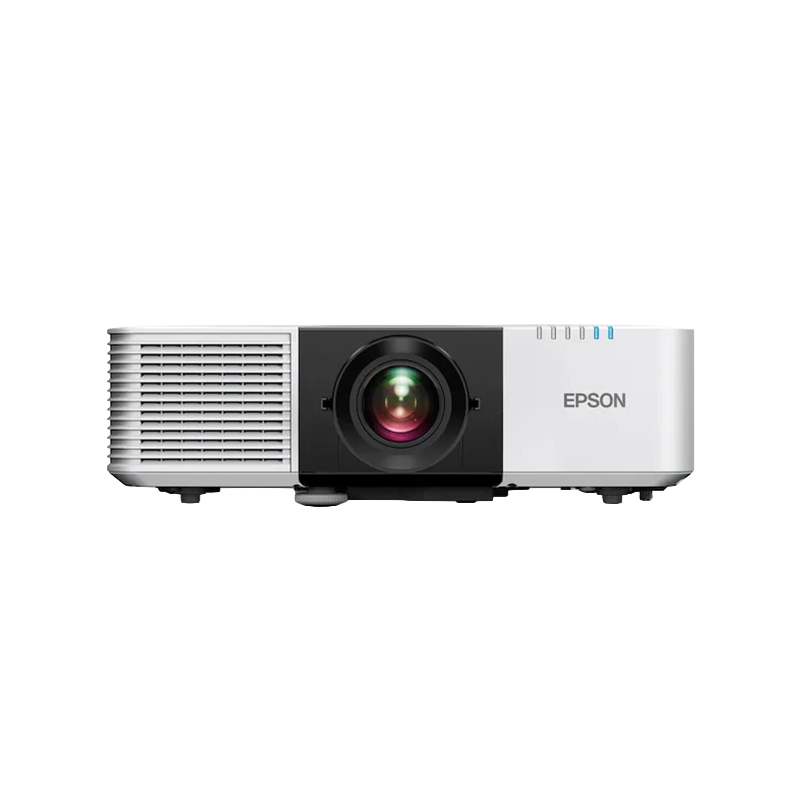
Stands and Wall holderEvent projector rental is the ideal solution when you need presentations, videos, or live content to be displayed clearly and professionally, even in larger rooms. For conferences, meetings, product launches, roadshows, and corporate events, a standard office projector is often not sufficient. Key factors include sufficient brightness, a screen size appropriate for the room, and reliable signal transmission. With project-based rental, you can select the equipment that best suits the venue, the number of attendees, and the planned content—without having to permanently purchase and store a high-performance projector.
You can find additional performance classes and projector types in the ” Rental Projectors” category. For a complete setup, you can also rent a projector screen. If the lighting conditions on site make projection impractical, you can find alternative presentation surfaces under ” Rental Displays.”
In a large event room, the content must be clearly visible not only from the front row but also from seats further away. The appropriate image width therefore depends on the room’s depth, the distance between seats, and the type of content. A video projection can work even with a moderate font size, while tables, agenda items, or software interfaces require significantly larger text. Anyone looking to rent an event projector should therefore not only specify the number of attendees but also provide the room dimensions, seating arrangement, and planned screen size.
A projector for large rooms must provide sufficient brightness for the intended projection surface. The larger the image, the more the light is spread out, and the lower the perceived brightness per unit area. At the same time, ambient room lighting, windows, stage lighting, and bright exhibition halls reduce the perceived contrast. Therefore, the appropriate performance cannot be determined solely by a general lumen rating. Ambient lighting, screen size, projection distance, and content must all be considered together.
The light output of professional projectors is typically measured in lumens or ANSI lumens. For larger conference and event spaces, significantly more powerful projectors are often used than in small meeting rooms, depending on the image size and ambient light. Professional installation projectors, for example, are available in ranges from about 5,000 to well over 10,000 lumens. Very large stage sets, brightly lit halls, or special productions may require even higher light output. When you are interested in event projector rentals from us, we therefore assess your specific needs rather than automatically selecting the brightest and most expensive unit.
The projection surface affects image quality, readability, and the required light output. The 16:9 aspect ratio is frequently used for presentations and videos, while certain business content or older presentations may also be in 16:10 or 4:3. The aspect ratio should be determined in advance to avoid unused areas, cropped content, or unnecessary scaling. Simply renting an event projector is therefore not enough: the projector, screen, and content must be planned as an integrated system.
In traditional front projection, the projector is positioned in front of the screen. This setup does not require any additional space behind the projection surface, but the light path must remain unobstructed. Rear projection prevents shadows cast by people in front of the screen and can create a particularly clean visual effect on stages or at trade show booths. This requires sufficient depth behind the screen as well as a suitable projection surface. The best solution depends on the stage, room layout, visitor pathways, and available setup space.
The desired image width and the available distance determine which lens or projection ratio is required. Especially in large rooms, the projector can be positioned far behind the audience, on a technical platform, or within a ceiling or truss structure. Depending on the model, different lenses, zoom ranges, or lens-shift functions are available. Therefore, please provide us with measurements that are as accurate as possible before renting an event projector. This allows us to calculate the projection settings correctly and ensure the image is sharply focused at the venue.
Full HD with 1,920 × 1,080 pixels is suitable for videos, presentations, and standard 16:9 content. WUXGA, with 1,920 × 1,200 pixels, offers additional vertical resolution in the 16:10 aspect ratio and is practical for spreadsheets, dashboards, and presentation interfaces. On large screens, a low resolution becomes noticeable more quickly, especially when displaying detailed graphics or small text. Anyone looking to rent an event projector should therefore ensure that the projector’s native resolution matches the output format of the source device.
For high-quality films, product visualizations, and large-scale brand presentations, a higher resolution may be beneficial. It is important to distinguish between native 4K resolution, 4K signal input, and techniques such as pixel shift or 4K enhancement. A device can process a 4K signal without displaying every pixel natively. Which option is needed depends on screen size, viewing distance, content, and quality requirements. A blanket 4K recommendation would therefore be just as imprecise as selecting a device based solely on brightness.
Laptops, media players, and control room computers are often connected via HDMI. This is straightforward for short cable runs, but in large event venues, there can be significant distances between the stage, control room, and projector. In such cases, simple passive HDMI cables are not always sufficient. Active cables, fiber-optic HDMI, signal converters, or professional transmission systems may be necessary to ensure that the resolution and video signal remain stable. When renting event projectors, you should therefore take cable lengths and the positions of the playback devices into account when making your request.
Depending on the model, professional event projectors offer connections such as HDBaseT, SDI, DisplayPort, LAN, or RS-232. HDBaseT, for example, is suitable for longer signal paths using compatible network cables, while SDI is widely used in professional video and production environments. LAN and RS-232 can be relevant for control, monitoring, and fixed media technology setups. The specific features vary depending on the projector. Therefore, the required interfaces must be determined before selecting a device.
In conference rooms, the agenda, presentations, charts, and live footage must remain visible to all participants. Often, multiple presenters switch between different laptops, while a control computer, a preview monitor, or a streaming solution is also integrated. In this environment, a projector for large rooms should not only be bright but also capable of processing stable signals and being precisely aligned. A technical rehearsal before the event begins reduces risks associated with format changes and different input sources.
At product launches and corporate events, the visual impact takes center stage. Videos, animations, brand colors, and camera footage must appear consistent across a large surface area. Stage lighting can also put additional strain on the projection. When considering event projector rentals, you should therefore clarify what kind of lighting will be used, whether live cameras will be integrated, and which content is particularly sensitive in terms of color or detail. For wide stage setups, multiple projectors, edge blending, or customized solutions may be required.
At trade show booths, projections compete with indoor lighting, LED displays, and surrounding brand presentations. At the same time, floor space, setup time, and permitted mounting points are limited. A large projection can still be effective if the image area, brightness, and projection distance are planned early on. For roadshows, it’s also important that the setup can be replicated at different locations. Marked positions, defined cable lengths, and saved device settings make it easier to switch between locations.
High-performance projectors are often larger and heavier than compact office models. They require a stable setup, unobstructed ventilation, and a reliable power supply. Depending on the venue, technical platforms, ceiling mounts, trusses, or separate control booths may be necessary. Cables must be secured against pulling and routed so as not to create tripping hazards. When mounting equipment above people, the venue’s guidelines and appropriate safety measures must be followed.
During an internal presentation, a brief outage can be annoying; on a main stage or during an important product launch, it can disrupt the entire event. For critical events, it is therefore important to determine whether backup equipment, redundant signal paths, or an alternative video source is needed. Presentations and videos should also be available locally so that an unstable internet connection does not interrupt the event. For demanding productions, event projector rentals therefore also mean planning for technical risks in a way that matches the significance of the event.
With this information, you can select a projector specifically suited for large rooms. Photos, floor plans, or technical drawings also help you assess the projection path and setup early on. If you want to rent an event projector, you won’t just receive any random device—you’ll get a solution tailored to the image size, viewing distance, and event technology.
| Selection criterion | Why It’s Important for Events | Required information |
|---|---|---|
| Light Output | Together with room lighting and the screen, it determines the visual impact of the image | Lighting, windows, image size, and content |
| Resolution | Affects the readability of text and the level of detail displayed on large surfaces | Content resolution, image format, and viewing distance |
| Projection Ratio | Determines whether the desired image width can be achieved given the available distance | Projection distance and screen width |
| Lens and Lens Shift | Facilitate positioning and precise alignment in the room | Mounting position and offset from the screen |
| Signal Path | Prevents failures or performance limitations over long distances | Cable length, source devices, and required connections |
| Setup | Ensures the safety of the projector, the audience, and trouble-free operation | Platform, ceiling, truss, or technical position |
With get-IT-easy, there is rental of projection equipment for the exact period you need it. Projectors, screens, signal accessories, and media playback equipment can be customized to suit your specific needs. After the event, the equipment is returned according to the agreed-upon procedure. This eliminates high upfront costs and the need for long-term storage of equipment whose required performance can vary from event to event.
If you’d like to rent an event projector, you can reach us by phone at +49 9323 938 71 00 or by email at rent@get-it-easy.de. Please provide us with the room size, screen dimensions, projection distance, lighting conditions, and rental period. Based on this information, we’ll determine which setup is best suited for your conference, trade show, or stage event.
For product videos, presentations and info screens at your stand.
Include: video source, location
For meetings, talks and conference rooms. Check the connections of your laptops or players.
Include: players, room size
As an info screen at reception, in a shop window or at events, with a stand or wall mount on request.
Include: content, running time, mount
The right size depends on the viewing distance. Tell us the room and distance and we help you choose.
Include: room, distance, set-up
Tell us what you will use the device for and which applications need to run. We add the details to your rental inquiry.
Check before choosing
Tell us the video source (laptop, media player or USB stick) so connections and cables match.
How renting works
On request we install apps and software, add Wi-Fi access and apply settings before shipping. For larger quantities all devices get the same configuration. You state your requirements in the inquiry form; the scope is listed in the quote.
We deliver available devices throughout Germany by express or overnight shipping in secured reusable boxes. Before the rental period ends you receive return labels and we arrange the pickup. Shipping costs for delivery and pickup are usually included in the quote.
You can optionally book the protection package against theft and damage: 15 % surcharge on the rental price, 10 % deductible per claim. During the rental you can reach us at +49 9323 938 71 00 or rent@get-it-easy.de (Mon–Thu 9:00–17:00, Fri 9:00–15:00).
One quote for everything you need
Rental period, quantity, configuration, accessories and delivery are combined in one non-binding quote by email.
Displays for your next project?
Add the device and quantity to your inquiry list. You enter the rental period and any preparation requests in the inquiry form.
Verfügbare Mietgeräte liefern wir deutschlandweit per Express oder Overnight. So erhalten Sie die Hardware auch bei kurzfristigen Projekten, Messen, Events oder Schulungen rechtzeitig zum vereinbarten Termin. Die Geräte kommen sicher verpackt an und können für den Rückversand in derselben Verpackung zurückgeschickt werden. Für die Rücksendung erhalten Sie von uns einen Link, über den Sie die Abholung der Geräte selbst beauftragen können.
Auf Wunsch bereiten wir Ihre Mietgeräte schon vor dem Versand nach Ihren Anforderungen vor. Je nach Gerät installieren wir zum Beispiel Apps und Software, hinterlegen WLAN-Einstellungen oder nehmen individuelle Einstellungen vor. So erhalten Sie einsatzfertige Hardware, die vor Ort direkt für Ihr Projekt, Ihre Schulung, Messe oder Ihren Unternehmenseinsatz genutzt werden kann.
Bei uns mieten Sie bereits ab einem Tag, bis zu mehreren Wochen oder Monaten. Die kurze Mindestmietdauer eignet sich besonders für zeitlich begrenzte Einsätze wie Messen, Events, Schulungen, Workshops oder kurzfristige Projekte. So zahlen Sie genau für den Zeitraum, in dem Sie die Geräte tatsächlich brauchen. Eine Verlängerung ist nach Verfügbarkeit möglich.
Für Veranstaltungen, Schulungen, Rollouts und größere Unternehmensprojekte stellen wir viele Mietgeräte auch in größeren Stückzahlen bereit. Je nach Modell und Verfügbarkeit erhalten Sie zum Beispiel Tablets, Smartphones, Laptops oder VR-Brillen in einheitlichen Geräteserien. Auf Wunsch werden größere Mengen vorkonfiguriert und gemeinsam an den gewünschten Einsatzort geliefert.
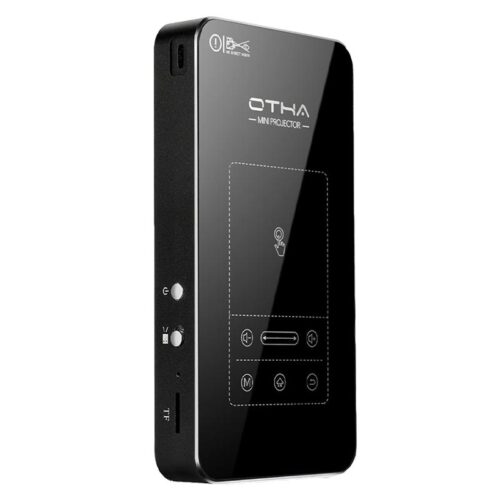
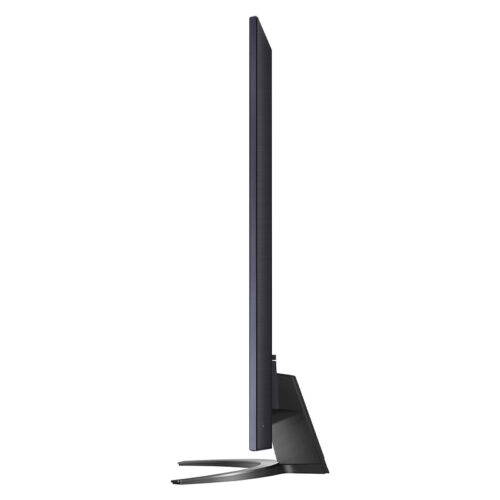
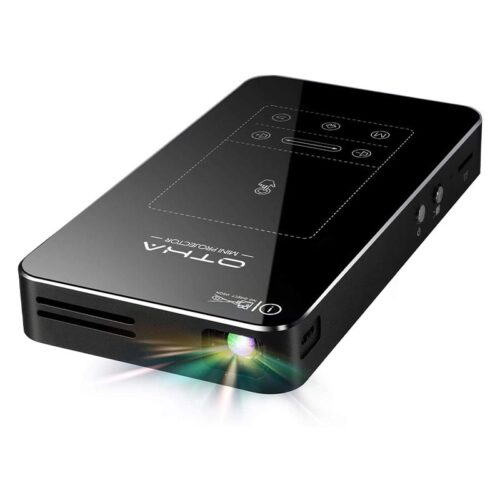
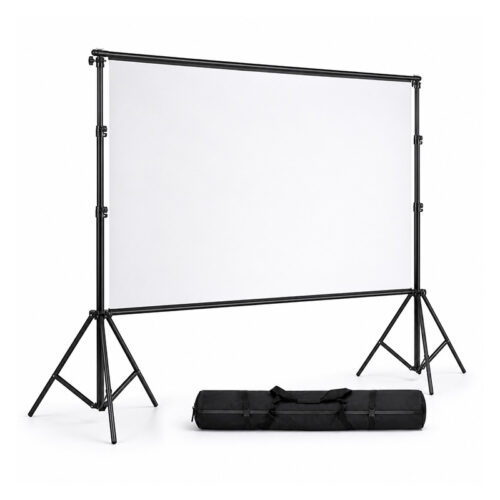
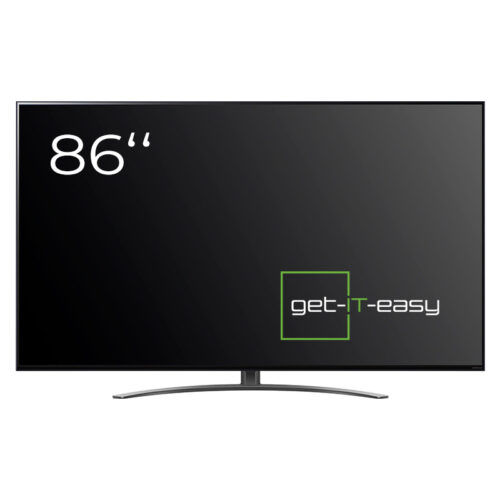
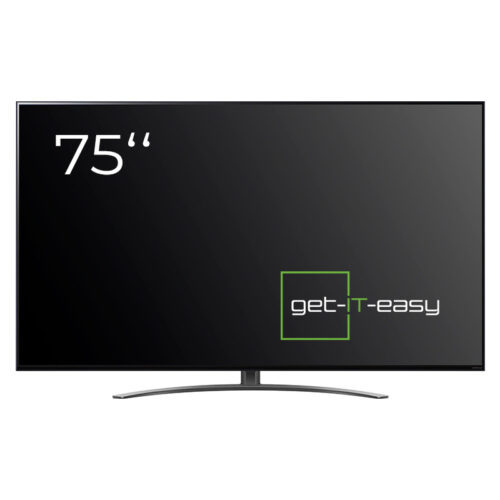
If Event Projector does not fully meet your requirements, here are suitable alternatives. The latest models in the device category Beamer are Rent a Mini Projector and Projection Screen. The related category TV Television offers TV (86 Inch) and TV (75 Inch). Our team is happy to help you choose.
You are currently seeing a placeholder content of Brevo. To access the actual content, click on the button below. Please note that data will be passed on to third-party providers.
More informationYou need to load content from reCAPTCHA to submit the form. Please note that doing so will share data with third-party providers.
More InformationYou are currently viewing a placeholder content from TrustIndex. To access the actual content, click the button below. Please note that doing so will share data with third-party providers.
More Information