


Well suited
VR trade fair stand
Visitors experience products, spaces or machinery in virtual reality right at your stand.
Include: VR content, number of visitors




from 29,00 € plus VAT
Suitable for many smartphones
Matching accessories?
For events with many users: rent disposable hygiene masks, silicone face covers, the Cleanbox CX1, battery head straps and tripods together with the headset.
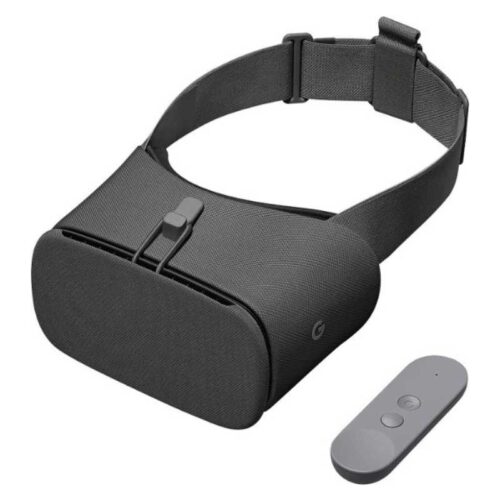
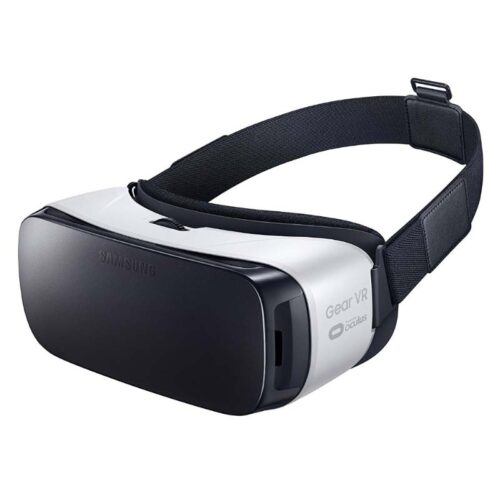
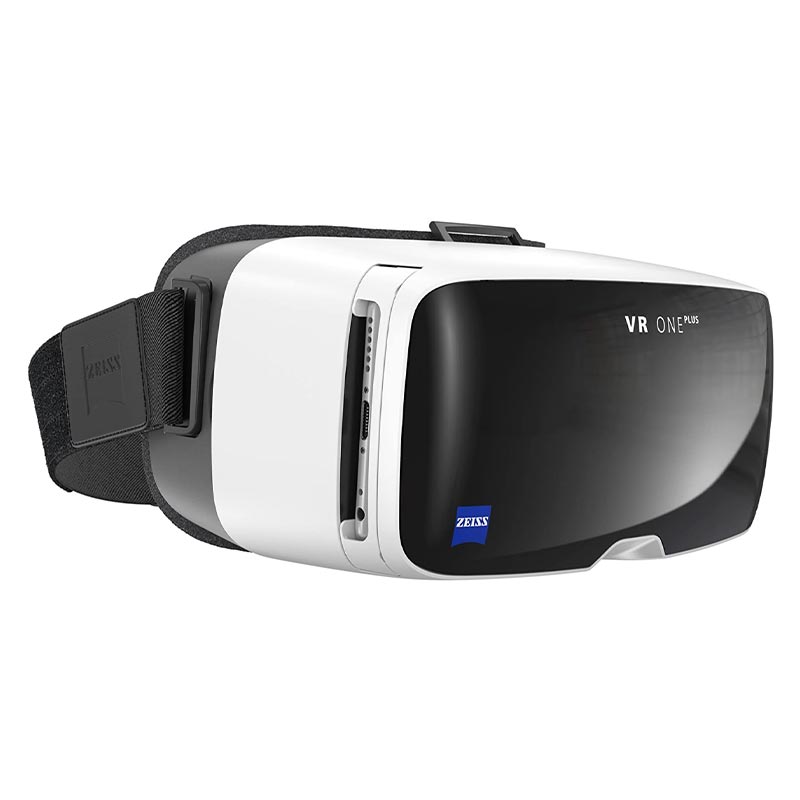
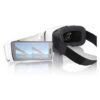
VR accessoriesEnjoy the Zeiss VR One Plus rental and experience virtual reality with your own smartphone. The Zeiss VR One Plus is a smartphone VR headset from Carl Zeiss and is ideal for simple VR experiences, product demos, events, training sessions, or presentations that don’t require a full-fledged standalone or PC VR headset.
Experience gaming and entertainment in a whole new dimension with virtual reality. The Zeiss VR One Plus VR headset stands out from other VR headsets because it belongs to a special type of VR headset: it uses a smartphone as its display. That’s exactly why the Zeiss VR One Plus falls into the smartphone VR category.
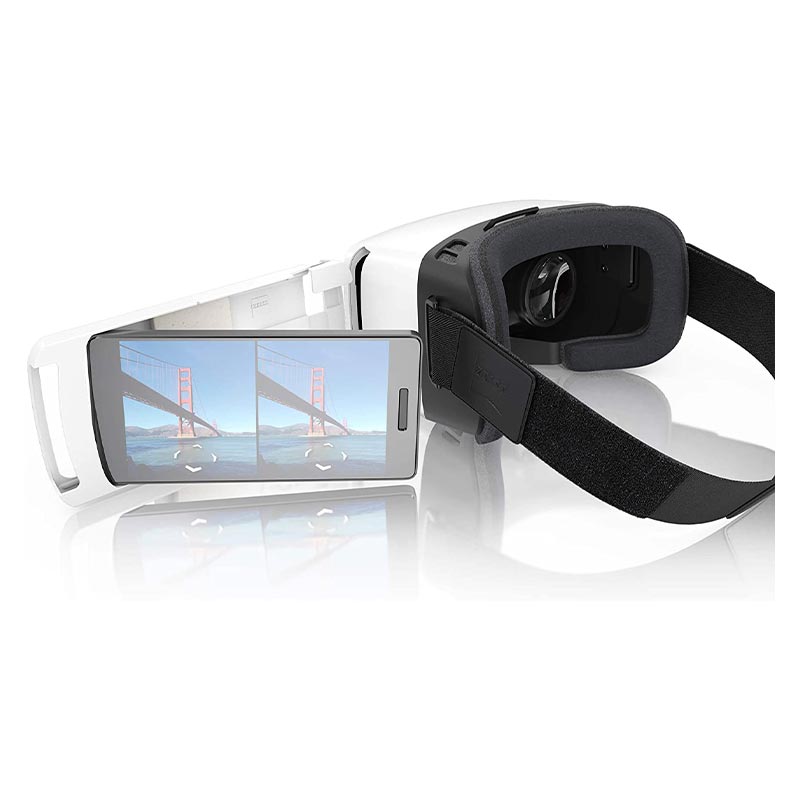
The Zeiss VR One Plus is used without its own display. Instead, a compatible smartphone is inserted into the headset. This makes the VR One Plus particularly well-suited for simple VR content, 360-degree videos, app demos, product presentations, or brief visitor experiences at events.
According to the product specifications, the Zeiss VR One Plus is compatible with many smartphones, particularly those with screen sizes ranging from 4.7 to 5.5 inches. If you want to use the VR headset with specific smartphones, you should check the exact model beforehand. This ensures that the smartphone size, app, operation, and intended use are all compatible.
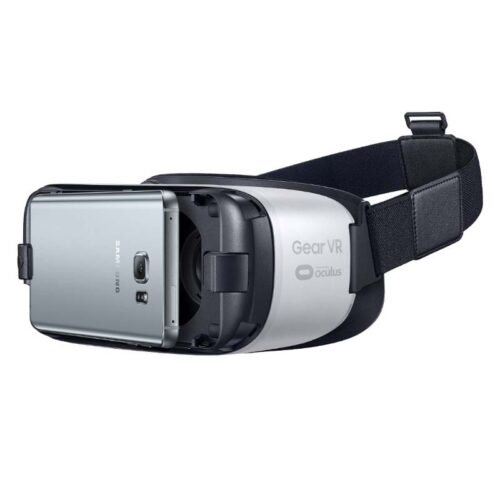
Simply slide the smartphone into the Zeiss VR One Plus. Then you or your customers can view compatible VR content right away. This solution is particularly convenient for events, trade show booths, or simple product demos because it doesn’t require an additional VR console, a high-performance PC, or a complex tracking system.
Search terms such as “Zeiss VR One,” “Zeiss VR One Plus,” “VR One Plus Zeiss,” or “Zeiss VR glasses” often refer specifically to this type of smartphone VR headset. Users are looking for a simple, high-quality VR headset that centers around the smartphone.
One advantage of the Zeiss VR One Plus is that it’s easy to use with different people. Whether users wear glasses or have different visual acuity, the lenses do not need to be adjusted individually. This makes it easy to pass the VR headset along and makes it well-suited for events where many users take turns trying out short VR experiences.
This reduces the amount of support needed, especially at trade show booths, training sessions, or product presentations. Users put on the glasses, view the prepared content, and can quickly pass the experience on to the next person.
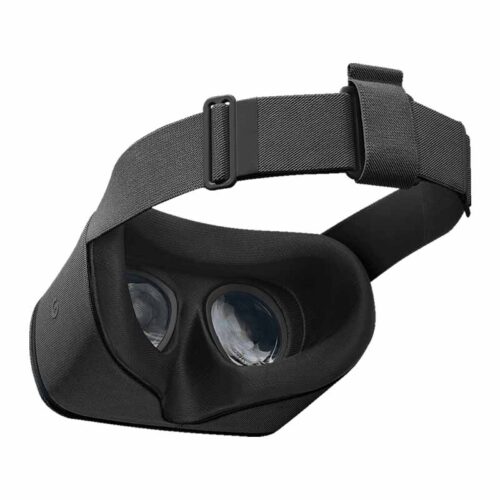
The padding on the Zeiss VR One Plus can be replaced or disinfected. This is especially important when the VR headset is used by many different people. At events, trade shows, or during customer demos, hygiene is a key factor in ensuring a pleasant user experience.
Fresh or cleaned padding makes the experience more professional and comfortable. This is especially important if the VR One Plus is to be used for several hours or over multiple days of an event.
The Zeiss VR One Plus is particularly well-suited for applications where simple smartphone VR experiences are sufficient. These include 360-degree videos, virtual tours, simple product visualizations, app demos, training content, and short entertainment applications.
It’s very easy for visitors to get started: just insert your smartphone, launch the content, and put on the VR headset. This makes the VR One Plus well-suited for situations where many people need to get a quick first impression of virtual reality.
Many users search for terms such as “Zeiss VR One Plus app,” “VR One Plus button,” “VR One Plus knob,” or “Zeiss VR One Plus magnetic switch.” It’s important to note that operation depends heavily on the smartphone used, the app, and the specific VR content. Not every smartphone VR app uses the same control options.
If you have a specific app, smartphone, or user interface in mind, you should check this before renting. This will help you better assess whether the Zeiss VR One Plus is suitable for the content you want to use or if another VR headset would be a better choice.
The Zeiss VR One Plus can be used with various smartphones, depending on the device’s size and the app. Frequent search queries such as “Zeiss VR One iPhone 6 Plus,” “VR One Plus iPhone,” “Zeiss VR One Plus iPhone XR,” “VR glasses for OnePlus 3,” or “VR glasses OnePlus 5” show that users are primarily interested in checking smartphone compatibility.
The key factors are smartphone size, display, app support, and usability. If you’d like to use a specific iPhone, Android smartphone, or OnePlus device, please specify the model directly in your request. That way, we can determine whether that combination is suitable for your needs.
Search queries such as “buy Zeiss VR One Plus,” “Zeiss VR One Plus price,” or “Zeiss VR One Plus accessories” show that many users want to first determine whether the purchase is worth it. For one-time events, tests, presentations, or training sessions, rental is often more flexible than buying.
When you use the Zeiss VR One Plus for rental purposes, you use the VR headset only for the desired period of time. After the event or project, you simply return the device. This is especially convenient if you just want to test smartphone VR, use it for a short time, or compare it with other VR headsets.
Anyone searching for “Zeiss VR One Plus experience” or “Zeiss VR One Plus review” usually wants to know whether the headset is suitable for their own needs. The Zeiss VR One Plus is a simple smartphone VR solution. It’s well-suited for 360-degree content, short demos, and basic VR experiences.
For demanding VR applications, controller tracking, room-scale tracking, interactive training, or high-quality business demos, modern standalone or PC-based VR headsets are usually better suited. Therefore, it should be clear in advance whether smartphone VR is sufficient or whether a more powerful VR system is needed.
For experienced users who need a significantly more immersive virtual reality experience, we recommend a modern standalone or PC VR headset, depending on their specific use case. If tracking, controllers, higher performance, or interactive applications are important, a different VR headset may be a better fit than a smartphone VR headset.
Visitors experience products, spaces or machinery in virtual reality right at your stand.
Include: VR content, number of visitors
For safety training, assembly procedures and onboarding in VR.
Include: application, number of headsets
With many users per day, disposable masks, silicone covers and a cleaning box help.
Include: users per day
Standalone headsets run without a PC. PC VR headsets need a powerful VR PC, which we also rent out.
Include: software, existing hardware
Tell us what you will use the device for and which applications need to run. We add the details to your rental inquiry.
Check before choosing
Check that your VR application runs on this headset model.
How renting works
On request we install apps and software, add Wi-Fi access and apply settings before shipping. For larger quantities all devices get the same configuration. You state your requirements in the inquiry form; the scope is listed in the quote.
We deliver available devices throughout Germany by express or overnight shipping in secured reusable boxes. Before the rental period ends you receive return labels and we arrange the pickup. Shipping costs for delivery and pickup are usually included in the quote.
You can optionally book the protection package against theft and damage: 15 % surcharge on the rental price, 10 % deductible per claim. During the rental you can reach us at +49 9323 938 71 00 or rent@get-it-easy.de (Mon–Thu 9:00–17:00, Fri 9:00–15:00).
One quote for everything you need
Rental period, quantity, configuration, accessories and delivery are combined in one non-binding quote by email.
VR headsets for your next project?
Add the device and quantity to your inquiry list. You enter the rental period and any preparation requests in the inquiry form.
Verfügbare Mietgeräte liefern wir deutschlandweit per Express oder Overnight. So erhalten Sie die Hardware auch bei kurzfristigen Projekten, Messen, Events oder Schulungen rechtzeitig zum vereinbarten Termin. Die Geräte kommen sicher verpackt an und können für den Rückversand in derselben Verpackung zurückgeschickt werden. Für die Rücksendung erhalten Sie von uns einen Link, über den Sie die Abholung der Geräte selbst beauftragen können.
Auf Wunsch bereiten wir Ihre Mietgeräte schon vor dem Versand nach Ihren Anforderungen vor. Je nach Gerät installieren wir zum Beispiel Apps und Software, hinterlegen WLAN-Einstellungen oder nehmen individuelle Einstellungen vor. So erhalten Sie einsatzfertige Hardware, die vor Ort direkt für Ihr Projekt, Ihre Schulung, Messe oder Ihren Unternehmenseinsatz genutzt werden kann.
Bei uns mieten Sie bereits ab einem Tag, bis zu mehreren Wochen oder Monaten. Die kurze Mindestmietdauer eignet sich besonders für zeitlich begrenzte Einsätze wie Messen, Events, Schulungen, Workshops oder kurzfristige Projekte. So zahlen Sie genau für den Zeitraum, in dem Sie die Geräte tatsächlich brauchen. Eine Verlängerung ist nach Verfügbarkeit möglich.
Für Veranstaltungen, Schulungen, Rollouts und größere Unternehmensprojekte stellen wir viele Mietgeräte auch in größeren Stückzahlen bereit. Je nach Modell und Verfügbarkeit erhalten Sie zum Beispiel Tablets, Smartphones, Laptops oder VR-Brillen in einheitlichen Geräteserien. Auf Wunsch werden größere Mengen vorkonfiguriert und gemeinsam an den gewünschten Einsatzort geliefert.
You are currently seeing a placeholder content of Brevo. To access the actual content, click on the button below. Please note that data will be passed on to third-party providers.
More informationYou need to load content from reCAPTCHA to submit the form. Please note that doing so will share data with third-party providers.
More InformationYou are currently viewing a placeholder content from TrustIndex. To access the actual content, click the button below. Please note that doing so will share data with third-party providers.
More Information