





CONTACT US?
Contact, Advice, and Support
For more information about standalone VR rental, pricing, the contract, or our services:
Call us at +49 9323 938 71 00.
Send us an e-mail to: rent@get-IT-easy.de.




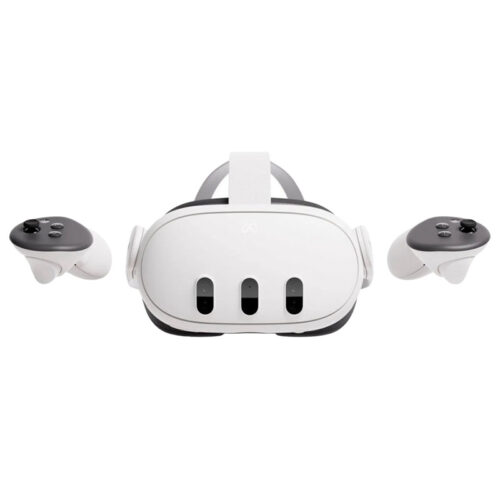
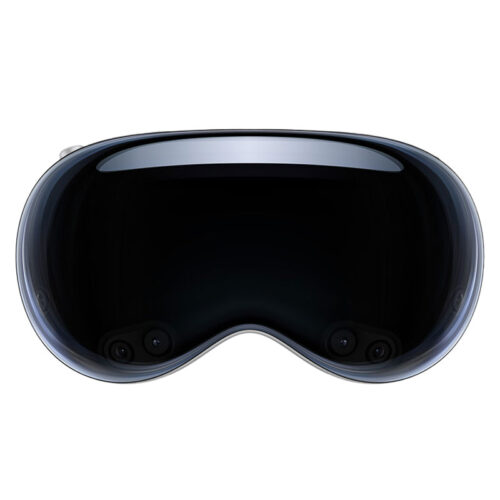
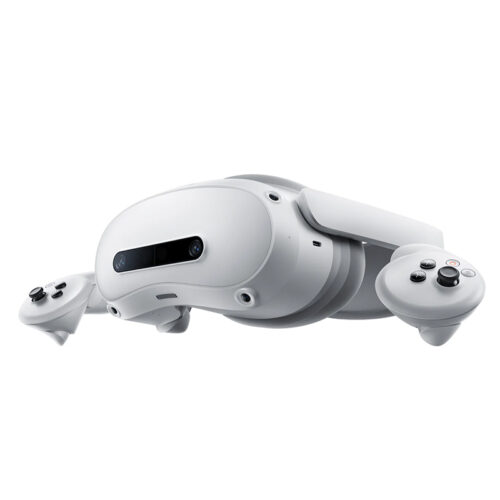
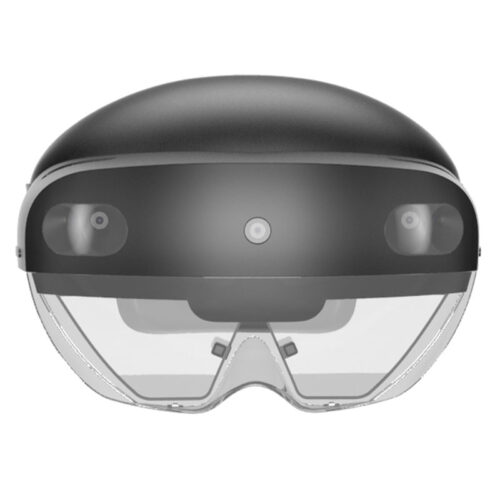
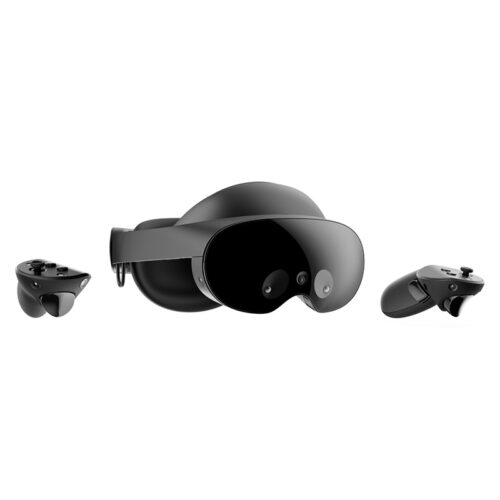
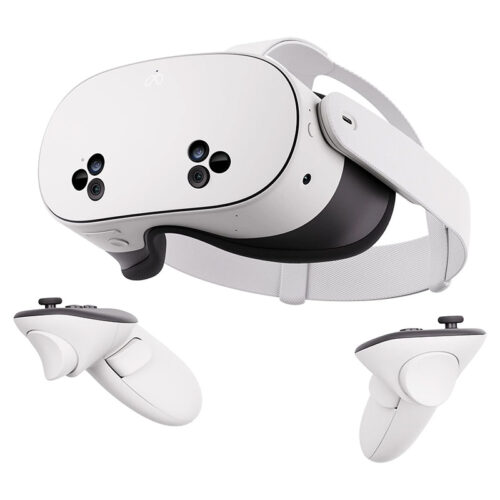
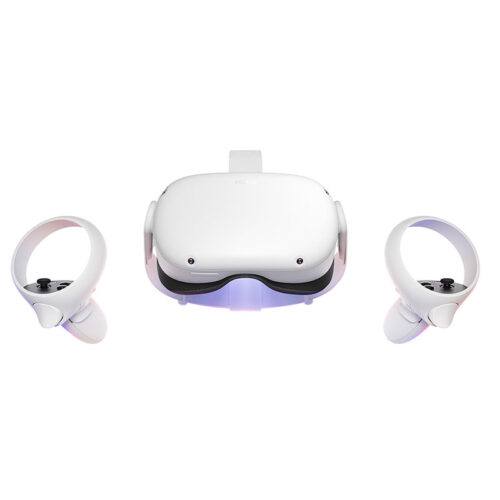
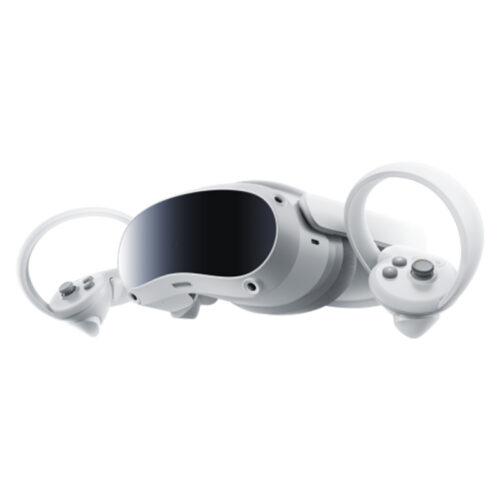
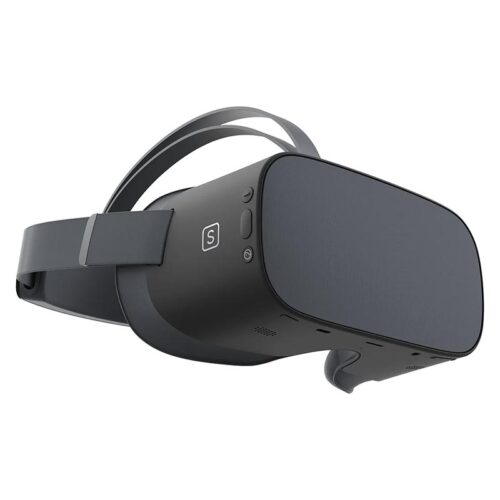
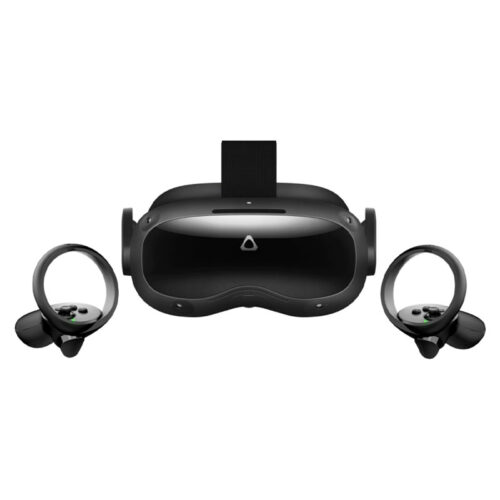
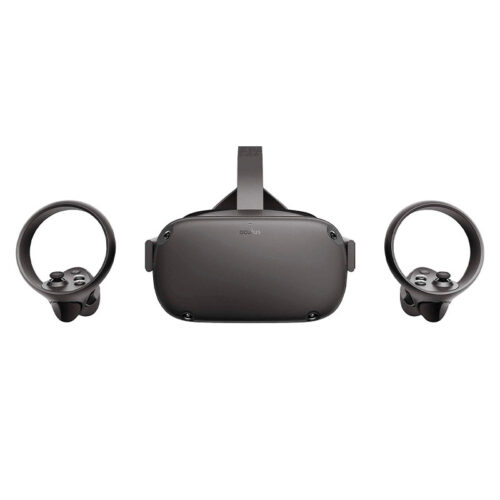
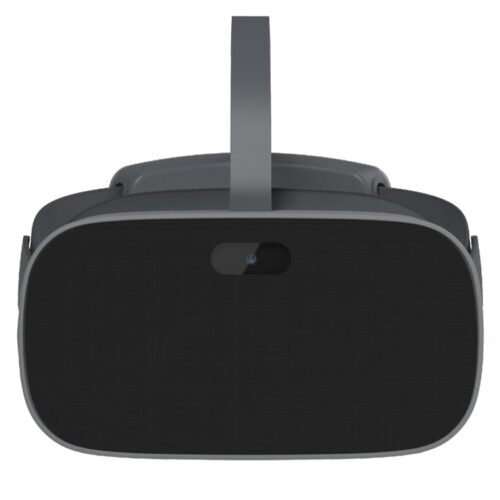
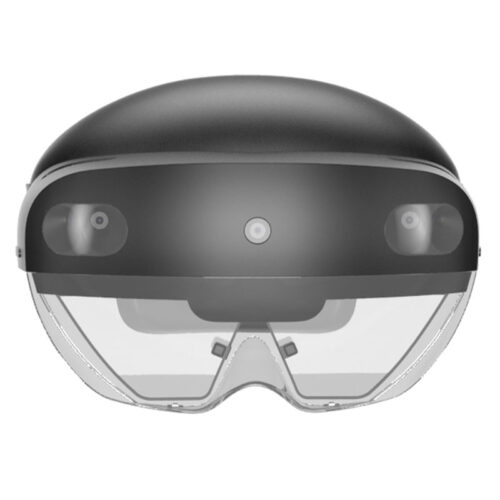
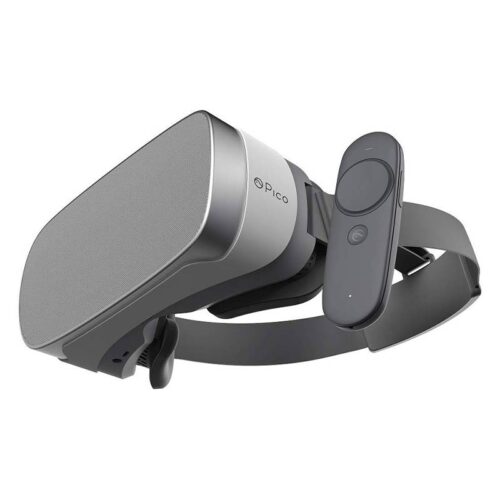
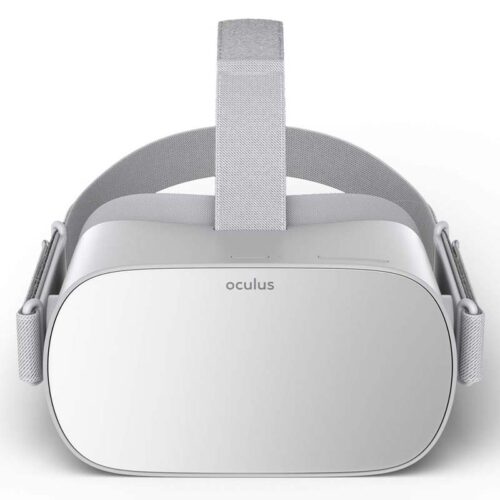
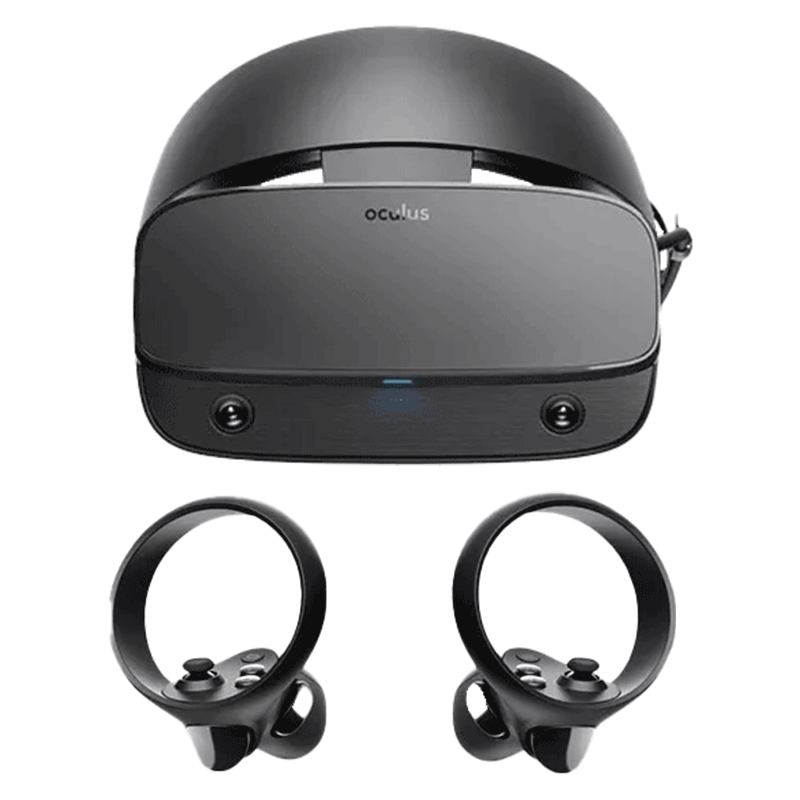
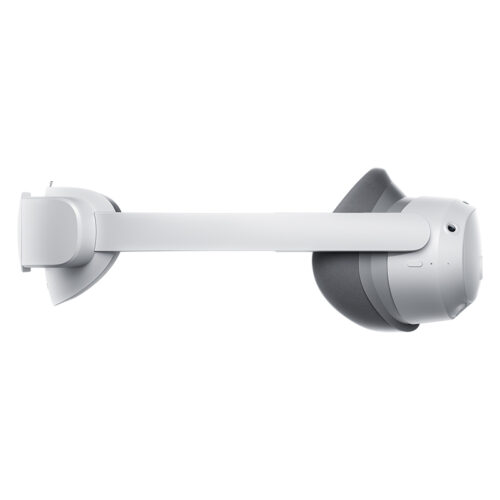
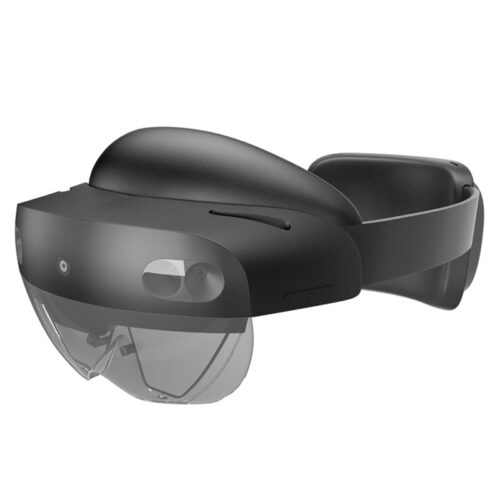
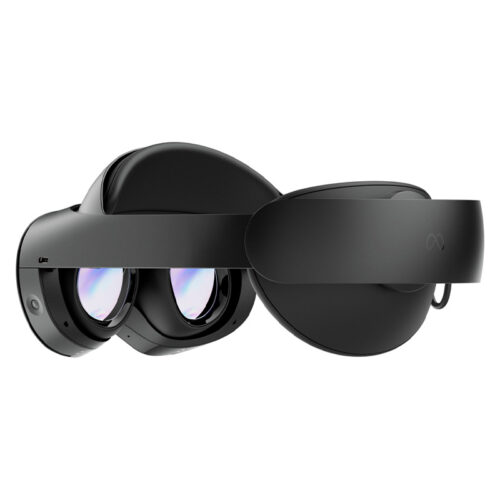
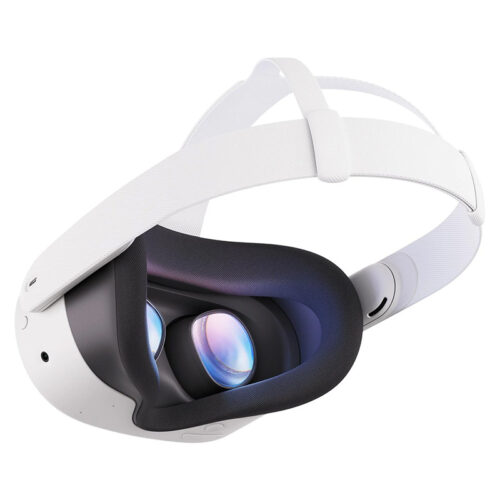
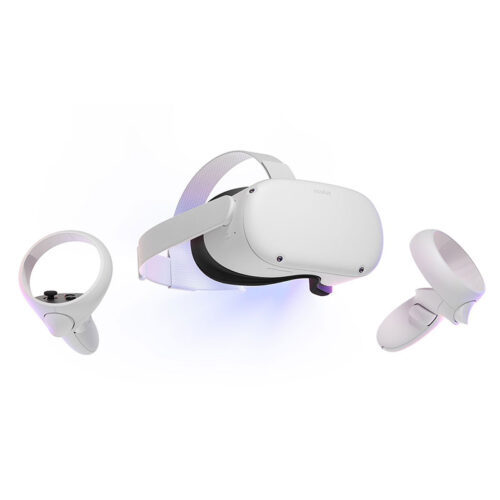
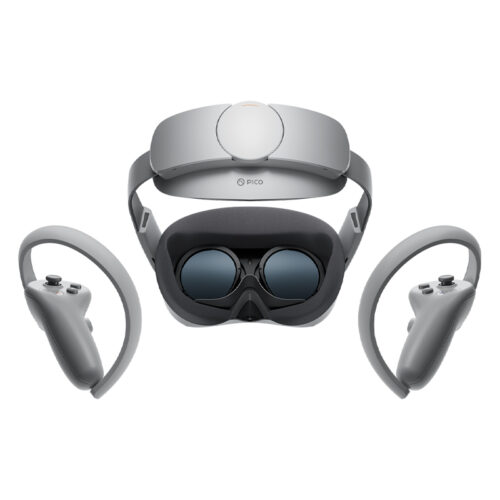
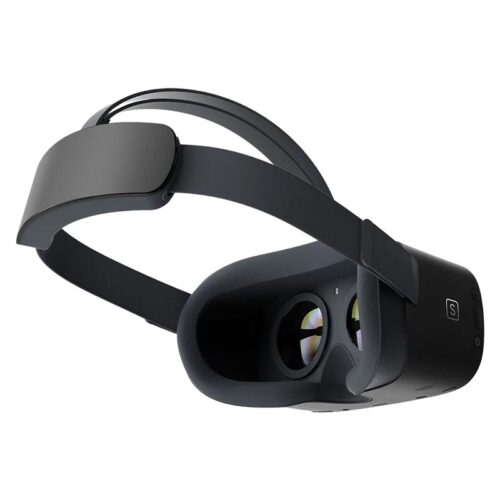
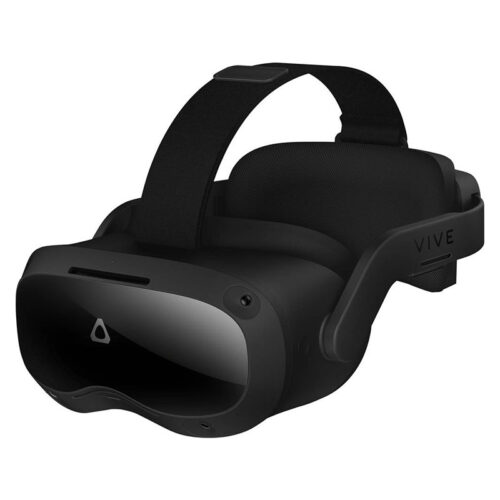
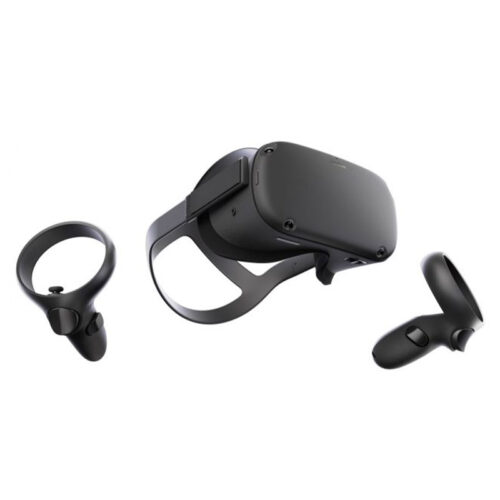
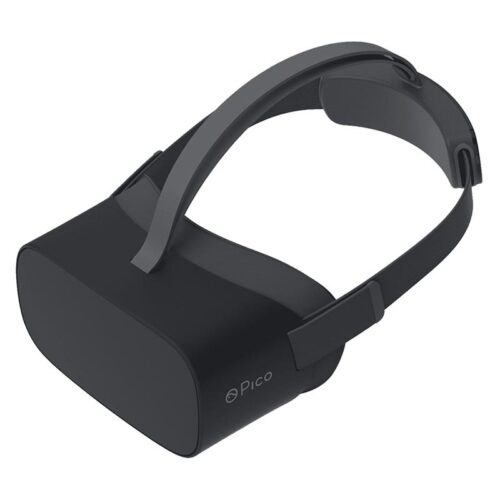
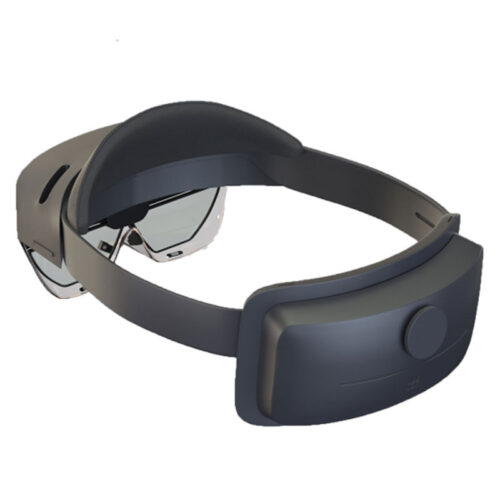
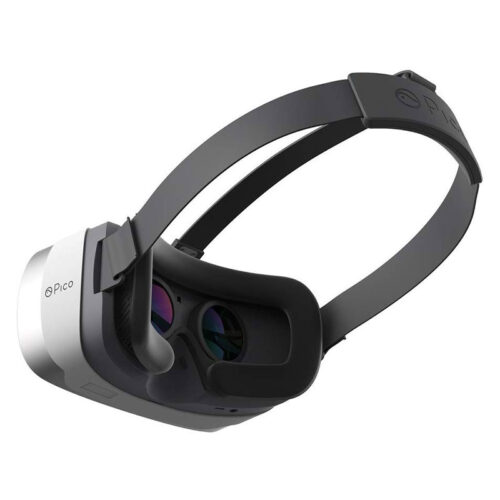
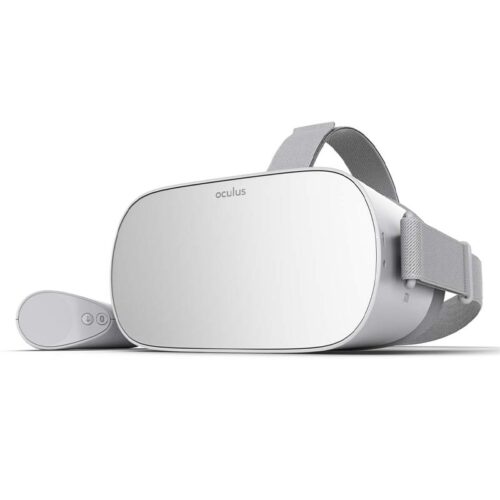
A standalone VR headset is a VR headset that works without an external computer, console, or smartphone. The processor, display, battery, tracking system, speakers, and controllers are all built into the device or included in the set. This makes standalone VR headsets particularly easy to use in a variety of locations.
This is a major advantage for companies: fewer cables, less setup time, and fewer technical dependencies. Especially at trade shows, training sessions, events, or product presentations, standalone VR headsets provide a quick and controlled introduction to virtual reality.
| Feature | Standalone VR | Advantage in a corporate setting |
|---|---|---|
| No external PC required | The application runs directly on the headset. | Less setup effort and fewer sources of error. |
| Wireless Use | Users can move around without a cable connection to the computer. | Ideal for events, training sessions, and mobile VR demos. |
| Integrated Tracking | Movements are detected directly by sensors and cameras on the headset. | No additional tracking stations are required. |
| Quick Setup | Turn on the headset, launch the app, and brief the user. | Handy for rotating groups and short demo sessions. |
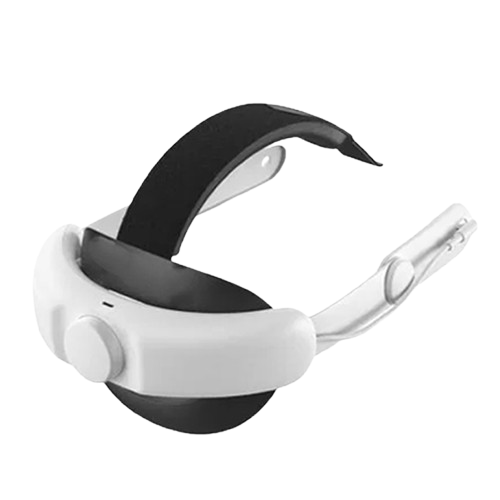
| Accessories available | Headstraps, rechargeable batteries, hygiene accessories, or carrying cases round out the setup. | This is important for large groups of users or long event days. |
Standalone VR headsets are particularly worthwhile when VR needs to be used quickly, on the go, and without complex technology. Companies often use standalone VR headsets for presentations, training sessions, workshops, recruiting, product demos, or immersive trade show experiences.
The main advantage is its ease of scalability. If multiple people are to use a VR application—either one after another or simultaneously—it’s much easier to manage multiple headsets than a traditional PC VR setup with a computer, cables, and sensors. Alternatively, we offer VR headset rentals.
Standalone VR and PC VR each have their own strengths. Standalone VR headsets are quicker to set up, more portable, and easier to maintain. PC VR is better suited when particularly high graphics performance, complex simulations, or specialized PC software are required.
| Criterion | Standalone VR | PC VR |
|---|---|---|
| Setup | Fast, wireless, no external PC required | More planning required due to the PC, cables, connections, and software |
| Mobility | Very good for changing locations | Tends to be stationary and more difficult to transport |
| Graphics performance | Good for many mobile VR and mixed reality applications | Better for demanding 3D projects, simulations, and PC software |
| Support | Simpler with many users | More technically challenging, but more powerful |
| Typical Applications | Trade shows, training sessions, events, 360-degree content, mobile demos | Simulation, architecture, engineering, SteamVR, high-end visualization |
If your project requires maximum graphics performance or PC-based software, you can PC VR rental may be the better choice. If mobility, ease of use, and quick setup are more important, standalone VR rental is usually the more suitable solution.
The right standalone VR headset depends on the content, the number of users, the location, and the desired level of quality. Simple 360-degree content has different requirements than interactive training sessions, mixed-reality demos, or professional business applications.
| Project Requirements | Appropriate Solution | What to Look For |
|---|---|---|
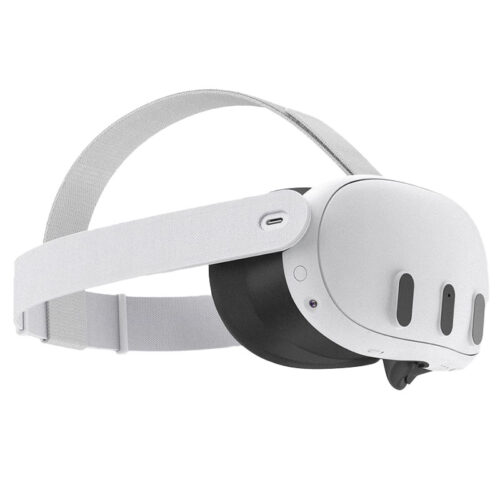
| Trade show demo with many visitors | Wireless standalone VR headsets like the Meta Quest 3 | Keep in mind ease of use, hygiene, batteries, TV streaming, and having a backup device on hand. |
| Training | Multiple identical headsets | A uniform app version, identical settings, and clear user guidance. |
| Product Presentation | Standalone VR with pre-loaded content | Keep the demo short, test the content, and prepare the flow for visitors. |
| 360-Degree Video | Standalone headset with sufficient storage | Check the file format, player, storage space, and starting point in advance. |
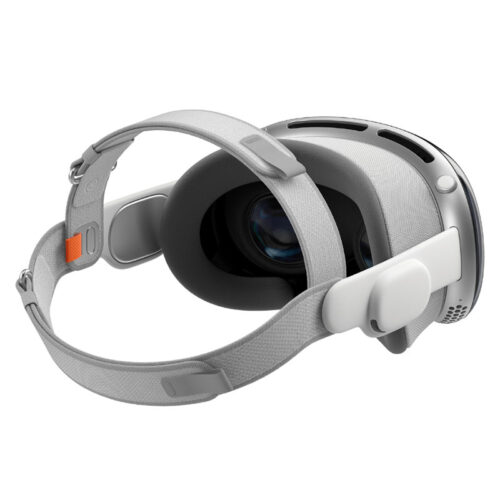
| Mixed Reality | Headsets with passthrough and MR features, such as the Apple Vision Pro | Take into account ambient lighting, the environment, app compatibility, and user guidance. |
| Large groups | Multiple headsets with accessories | Plan charging, hygiene, support, and device management well in advance. |
At trade shows and events, VR needs to run quickly. Visitors shouldn’t have to wait long, booth staff need to be able to operate the application confidently, and user handoffs need to go smoothly. Standalone VR is particularly well-suited for this because it doesn’t require an external PC.
For a professional trade show presence, you shouldn’t just plan for the headsets. TV streaming, hygiene supplies, batteries, charging stations, staff support, and a clear workflow for each demo are also important. If you want viewers to see what the person wearing the glasses is experiencing, a display at the booth can be useful.
If you want the VR experience to be visible to viewers, you can also rent a TV or rent a monitor for rental. For control, casting, or support, you can also rent a tablet may be a good idea.
Standalone VR is particularly useful for training sessions, workshops, and seminars because multiple people can work with identical headsets. This simplifies preparation, instruction, and support. Content can be set up in advance upon request so that the devices can be used right in the training room.
VR can help make processes more tangible, especially in safety training, product training, onboarding, or technical learning modules. However, it is important that all devices are running the same version and that the application has been tested before use.
A standalone VR headset is quick to set up, but for professional projects, the headset alone is often not enough. Especially when there are many users, long event days, or multiple stations, accessories should be factored into the planning from the start.
Depending on your project , there is rental of the appropriate accessories through VR Accessories.
Purchasing is a good option if headsets are used internally on a long-term basis and the company wants to handle setup, management, maintenance, updates, and storage on its own. For temporary projects, events, training sessions, or tests, rental is usually more flexible.
| Criterion | Buy a standalone VR headset | Standalone VR rental |
|---|---|---|
| Usage | Ideal for long-term use. | Ideal for events, training sessions, trade shows, and temporary projects. |
| Costs | High purchase costs and storage expenses. | Predictable rental costs for the actual period. |
| Quantity | Each additional pair of glasses must be purchased. | Quantities can be requested on a project-by-project basis. |
| Timeliness | Hardware can become technically obsolete. | Appropriate models can be selected depending on the project. |
| Accessories | Must be purchased and managed separately. | Accessories can be included directly in the planning. |
| Preparation | Configuration is handled internally by the company. | Depending on the project, pre-configuration can be requested as part of the inquiry. |
To ensure that the headsets you rent are suitable for your application, you should clarify the following points before making your request:
Standalone VR is the right choice if you want to use VR headsets flexibly, wirelessly, and without an external PC. All-in-one headsets are particularly convenient for trade shows, training sessions, events, product presentations, and mobile VR projects because they’re quick to set up and easy to manage.
At get-IT-easy, companies have the option of VR system rentals, and they can combine the headsets with accessories, TVs, routers, tablets, or other VR devices based on their needs. This creates a complete setup for your planned time frame.
A standalone VR headset is a VR headset that works without an external computer, console, or smartphone. The display, processor, battery, tracking system, and controllers are all built into the device or included in the set.
Yes, companies can take standalone VR headsets on rental from get-IT-easy for events, training sessions, trade shows, workshops, product presentations, and temporary projects.
Standalone VR works without an external PC, making it particularly portable and quick to set up. PC VR requires a powerful computer, but in return offers greater graphics performance for demanding simulations, 3D applications, or PC-based software.
Wireless standalone VR headsets, such as the Meta Quest 3, are particularly well-suited for trade shows because they’re quick to set up and work without an external PC. Other important considerations include hygiene supplies, rechargeable batteries, TV streaming, and clear on-site support.
Depending on the project, headsets can be set up. This may include pre-installed apps, pre-configured content, Wi-Fi setup, or specific default settings. The details should be discussed before submitting a request.
Not every app relies on Wi-Fi all the time just to function. However, a stable connection is often needed for app downloads, logins, updates, streaming, casting, or online content.
Many headsets allow for casting or streaming to a TV or monitor. For use at trade shows and events, the setup should be tested in advance to ensure that the headset, display, and network work together reliably.
That depends on the number of visitors, the duration of the demo, and the level of support required. For short demos, a few stations are often sufficient. If there are multiple user groups, training sessions, or a high volume of visitors, you should plan for several headsets and at least one spare unit.
CONTACT US?
For more information about standalone VR rental, pricing, the contract, or our services:
Call us at +49 9323 938 71 00.
Send us an e-mail to: rent@get-IT-easy.de.
You are currently seeing a placeholder content of Brevo. To access the actual content, click on the button below. Please note that data will be passed on to third-party providers.
More informationYou need to load content from reCAPTCHA to submit the form. Please note that doing so will share data with third-party providers.
More InformationYou are currently viewing a placeholder content from TrustIndex. To access the actual content, click the button below. Please note that doing so will share data with third-party providers.
More Information