





Guide
Browser Extensions & Fake Add-ons on Temporary Event Devices: Identifying Risks and Preventing Them Safely
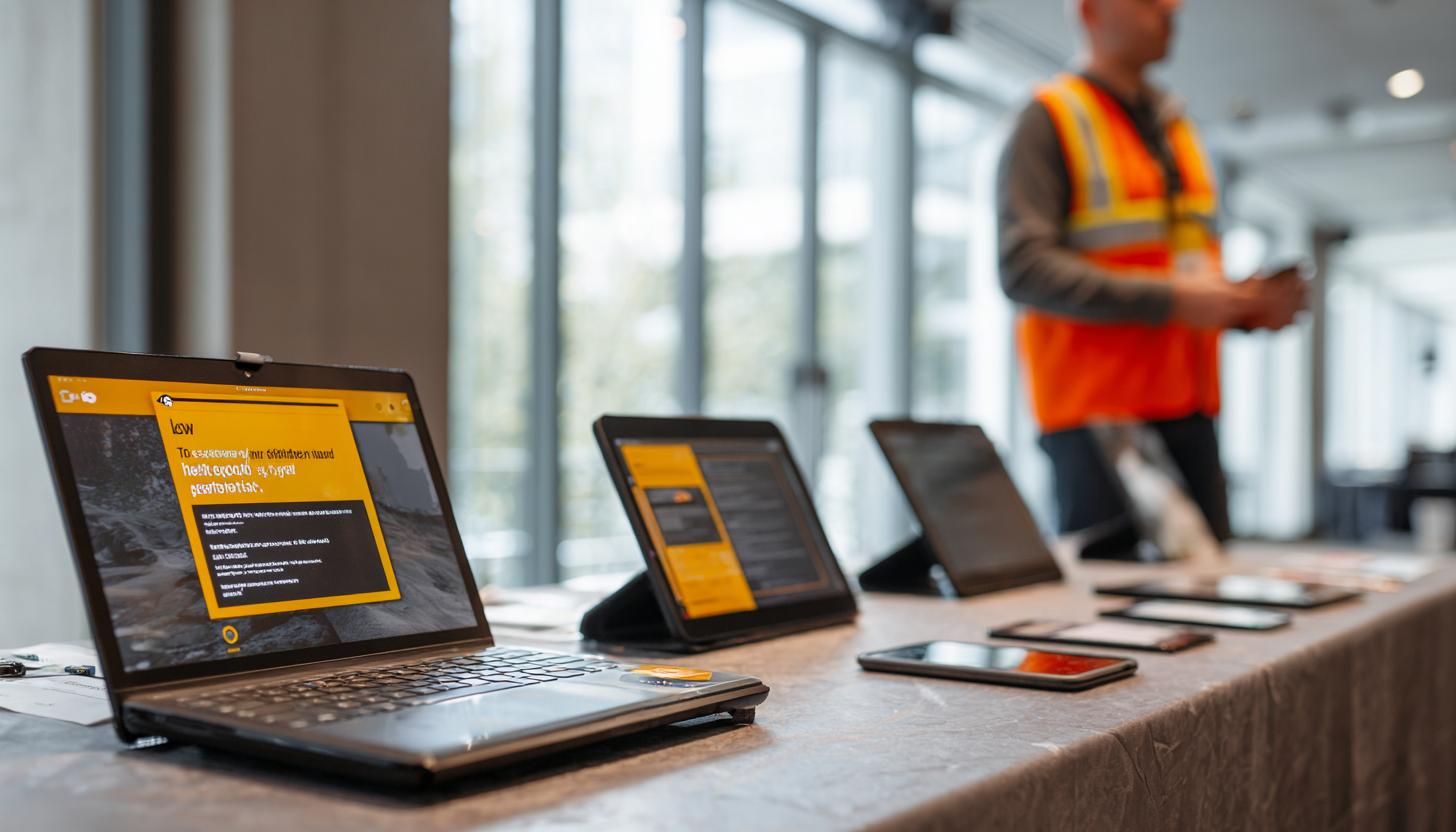
Browser Extensions & Fake Add-ons on Temporary Event Devices: Identifying Risks and Preventing Them Safely
The security of event devices has become significantly more important in recent years. Protecting against cyber threats poses a particular challenge when using temporarily provided devices—whether for large-scale events, trade shows, or conferences. A key aspect of this issue is dealing with browser extensions and fake add-ons, which can create major security vulnerabilities without being detected.
The Risks of Browser Extensions on Event Devices
Browser extensions offer a wide range of features designed to enhance the browsing experience. However, what is often overlooked is the potential for risks they may pose, especially on devices used by multiple users or only temporarily.
- Data Misuse: Many extensions require access to sensitive data, such as login credentials and browsing history, which can be exploited in the event of unauthorized use.
- Malware infection: Some seemingly harmless add-ons turn out to be malware distributors that install malicious software without the user’s knowledge.
- Compatibility issues: It’s not uncommon for extensions to cause incompatibilities with other applications and disrupt the entire workflow.
How to Spot Fake Add-ons
Fake add-ons are malicious software extensions that masquerade as useful tools. They are often offered in official stores and can deceive even experienced users.
Signs of fake add-ons:
| Indicator | Description |
|---|---|
| Unclear developer information | Missing information about the developer or the company behind the extension. |
| Excessive Permissions | Requirements that go beyond the necessary access, such as access to the entire browsing history or saved passwords. |
| Inappropriate Reviews | Negative reviews or reviews with suspicious wording or structure. |
Security Strategies for Event Equipment
To protect event devices from the risks posed by malicious extensions, various security strategies should be implemented. The following measures have proven effective:
1. Targeted device management
Use a professional device management system that monitors the status and usage of each individual device. For companies and event organizers, it is recommended to use specialized rental services, such as computer rentals for events. These services provide excellent control over software versions and ensure that no unwanted applications are installed.
2. Pre-installation of Required Software
Make sure that all necessary programs and extensions are installed on the devices before they are put into use. We highly recommend using the latest devices, such as the HP Omnibook Ultra laptop or the HP Omnibook Ultra Flip, as they are based on the latest security standards and can be easily managed centrally.
3. Use of Security Software
Install robust security software that is updated regularly and includes features for detecting and removing malware and harmful extensions. For mobile devices and tablets, experts often recommend additional solutions such as anti-theft protection for tablets to ensure physical security and, consequently, data protection.
4. Device Protection Through Anti-Theft Devices
In addition to digital protection, physical security should also be considered: Professional anti-theft devices for event technology effectively protect hardware from theft and tampering, ensuring that the devices can be returned undamaged after the event.
Support from a Professional B2B Rental Service
Another key factor in ensuring the security of event equipment is that it is provided by a reliable B2B rental service platform. Such providers not only supply the appropriate hardware but also handle security-compliant configuration and offer personalized advice on equipment selection and appropriate security measures.
- Configuration Services: All rented equipment is configured in compliance with security standards and tailored to the specific requirements of the event.
- IT Support During the Event: Expert on-site support is available to resolve any potential issues immediately.
- Return and Data Erasure: After the event, the provider guarantees complete data erasure to ensure that sensitive information remains inaccessible.
FAQ on Fake Add-ons and Event Device Security
How can I effectively avoid fake add-ons?
Take a close look at the reviews and developer information for the extensions. Avoid extensions that request more permissions than they need to function. For particularly sensitive applications, it is recommended that you use only rented, preconfigured computers with verified software.
Is it safe to install your own extensions on Event devices?
It is recommended that you rely on the pre-installed extensions to minimize potential risks. You should only install your own extensions after conducting a thorough security check. Ideally, you should use laptops from a rental service that have been configured with the latest settings and on which all extensions have been installed and checked in advance.
What are the benefits of a B2B rental service for event equipment?
A reliable rental service offers preconfigured, secure devices and ensures that all devices can be reused or returned immediately after the event. Additional services, such as theft protection and secure return, further minimize risks effectively.
Conclusion
Security remains an ongoing challenge in the modern, digital world. Browser extensions and fake add-ons can pose significant security risks, especially when using temporary event devices. By recognizing these risks and implementing appropriate protective measures—ranging from targeted device management and suitable anti-theft protection for tablets to the use of a professional B2B rental service—companies can safeguard the integrity of their data and ensure the success of their events. For a robust security solution and to effectively minimize risks, it’s worth sourcing devices from specialized rental services that offer comprehensive security and support packages in addition to hardware.
Read more - You may also be interested in
Would you like to delve deeper into the topic or discover similar content? Below, we have compiled three additional articles for you that are thematically related to this article. These may also be relevant and interesting for your company.

Leasing Solutions for Businesses
Bring-Your-Own-Device vs. Rented Devices: When Each Strategy Is Worth It for Doctoral Programs
BYOD or Rented Devices? 📱 Find out which strategy is best for promotions in 2026—considering
Aug

Leasing Solutions for Businesses
TV/Display Rentals for Trade Show Booths & Events: Resolution, Mounts/Stands, Setup & Data Protection
TV and Display Rentals for Trade Show Booths and Events: Tips on resolution, mounts, stands,
Aug

Guide
Transfer Data Quickly Between PCs Without a USB Drive: Simple Methods for Event Teams
Transfer data quickly between PCs without a USB drive: simple, secure methods for event teams—from
Aug

Technology Trends
EUDI Wallet & Digital Identities: Potential Applications for Check-In, Access Control, and Verification at Events
EUDI Wallet at Events: Digital identities for fast check-in, secure access control, and reliable verification.
Aug

Sustainability
Making Packaging & Logistics Sustainable: Reusable Shipping Containers, Return Shipping Processes, and CO2 Reduction
📦 Making Packaging & Logistics Sustainable: Reusable shipping boxes, efficient return processes, and lower CO₂
Aug

Technology Trends
5G & Alternative Event Internet: Wi-Fi/5G Setup, VoWiFi, and Stratospheric Internet—What’s Realistic?
A Look at Internet for Events in 2026: 5G, Wi-Fi Setup, VoWiFi, and Stratospheric Internet.
Jul

Guide
Secure Wi-Fi on the Go & at Events: Which Smartphone/Hotspot Features You Should Disable and Why
Secure Wi-Fi on the Go & at Events: These Smartphone & Hotspot Features You Should
Jul

Guide
Geofence Warrants & Data Privacy: What Companies Need to Know About Location Data, Event Tracking, and Apps
Geofence Warrants & Data Protection 2026: What Companies Need to Know About Location Data, Event
Jul