





Guide
iPad Floor Stands: The Ultimate Guide to Sturdy Tablet Mounts
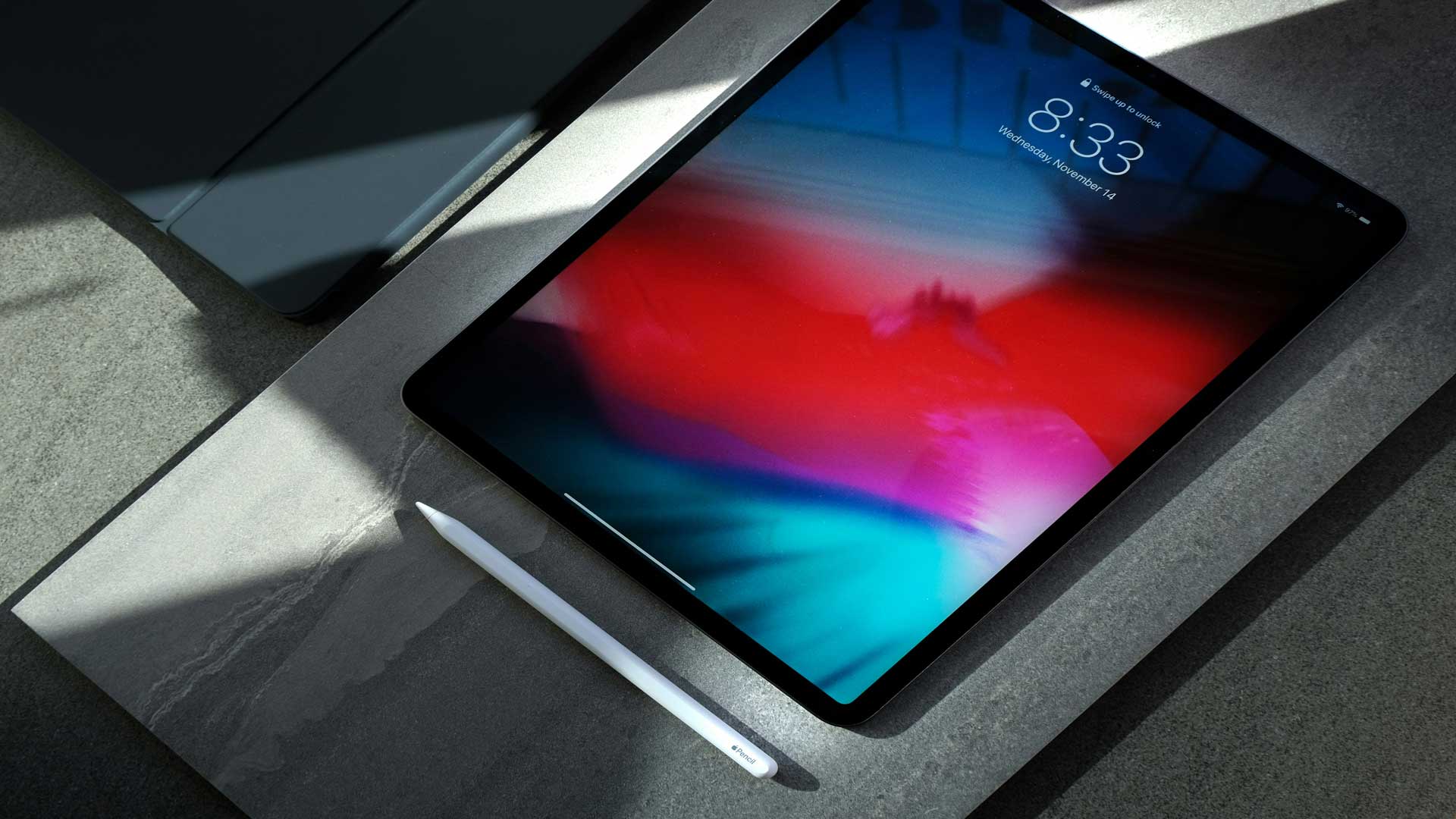
Whether for presentations, as an information kiosk in public areas, or for convenient use at home—a reliable floor stand makes all the difference. This comprehensive guide provides you with all the information you need to find the ideal iPad floor stand that combines stability, flexibility, and durability. Discover the different types, key buying criteria, and get answers to frequently asked questions.
Different Types of iPad Floor Stands
iPad floor stands come in a wide variety of designs and features to meet different needs. Here are some of the most popular types.
1. Standard Floor Stand
These stands are ideal for general use and provide sturdy support for your iPad. They are usually made of metal or durable plastic and ensure that the tablet stands securely and firmly.
2. Height-adjustable floor stands
This version allows you to adjust the height of the stand, which is especially useful when people of different heights are using the iPad. Ideal for events or interactive presentations.
3. Floor stand with swivel function
Some models allow you to rotate the iPad and switch between portrait and landscape orientation without having to remove the tablet from the mount. This is particularly useful for presentations or when using the device as an information kiosk.
Universal iPad Floor Stand: The iPad floor stand is designed to perfectly accommodate all standard iPad models and provide them with a stable and secure hold. This universal compatibility ensures that users of different iPad versions don’t have to worry about a perfect fit. The stand’s ergonomic height allows for comfortable viewing and use of the iPad, making it ideal for extended periods of use, such as those often encountered at trade shows or in retail settings.
The iPad floor stand thus combines not only functionality with safety, but also with an attractive design that looks great in any setting. Whether painted or made of stainless steel, the mount rotates 360° and all settings can be locked in place to ensure an optimal user experience.
4. Safety Floor Stand
These stands are specifically designed for public spaces where additional protection against theft is required. They are often equipped with a lock or other security features.
iPad Pro Floor Stand: The security floor stand for the iPad Pro is specifically designed to meet higher security requirements and the unique needs of professional users. With its sturdy construction, this stand holds the iPad Pro securely in place and offers the following benefits and features:
- Secure Hold: Thanks to its precise design, the iPad Pro stays firmly and securely in the stand, even in high-traffic areas such as trade show booths or public facilities.
- Charging While in Use: A built-in charging feature ensures that the iPad Pro remains ready for use at all times without having to be removed from the stand.
- Integrated Ventilation: To prevent the device from overheating during extended use, the stand is equipped with a ventilation system that ensures continuous air circulation.
- Versatile uses: The stand can be used both as a convenient mount for interactive applications and as a lectern for presentations. This offers a high degree of flexibility depending on the application.
The iPad Air Floor Stand: The iPad Air Floor Stand is specifically designed to fit the dimensions of Apple’s iPad Air models. It not only offers a perfect fit but also a comfortable height that’s ideal for effectively showcasing presentation materials. Whether during sales pitches, at trade shows, or during conferences, this stand ensures that your content is shown to its best advantage.
Another feature is the special Bluetooth transmitters, which allow multiple Bluetooth headphones to be connected to the iPad Air at the same time. This feature is ideal for interactive applications in which multiple users are to experience audiovisual content simultaneously without disturbing other visitors.
5. Mobile floor stand
Mobile floor stands are equipped with casters, which make them easy to move. They are ideal for environments where the iPad needs to be moved regularly between different locations.
Table: Features of the Different Types of iPad Floor Stands
| Type | Adjustability | Safety | Mobility |
|---|---|---|---|
| Standard Floor Stand | No | Base | No |
| Height-Adjustable Stands | Yes | Base | No |
| Swivel Floor Stands | Yes | Base | No |
| Safety Floor Stands | Limited | High | No |
| Mobile Floor Stand | Yes | Base | Yes |
Conclusion
Choosing the right iPad floor stand can play a significant role in presenting your digital content professionally and securely. Whether for trade shows, retail settings, or events, the right stand not only ensures a secure and appealing display of your iPad but also provides comfort and ease of use for your customers and guests. With the various models and customization options available, you’re sure to find the ideal floor stand that meets your needs.
In addition, get-IT-easy offers you the option for rental of not only iPad floor stands but also iPads and other tablets. This provides a flexible and cost-effective solution, especially for temporary events and projects where purchasing hardware would be uneconomical. With get-IT-easy, you can be sure that you’ll receive both the technical equipment and the support you need to successfully carry out your event or project.
Frequently Asked Questions About the iPad Floor Stand
1. Do all iPad models fit in the iPad floor stands?
Yes, most of our iPad floor stands are designed to fit all standard iPad models. However, specific models, such as the iPad Air floor stand, are designed exclusively for the dimensions of the iPad Air to ensure a perfect fit.
2. Can the iPad be charged while it’s in the floor stand?
Yes, all of our iPad floor stands feature a built-in charging function. The cable is typically routed through the stand and can be extended with additional, longer cables as needed to ensure a continuous power supply even during long days of use.
3. Does the iPad floor stand offer security features to protect against theft?
Absolutely. Many of our floor stands are equipped with security features, including the ability to lock the device into the frame. This prevents the iPad from being removed without authorization and is particularly useful for devices used in public or semi-public areas.
4. Is it possible to use multiple audio outputs at the same time?
Yes, some of our models offer the option to use special Bluetooth transmitters that allow multiple headphones to be connected to the iPad at the same time. This option is ideal for presentations or interactive stations where multiple users are expected to participate at the same time.
Read more

Tablet comparison and overview: The best tablets on the market
The best tablets on the market: Powerful models for business and leisure – rent flexibly
Feb

iPad vs. laptop: which is better suited to your needs?
iPad vs. laptop: Which device suits your needs better? Comparison of flexibility and performance!
Feb

The Benefits of Preconfigured Devices for Your Business
Benefits of preconfigured devices: Get up and running efficiently, save time, and take advantage of
Jan
Read more - You may also be interested in
Would you like to delve deeper into the topic or discover similar content? Below, we have compiled three additional articles for you that are thematically related to this article. These may also be relevant and interesting for your company.

Leasing Solutions for Businesses
Rental vs. Buying Trade Show and Event Hardware: Costs, Flexibility, and Typical Setups for Businesses
Rental of trade show and event equipment instead of buying it: Cut costs, stay flexible,
Sep

Leasing Solutions for Businesses
Bring-Your-Own-Device vs. Rented Devices: When Each Strategy Is Worth It for Doctoral Programs
BYOD or Rented Devices? 📱 Find out which strategy is best for promotions in 2026—considering
Aug

Leasing Solutions for Businesses
TV/Display Rentals for Trade Show Booths & Events: Resolution, Mounts/Stands, Setup & Data Protection
TV and Display Rentals for Trade Show Booths and Events: Tips on resolution, mounts, stands,
Aug

Guide
Transfer Data Quickly Between PCs Without a USB Drive: Simple Methods for Event Teams
Transfer data quickly between PCs without a USB drive: simple, secure methods for event teams—from
Aug

Technology Trends
EUDI Wallet & Digital Identities: Potential Applications for Check-In, Access Control, and Verification at Events
EUDI Wallet at Events: Digital identities for fast check-in, secure access control, and reliable verification.
Aug

Sustainability
Making Packaging & Logistics Sustainable: Reusable Shipping Containers, Return Shipping Processes, and CO2 Reduction
📦 Making Packaging & Logistics Sustainable: Reusable shipping boxes, efficient return processes, and lower CO₂
Aug

Technology Trends
5G & Alternative Event Internet: Wi-Fi/5G Setup, VoWiFi, and Stratospheric Internet—What’s Realistic?
A Look at Internet for Events in 2026: 5G, Wi-Fi Setup, VoWiFi, and Stratospheric Internet.
Jul

Guide
Secure Wi-Fi on the Go & at Events: Which Smartphone/Hotspot Features You Should Disable and Why
Secure Wi-Fi on the Go & at Events: These Smartphone & Hotspot Features You Should
Jul