





-
×

-
×
-
×
-
×
-
×
-
×
-
×
-
×
-
×
-
×
-
×
-
×
-
×
-
×
-
×
-
×
-
×
-
×
-
×
-
×
-
×
-
×
-
×
-
×
-
×
-
×
-
×
-
×
-
×
-
×
-
×
-
×
-
×
-
×
-
×
-
×
-
×
-
×
-
×
-
×
-
×
-
×
-
×
-
×
-
×
-
×
-
×
-
×
-
×
-
×
-
×
-
×
-
×
-
×
-
×













Guide
Data Protection at Trade Show Booths: Secure Data Deletion, Device Resets, and Handling Customer Data
Data Protection at Trade Show Booths: Secure Data Deletion, Device Reset, and Professional Handling of Customer Data
Anyone who works at trade shows, roadshows, conferences, and promotional events using rental tablets, smartphones, laptops, touchscreens, or scanner solutions is almost always processing personal data. Even something as simple as lead generation at a booth, a sweepstakes entry form, a digital product configurator, or scheduling an appointment for a follow-up meeting can involve names, email addresses, phone numbers, company information, or other sensitive data. That is precisely why data protection at the trade show booth in 2026 will no longer be a side issue, but rather an integral part of professional trade show planning.
For companies, this means that data protection must be properly regulated not only from an organizational standpoint but also from a technical one. Especially when it comes to leased mobile devices, a comprehensive approach to secure use, controlled handover, centralized management, device reset, and verifiable data erasure is essential. Those who take a professional approach in this area not only protect the rights of visitors but also their own brand, their sales team, and the company’s compliance.
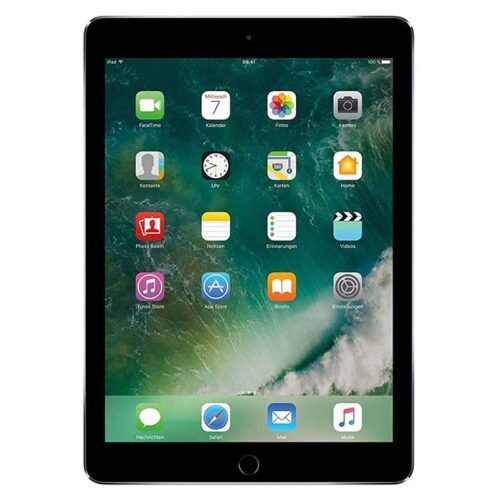
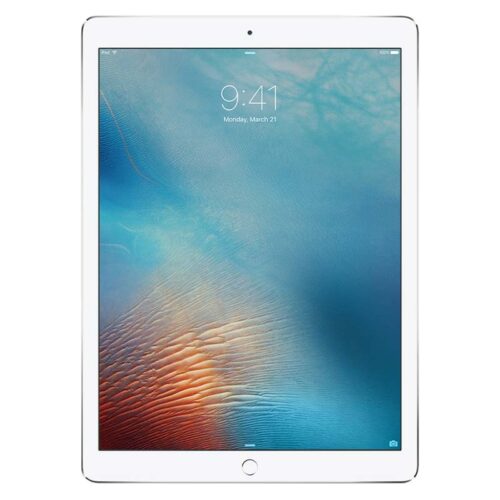
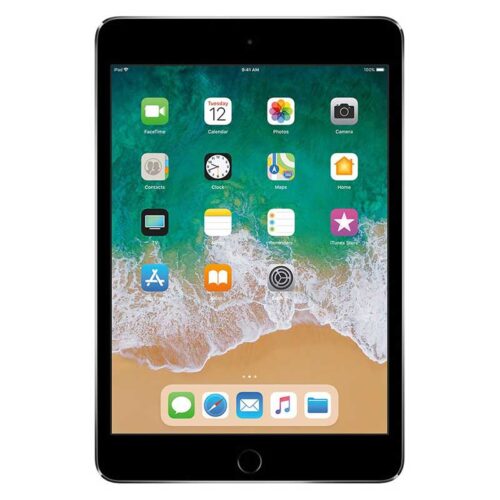
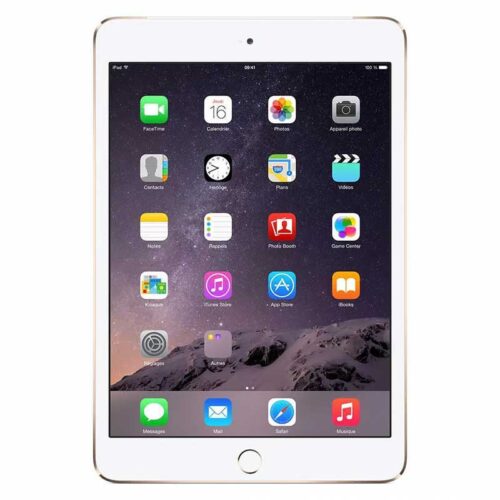
In this article, we examine the most important data protection requirements for trade show booths in 2026. We focus on current expectations regarding data security, practical on-site measures, typical risks, technical safeguards, and the role of professionally prepared rental devices. Rental of preconfigured technology offers significant advantages, especially for B2B companies that need large quantities of iPads, Android tablets, smartphones, laptops, or kiosk systems on short notice.
Why Data Privacy Is Especially Important at Trade Show Booths in 2026
The demands placed on companies have not decreased in recent years. Data protection authorities in Europe continue to place a strong emphasis on transparency, data minimization, data deletion policies, access controls, and the proper use of digital systems. At the same time, trade show formats have become more digital. Leads are captured directly via apps, event systems run on the cloud, scanners are connected to CRM platforms, and product demos are often displayed on connected devices.
This increases the attack surface. An unattended tablet with exposed customer data, a smartphone without a passcode, or a loaner device that hasn’t been wiped after an event ends can already constitute a data breach. What’s particularly critical is that people often work under time pressure at trade shows. Devices are passed around on the fly, teams rotate, service providers set up and take down booths, and no one checks in detail anymore to make sure all data has actually been removed.
This is precisely where improvised technology differs from professionally managed rental solutions. Anyone requesting equipment for events should consider not only availability and design, but also standardized data protection processes, mobile device management, secure handover, and documented reset procedures.
What types of personal data are typically processed at the exhibition booth
Many companies underestimate how much data subject to privacy regulations is collected at a trade show booth. It’s not just about traditional contact information. Device identifiers, appointment preferences, meeting notes, interest profiles, visit times, or information about specific investment plans can also be personally identifiable. With B2B contacts, linking the data to a specific individual is often easier than one might think.
- Contact information such as name, email address, phone number, and position within the company
- Company-related information that is personally identifiable, such as areas of responsibility or purchasing interests
- Digital forms, lead data, and visit notes from sales apps
- Data from appointment scheduling, newsletter sign-ups, or contests
- Photos, videos, or recordings from product demos and booth activities
- Employee login credentials, accounts in trade show apps, and CRM integrations
In 2026, the question of which data is truly necessary will be particularly relevant. The principle of data minimization plays a major role at trade shows. Not every field on the form is required. The less data that is collected, the lower the risk, administrative burden, and need for deletion.
The Most Common Data Privacy Risks at Trade Shows and Events
In practice, similar vulnerabilities arise time and again. Many of them are not technologically complex, but rather result from a lack of processes or unclear responsibilities. That is precisely why structured preparation is worthwhile.
| Risk | Typical Example | Possible Consequence | Recommended Action |
|---|---|---|---|
| Unauthorized Access | Tablet Left Unlocked at the Counter | Access to customer data, data breach | Automatic screen lock, kiosk mode, user permissions |
| Failure to Delete Data | Loaned device is returned after the trade show without being reset | Personal data remains on the device | Standardized device reset and documented data erasure |
| Insecure Apps | Lead App stores data locally in unencrypted form | Data leakage in case of loss or theft | Verified apps, encryption, MDM policies |
| Open Networks | Employees use unsecured Wi-Fi | Interception of data or accounts | VPN, secure hotspots, separate networks |
| Unclear Responsibilities | No one knows who ultimately controls the devices | Forgotten data, open sessions, organizational shortcomings | Clear roles, checklists, handoff protocols |
Proper Preparation of Equipment Before the Trade Show
Data protection doesn’t begin on the last day of the trade show—it starts during the preparation phase. When companies use mobile devices on a rental basis, the devices should be set to a secure default state before delivery. This includes up-to-date operating systems, defined user profiles, limited app installations, disabled unnecessary services, and configured security settings.
Using a mobile device management system is particularly useful. It allows for the centralized configuration of iPads, Android tablets, smartphones, and, in some cases, laptops. Apps can be preinstalled, restrictions can be set, and security policies can be rolled out uniformly. Kiosk mode is also well-suited for use at the trade show booth. In this mode, the device is restricted to one or a few applications. This reduces user errors and prevents third parties from accessing other areas of the system.
For companies with large-scale rollouts, device rentals are often significantly more efficient than relying on internal inventory on short notice. For example, if you need a high-quality Android device for interactive product presentations, you can use a Samsung Galaxy Tab S9 for rental purposes and have it secured and prepared specifically for your project. In-house devices, on the other hand, often contain legacy data, personal settings, or old accounts. Professionally rented devices can be set up cleanly for the specific event and reset in compliance with data protection regulations once the event is over.
Device Reset After the Event: What to Expect in 2026
Simply checking the Photos app or manually deleting individual files is not enough. A professional device reset means that all data, accounts, logins, cache contents, offline files, browser sessions, and configurations stored on the device are removed. The goal is to return the device to a defined neutral state.
Depending on the device type and operating system, this can be done via a full factory reset, MDM-controlled wipe processes, or standardized re-provisioning procedures. It is also important to check third-party applications. Many trade show apps temporarily store data locally, even if the actual processing takes place in the cloud. This includes login tokens, export files, PDF downloads, offline leads, or automatically generated preview files.
In 2026, it will also be crucial for companies not only to delete data but also to ensure that the deletion process is organized in a way that is traceable. This is particularly important when various parties are involved, such as marketing, sales, agencies, event service providers, and equipment rental companies. Those who clearly document the reset and deletion process minimize subsequent inquiries and compliance risks.
Data Erasure for Rented Equipment: Why Standardized Processes Are So Important
Secure data erasure is a key quality feature, especially in the B2B rental of technology and mobile devices. Today, customers rightly expect that rented devices are not only fully functional and in pristine condition, but are also handled professionally with regard to data protection. This applies in both directions. Before delivery, the device must be free of any data left by a previous user, and after return, current project data must be reliably erased.
A professional rental process therefore involves several steps. Devices are inspected before being issued, configured for specific projects upon request, and cleaned according to standardized procedures after they are returned. Ideally, companies can determine exactly whether a basic configuration, a kiosk setup, pre-installed apps, or complete fleet management is needed for the event.
This is a real advantage for trade show projects involving a large number of devices. Instead of taking inventory of dozens or hundreds of devices in-house, preparing them manually, and then resetting them, marketing and event teams can rely on scalable rental solutions. This saves time and ensures security.
What Companies Should Keep in Mind When Handling Customer Data at Their Booths
In addition to technology, the behavior of booth staff is crucial. Even the best security plan is of little help if leads are recorded in plain sight, tablets are left unattended, or visitor data is recorded haphazardly. Data protection at the trade show booth is always a matter of training as well.
- Collect only necessary data and keep forms concise
- Inform visitors transparently about the purpose, scope, and retention period
- Never leave devices unsecured or unlocked
- Limit team access to the necessary extent
- Close sessions and exit sensitive views after each use
- Avoid making handwritten notes containing personal information, or store them securely
- Systematically check devices, apps, and data sets at the end of the event
It is also important to ensure consistency between your trade show presence and your data protection documentation. Anyone who generates leads through forms, obtains consent for newsletters, or schedules appointments digitally needs appropriate privacy notices and clear processes for further processing. This also applies to CRM transfers, export files, and follow-up activities by the sales team.
The Cloud, Apps, and Interfaces: The Often-Underestimated Aspect of Data Protection
When it comes to data protection at the 2026 trade show booth, many companies focus on the physical device. That’s important, but it’s not enough. In practice, many risks lie in the connected systems. Lead-generation apps, event platforms, scheduling tools, cloud storage, email systems, and CRM interfaces must be used in compliance with data protection regulations. The key factors are where data is stored, who has access to it, and whether synchronization is secure.
The division of roles should also be clearly defined. When multiple service providers are involved, responsibilities for hosting, app operation, support, and data deletion must be clearly defined. Otherwise, especially with short-term event setups, it’s easy for no one to know exactly which data is still stored on which system.
For companies, it therefore makes sense to consider not just the hardware, but the entire technical environment of the trade show. A professional rental solution can help here, as devices and configurations can often be integrated into a clearly defined project structure. This also applies to mobile sales teams, who additionally rent smartphones and use them specifically for lead-generation apps, scheduling appointments, or two-factor authentication.
Don’t forget about physical security at the booth
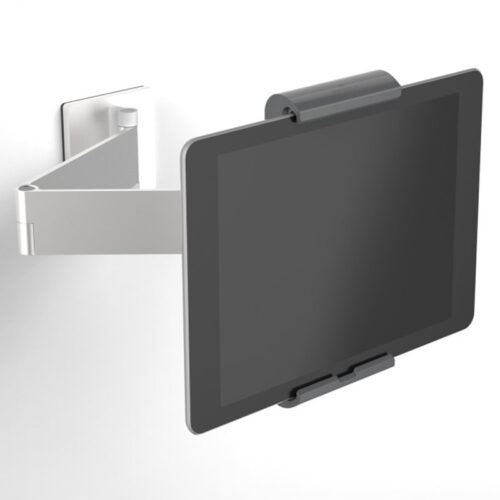
Data protection doesn’t end with software and deletion processes. Physical security is also important. Whenever possible, devices should be placed in mounts, protected against being taken without permission, and stored securely outside of business hours. Portable battery packs, scanners, and smartphones can easily get lost in the hustle and bustle of a trade show. Even the loss of a single unsecured device can result in an incident that must be reported.
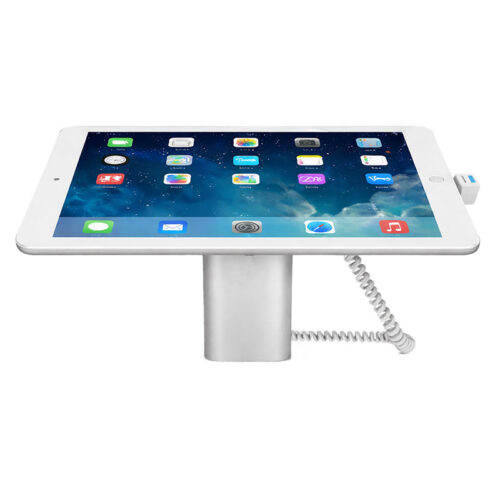
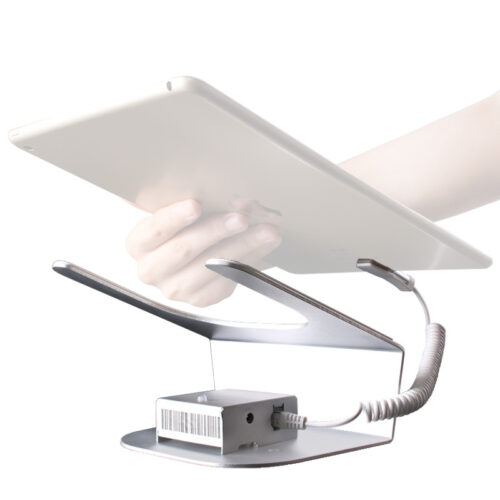
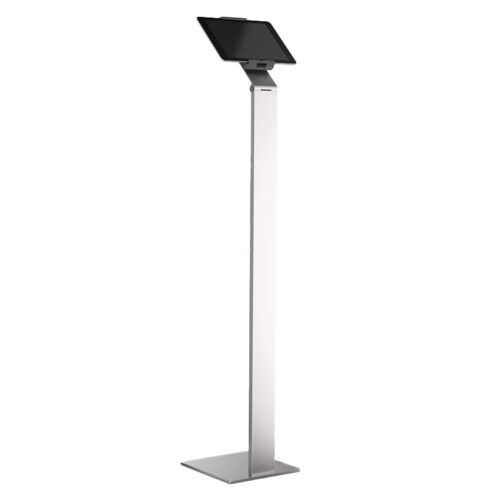
Especially at demo stations that are open to the public, it’s a good idea to equip tablets and displays with a professional anti-theft device designed for trade show equipment. This significantly reduces the risk of hardware being stolen on the spot without limiting usability at the booth.
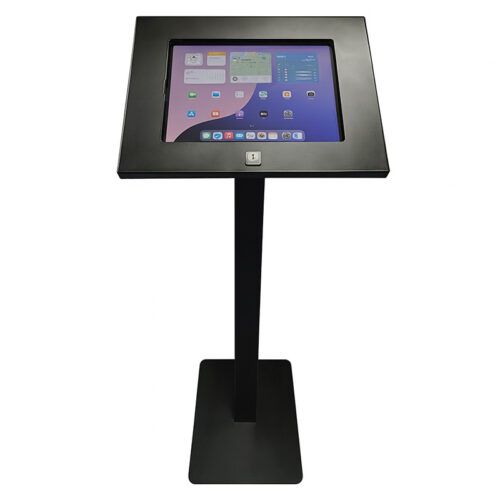
Particularly with self-service stations or interactive demos, it is important to ensure that no previous entries remain visible. Browser forms, chat histories, contact forms, or test accounts must be completely reset between uses. If the device is used by many different people, a restricted kiosk mode is almost always the best choice. For tablets in public areas, a fixed solution such as the MAX Tablet V3 anti-theft device may also be useful when both secure operation and physical protection are required.
Choosing the Right Equipment for Data-Sensitive Trade Show Applications
Not every device is suitable for every application. For digital forms, lead capture, or product consultants at the counter, tablets are often the best choice. If, on the other hand, employees need to move around between the booth, the back office, and outdoor areas, smartphones make more sense. For longer data entry, CRM work, or preparing presentations on-site, laptops can offer advantages.
Anyone who works in the Apple ecosystem and wants to use a familiar iOS device for off-site meetings or VIP support can, for example, opt for rental of an iPhone 15. For teams that edit presentations, Excel reports, or proposal documents directly at the event, it often makes sense to include a lightweight device like the MacBook Air 15″ M2 in their rental setup. It’s always crucial, however, that these devices are operated with clearly defined roles, secure logins, and a mandatory data-wiping policy.
Considering Interactive Displays as a Factor in Data Protection
Large touchscreens attract attention, but they also raise the bar for data protection and access security. As soon as forms, configurators, catalogs, or check-in processes are running on a display, the same core requirements apply as for tablets or smartphones. Content must be displayed in a controlled manner, personal data must be protected, and sessions must be properly terminated.
Anyone who wants to use an interactive presentation system at their booth should consider not only visual impact but also secure configuration. This is especially true when companies use a 55-inch touchscreen monitor for rental purposes and use it as a self-service terminal or consultation station. Without kiosk mode, timeout rules, and controlled reset functions, unwanted data traces can remain even on large displays.
Why Rental Makes More Sense Than Buying for Many Trade Show Projects
Many companies have a few tablets or laptops available internally. This may be sufficient for small-scale events. However, for larger trade shows, international events, or short-term campaigns, internal device inventories quickly reach their limits. In addition to availability and a consistent look, data protection is a key reason to use rental equipment that has been professionally set up.
Rented devices can be rolled out consistently in large quantities, configured for specific projects, and reset to their standard settings after the event. This reduces the workload for internal IT teams and gives marketing, sales, and event management greater planning certainty. In addition, modern rental fleets typically offer the latest generations of devices, fully charged batteries, compatible accessories, and proven rollout processes.
If you need mobile devices on short notice for a trade show, conference, roadshow, or pop-up space, it’s worth considering a solution that not only provides hardware but also includes secure pre-configuration, app setup, device management, and reliable data erasure. Especially in the B2B environment, this is what distinguishes a haphazard technical setup from professional event operations.
Checklist for Data Protection at Trade Show Booths in 2026
- Use devices only with up-to-date software and a defined security configuration
- Use kiosk mode or restricted user profiles where appropriate
- Limit lead collection to essential data
- Make privacy notices available directly on the form or digitally
- Use secure networks and a VPN when necessary
- Manage access, passwords, and accounts on a project-by-project basis
- Designate personnel responsible for device issuance, monitoring, and return
- Perform a complete device reset and documented data deletion after the event ends
FAQ on Data Protection at Trade Show Booths
What data must be deleted from a tracking device after the event ends?
All personal data as well as all project-related content. This includes leads, notes, photos, export files, login information, browser data, offline storage, and app caches.
Is manually deleting files sufficient?
Generally, no. To ensure security, a full device reset or a standardized MDM wipe process is usually required.
Why do rental devices often have an advantage when it comes to data protection?
Because they can be set up for specific projects, managed centrally, and reset according to defined procedures upon return. This reduces errors and saves internal resources.
What role does kiosk mode play at trade shows?
Kiosk mode restricts the device to specific applications. This protects against unintended interactions, improves the user experience, and significantly reduces data security risks.
What should companies pay particular attention to when using lead generation apps?
Where the data is stored, whether it is stored locally, how access is managed, what interfaces are available, and how data is deleted or exported once the project ends.
Is data protection at trade show booths only an issue for large companies?
No. Small and medium-sized businesses also process personal data at trade shows and should plan for both technical and organizational safeguards.
Conclusion
Data protection at a trade show booth in 2026 means much more than just a sign or a passcode on a tablet. What’s crucial is a comprehensive approach that includes secure device setup, controlled data collection, trained booth staff, reliable networks, clear responsibilities, and verifiable data deletion. Standardized processes are key, especially at events with many mobile devices.
For companies that want to present themselves professionally at trade shows, rental of preconfigured technology is an efficient and secure solution. You receive modern devices in the quantities you need, can have apps and setups prepared specifically for your project, and benefit from clear reset and data-wiping processes after the event. This saves time, reduces the workload on internal teams, and builds trust among visitors, partners, and data protection officers.
If you need tablets, smartphones, laptops, or other mobile devices for your next trade show, roadshow, or promotional event, a professional rental solution can offer significant advantages—not only in terms of logistics but also when it comes to data protection. It’s best to inquire about suitable devices, configurations, and secure deployment options well in advance so that your trade show presence in 2026 is a success from a technical, organizational, and data protection standpoint.
Read more - You may also be interested in
Would you like to delve deeper into the topic or discover similar content? Below, we have compiled three additional articles for you that are thematically related to this article. These may also be relevant and interesting for your company.

Leasing Solutions for Businesses
Rental vs. Buying Trade Show and Event Hardware: Costs, Flexibility, and Typical Setups for Businesses
Rental of trade show and event equipment instead of buying it: Cut costs, stay flexible,
07
Sep
Sep

Leasing Solutions for Businesses
Bring-Your-Own-Device vs. Rented Devices: When Each Strategy Is Worth It for Doctoral Programs
BYOD or Rented Devices? 📱 Find out which strategy is best for promotions in 2026—considering
31
Aug
Aug

Leasing Solutions for Businesses
TV/Display Rentals for Trade Show Booths & Events: Resolution, Mounts/Stands, Setup & Data Protection
TV and Display Rentals for Trade Show Booths and Events: Tips on resolution, mounts, stands,
24
Aug
Aug

Guide
Transfer Data Quickly Between PCs Without a USB Drive: Simple Methods for Event Teams
Transfer data quickly between PCs without a USB drive: simple, secure methods for event teams—from
17
Aug
Aug

Technology Trends
EUDI Wallet & Digital Identities: Potential Applications for Check-In, Access Control, and Verification at Events
EUDI Wallet at Events: Digital identities for fast check-in, secure access control, and reliable verification.
10
Aug
Aug

Sustainability
Making Packaging & Logistics Sustainable: Reusable Shipping Containers, Return Shipping Processes, and CO2 Reduction
📦 Making Packaging & Logistics Sustainable: Reusable shipping boxes, efficient return processes, and lower CO₂
03
Aug
Aug

Technology Trends
5G & Alternative Event Internet: Wi-Fi/5G Setup, VoWiFi, and Stratospheric Internet—What’s Realistic?
A Look at Internet for Events in 2026: 5G, Wi-Fi Setup, VoWiFi, and Stratospheric Internet.
16
Jul
Jul

Guide
Secure Wi-Fi on the Go & at Events: Which Smartphone/Hotspot Features You Should Disable and Why
Secure Wi-Fi on the Go & at Events: These Smartphone & Hotspot Features You Should
13
Jul
Jul