





Leasing Solutions for Businesses
iPhone vs. Samsung: Which smartphone is better suited for business use?
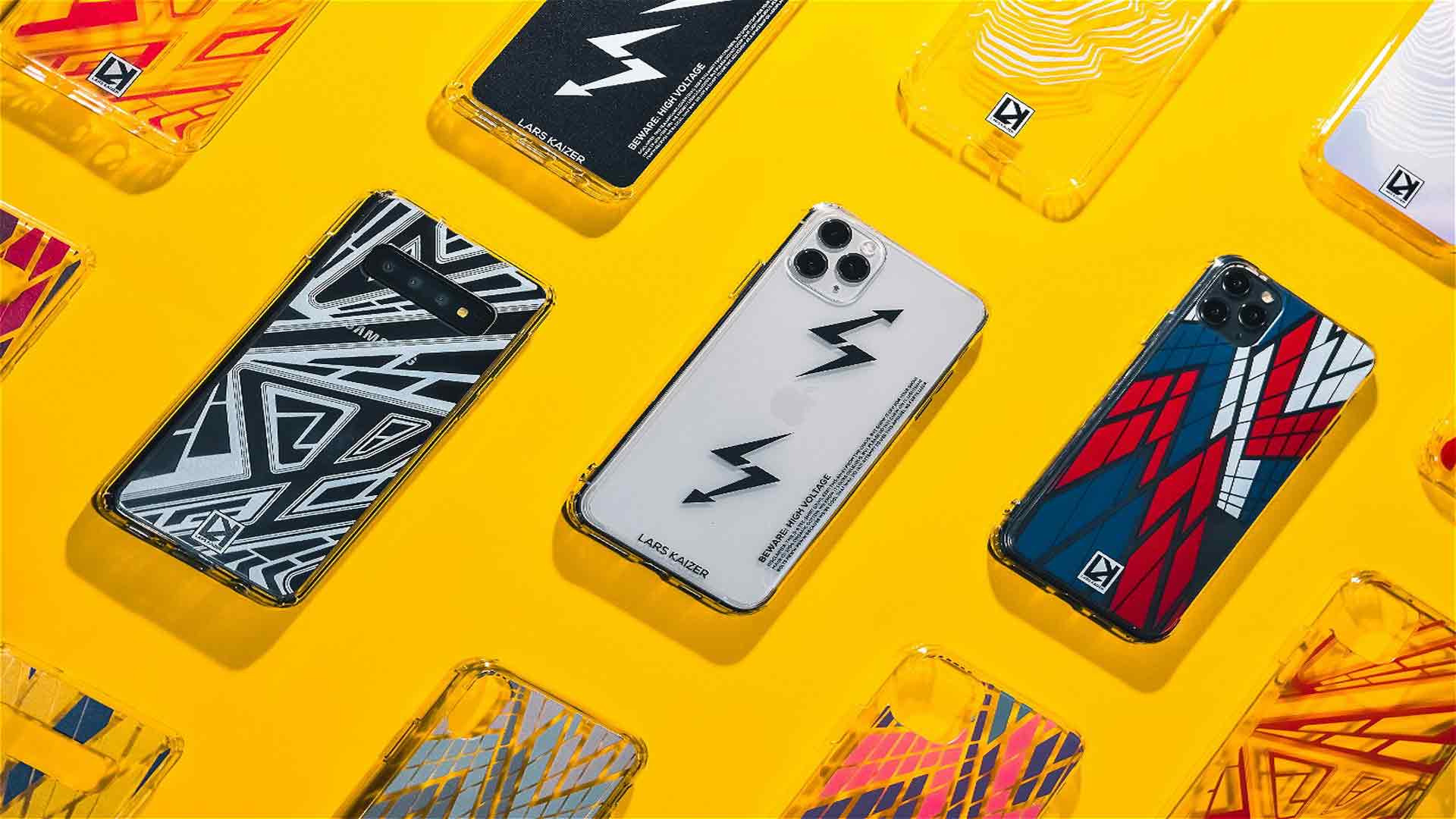
iPhone vs. Samsung: The Complete 2026 Comparison – Which Smartphone Is Really Better?
The decision between iPhone and Samsung is one of the most common questions when buying a smartphone. Both brands dominate the premium market, but they follow fundamentally different philosophies. Apple focuses on a closed, tightly integrated system. Samsung stands out through variety, openness and customisation. This comparison shows exactly where the differences lie, which brand is better suited to which type of user and what really matters when choosing a smartphone in 2026. And because flagship devices do not always need to be purchased permanently straight away, we also show how you can rent both systems flexibly through get-IT-easy and compare them in real everyday use.
We compare the current flagship models iPhone 17 and Samsung Galaxy S26, as well as the premium models iPhone 17 Pro, iPhone 17 Pro Max and Samsung Galaxy S26 Ultra. By the end, you will know exactly which smartphone is the better fit for you or your company.
iPhone or Samsung – The Quick Answer
If you are short on time, here is the summary. The detailed explanations follow in the individual sections.
- iPhone is better for you if: you already use a MacBook, iPad or Apple Watch, want intuitive operation without a learning curve, value long-term software updates and need highly consistent video quality.
- Samsung is better for you if: you want maximum customisation, use Google or Microsoft services extensively, want more choice across models and price ranges, need powerful zoom or want to use features such as Samsung DeX and Knox.
There is therefore no universal winner. Both systems operate at a very high level – what matters is how you use your smartphone. A good starting point is to test your preferred model extensively as a rental smartphone through get-IT-easy.
The Fundamental Difference Between iPhone and Samsung
The most important difference is not the hardware, but the operating system and the concept behind it. The iPhone runs iOS, while Samsung devices use Android with Samsung’s own One UI interface.
Apple: Closed System, Maximum Integration
Apple develops the chip, operating system and devices itself. The result is an ecosystem in which everything works seamlessly together. The user interface remains consistent over many years, updates are released for all compatible devices at the same time, and interaction with MacBook, iPad or Apple Watch works with little or no configuration. The trade-off is less freedom when it comes to customisation.
Samsung: Open, Flexible, Versatile
Samsung is based on Android and therefore focuses on openness. The home screen, default apps, widgets and many system functions can be customised extensively. There is also a huge range of models – from affordable entry-level devices in the Galaxy A Series to high-end Ultra models. Anyone who values Google services, Windows integration or individually tailored workflows has an advantage with Samsung.
Does Samsung Use Android or iOS?
A common question: Samsung smartphones run exclusively on Android, not iOS. iOS is an Apple-only system and runs exclusively on iPhones. Samsung uses Android as the foundation and adds its own One UI interface on top. This significantly changes the appearance and features while technically remaining Android. Among other things, this means access to the Google Play Store, deep Google integration and the ability to install apps from different sources.
Which Is Better: iPhone or Samsung? The Criteria in Detail
Instead of giving a general answer, we take a closer look at the most important decision criteria individually. This makes it easier to see where each brand has its strengths.
Performance and Everyday Use
The iPhone 17 uses the Apple A19 chip and a 6.3-inch Super Retina XDR display with ProMotion up to 120 Hz. The Galaxy S26 also offers a 6.3-inch display, a powerful processor and extensive Galaxy AI features. In terms of raw computing performance, there is little between them – both handle video calls, multitasking, photo editing and demanding apps with ease.
The main difference lies in the user experience: Apple feels more consistent and closed, while Samsung is more flexible and customisable.
Usability and User-Friendliness
For beginners and anyone who does not want to spend time learning a new system, the iPhone is usually the more accessible choice. Menus, gestures and settings follow a clear and consistent logic. Samsung, on the other hand, offers significantly more configuration options – ideal for experienced users who want to customise workflows individually.
Camera – Which Takes Better Photos and Videos?
Both brands compete at the highest level. The differences lie mainly in their characteristics:
- iPhone: very consistent, natural results. Colours, exposure and video stabilisation are highly reliable. Ideal for quick recordings, social media and video – the iPhone is widely regarded as a benchmark for video recording.
- Samsung: more shooting modes, stronger zoom, especially on the Galaxy S26 Ultra, higher resolutions and more manual control. Ideal for detailed shots, zoom subjects and anyone who wants more creative freedom.
Battery and Runtime
Battery life is not determined by the mAh figure alone, but by the interaction between chip, display and software. Apple closely integrates hardware and software and therefore often achieves strong runtime despite smaller battery capacities on paper.
| Model | Battery / Runtime |
|---|---|
| iPhone 17 | up to 30 hours of video playback |
| iPhone 17 Pro | up to 31 hours of video playback |
| iPhone 17 Pro Max | up to 37 hours of video playback |
| Galaxy S26 | 4,300 mAh |
| Galaxy S26 Ultra | 5,000 mAh |
Important: Apple specifies battery life in hours of video playback, while Samsung gives battery capacity in mAh. These figures cannot be compared directly. For normal everyday use, both brands easily last through the day. Anyone who films extensively, navigates frequently or works on the move should consider a larger model.
Security and Data Protection
Both manufacturers take different approaches to security. Apple controls hardware, software and the App Store very tightly, resulting in a closed and well-protected overall system with consistent updates. Samsung offers Knox, its own multi-layer security platform that protects devices at hardware level and separates private and business areas. Especially for companies with Android fleets, Knox is a strong argument. Our article on anti-theft protection and MDM for rental smartphones explains how rental and event devices can be secured further.
Updates and Longevity
iPhones are traditionally known for very long-term iOS update support – many devices remain current for more than six years. Samsung has significantly improved in this area: Current Galaxy models now also receive long-term software and security updates. Samsung therefore now offers genuine planning security for Android users as well.
Does Apple Use Samsung Components? How Closely Do the Companies Work Together?
An interesting detail that surprises many people: Apple and Samsung are direct competitors, but they also work together as business partners. Samsung is one of Apple’s largest suppliers. A significant proportion of the OLED displays used in current iPhones come from Samsung Display. Samsung is also an important supplier of memory chips.
The A19 chip in the iPhone, however, is designed by Apple itself and manufactured by TSMC – not Samsung. Despite their competition in the consumer market, cooperation at component level remains close because both companies benefit from it.
Software Integration: Apple Ecosystem vs. Android Flexibility
This is often where the biggest difference becomes apparent, because for many users this factor determines the entire decision.
The Apple Ecosystem
iPhone, MacBook, iPad, Apple Watch, AirDrop, iCloud and FaceTime work seamlessly together. A document started on the iPhone can be continued on the Mac, photos synchronise automatically and calls can be answered on the laptop. Anyone who uses several Apple devices benefits enormously from this convenience. Suitable MacBooks and iPads can also be rented flexibly if required.
Samsung and the Android World
Samsung performs especially well with Google services, Microsoft apps and Windows PCs. With Samsung DeX, a compatible Galaxy smartphone can be connected to a monitor and used like a desktop PC – a genuine unique feature. The Windows integration through “Link to Windows” also makes interaction with a PC particularly seamless.
Comparison Table: Current Models and Predecessors
| Class | Apple | Apple Runtime | Samsung | Samsung Battery | Year |
|---|---|---|---|---|---|
| Current | iPhone 17 | up to 30 hours video | Galaxy S26 | 4,300 mAh | 2026 |
| Premium | iPhone 17 Pro / Pro Max | up to 31 / 37 hours video | Galaxy S26 Ultra | 5,000 mAh | 2026 |
| Predecessor 1 | iPhone 16 | up to 22 hours video | Galaxy S25 | 4,000 mAh | 2024 / 2025 |
| Predecessor 2 | iPhone 15 | up to 20 hours video | Galaxy S24 | 4,000 mAh | 2023 / 2024 |
Advantages and Disadvantages at a Glance
iPhone – Advantages
- Very simple and consistent operation
- Seamless integration into the Apple ecosystem
- Extremely long update support
- Consistent, reliable video quality
- High resale value
iPhone – Disadvantages
- Limited customisation options
- Smaller model selection
- Higher prices, less flexibility with accessories
Samsung – Advantages
- Large model range across all price categories
- Extensive customisation through Android/One UI
- Strong zoom and many camera modes on Ultra models
- Samsung DeX, Knox and Windows integration
- Deep Google and Microsoft integration
Samsung – Disadvantages
- More learning required because of the large number of settings
- Less consistent app landscape
- Preinstalled additional apps (bloatware)
Which Brand Suits Which Type of User?
| User Type | Recommendation | Reason |
|---|---|---|
| Apple User | iPhone | Seamless interaction with existing devices |
| Android Fans | Samsung | Freedom, choice, Google integration |
| Beginners | iPhone | Very easy to use without much familiarisation |
| Power Users | Samsung | Maximum customisation and control |
| Content Creators | Both | iPhone for video, Samsung for zoom/modes |
| Companies | Depends on IT | Apple for Mac/iPad environments, Samsung for Android/Windows |
iPhone or Samsung for Companies?
In business, it is not just the best individual device that matters, but how easily smartphones can be deployed, managed and secured. The decision depends heavily on the existing IT environment. Our article iPhone vs. Samsung for Business Use takes a detailed look at this topic.
When iPhones Make Sense in Companies
iPhones fit particularly well into environments that already use Macs and iPads. The consistent user experience reduces support effort, Apple Business Manager simplifies rollouts, and executives, sales teams and creative departments benefit from integration with other Apple devices.
When Samsung Is the Better Choice for Companies
Samsung is particularly suitable for Android, Google and Windows workflows. Knox allows devices to be managed and secured centrally, while DeX enables mobile desktop-style working. For field service, service teams, logistics and technical departments, this flexibility is a clear advantage.
Test Before Making a Decision
For app testing, training sessions or temporary teams, a mixed device pool can be useful. This makes it possible to determine in real working conditions whether iOS or Android is better suited to the specific use case before making a long-term and costly decision. Through get-IT-easy, both Apple iPhones and Samsung Galaxy smartphones can be rented flexibly for as little as one day and compared directly in business use. The exact rental price always depends on the model, quantity, rental period and required accessories and is calculated in an individual quotation.
Lifespan: Which Smartphone Lasts Longer?
Lifespan depends on several factors, not just the brand:
- Software updates: Both now provide long-term support – iPhones traditionally have a slight advantage here, although Samsung has caught up significantly.
- Battery: Battery capacity decreases over time on both brands; replacing the battery can extend the usable life considerably.
- Build quality and protection: Premium models from both manufacturers are well built and protected against water and dust to IP68 standards.
- Repairability and spare parts: Both brands have a broad range of repair options available.
In practice, flagship models from both manufacturers can easily remain in use for five to seven years – provided that the battery is replaced if necessary. Companies that only need devices temporarily for a project can avoid this issue altogether by renting them.
Frequently Asked Questions About iPhone vs. Samsung
Which Is Better: iPhone or Samsung?
The iPhone is better if simple operation, a closed system and Apple integration are important to you. Samsung is better if you want more customisation, Android flexibility, greater model variety and features such as DeX or Knox. There is no universal winner – it depends on how you use the device.
Does Samsung Use Android or iOS?
Samsung smartphones run Android with Samsung’s own One UI interface. iOS is available exclusively on iPhones.
Which Lasts Longer: iPhone or Samsung?
Both offer high-quality devices with a long usable life. iPhones are known for particularly long iOS update support, while Samsung also provides long-term updates for current models. Actual lifespan depends heavily on battery condition, care and repairs.
Which Camera Is Better: iPhone or Samsung?
The iPhone stands out through consistent, natural photo and video quality and is widely regarded as a benchmark for video. Samsung offers more modes, stronger zoom and more manual control. For social media and video, the iPhone is particularly strong, while Samsung has advantages for zoom and detailed shots.
Is iPhone or Samsung More Secure?
Both are very secure. Apple uses a closed system with tight control over hardware and software. Samsung offers Knox, a multi-layer security platform that is particularly attractive for companies.
Does Apple Use Samsung Components?
Yes. Samsung supplies components including OLED displays and memory chips for iPhones. Despite competing in the consumer market, the two companies are closely connected at component level.
Which Smartphone Is Better for Companies?
That depends on the IT environment. iPhones fit well with Apple workflows involving Macs and iPads. Samsung is well suited to Android, Google and Windows environments as well as companies that want greater control and customisation of devices. The easiest way to find the right model is to test it by renting it through get-IT-easy.
Which Brand Offers More Choice?
Samsung offers the wider model range across all price categories. Apple has a smaller but clearly structured portfolio with strong system integration.
Conclusion: iPhone vs. Samsung – It Depends on the Use Case
There is no universal winner in the iPhone vs. Samsung comparison. Apple stands out through simple operation, a closed ecosystem, high software consistency and long-term update support. Samsung offers greater flexibility, a wider model range, Android customisation, strong camera options and features such as DeX and Knox.
For private users, camera quality, battery life, usability and value for money are key factors. For companies, security, management, app compatibility and the existing IT environment also matter. Anyone looking for a seamless and worry-free system will be well served by an iPhone. Anyone who values freedom, choice and customisation will find suitable options from Samsung. The best approach is to test both ecosystems in real everyday use before making a long-term commitment – through get-IT-easy, you can rent the iPhone 17, the Galaxy S26 and many other smartphones flexibly for as little as one day and with suitable accessories. Simply send a non-binding enquiry via the request list and receive an individual quotation.
Read more - You may also be interested in
Would you like to delve deeper into the topic or discover similar content? Below, we have compiled three additional articles for you that are thematically related to this article. These may also be relevant and interesting for your company.

Leasing Solutions for Businesses
Rental vs. Buying Trade Show and Event Hardware: Costs, Flexibility, and Typical Setups for Businesses
Rental of trade show and event equipment instead of buying it: Cut costs, stay flexible,
Sep

Leasing Solutions for Businesses
Bring-Your-Own-Device vs. Rented Devices: When Each Strategy Is Worth It for Doctoral Programs
BYOD or Rented Devices? 📱 Find out which strategy is best for promotions in 2026—considering
Aug

Leasing Solutions for Businesses
TV/Display Rentals for Trade Show Booths & Events: Resolution, Mounts/Stands, Setup & Data Protection
TV and Display Rentals for Trade Show Booths and Events: Tips on resolution, mounts, stands,
Aug

Guide
Transfer Data Quickly Between PCs Without a USB Drive: Simple Methods for Event Teams
Transfer data quickly between PCs without a USB drive: simple, secure methods for event teams—from
Aug

Technology Trends
EUDI Wallet & Digital Identities: Potential Applications for Check-In, Access Control, and Verification at Events
EUDI Wallet at Events: Digital identities for fast check-in, secure access control, and reliable verification.
Aug

Sustainability
Making Packaging & Logistics Sustainable: Reusable Shipping Containers, Return Shipping Processes, and CO2 Reduction
📦 Making Packaging & Logistics Sustainable: Reusable shipping boxes, efficient return processes, and lower CO₂
Aug

Technology Trends
5G & Alternative Event Internet: Wi-Fi/5G Setup, VoWiFi, and Stratospheric Internet—What’s Realistic?
A Look at Internet for Events in 2026: 5G, Wi-Fi Setup, VoWiFi, and Stratospheric Internet.
Jul

Guide
Secure Wi-Fi on the Go & at Events: Which Smartphone/Hotspot Features You Should Disable and Why
Secure Wi-Fi on the Go & at Events: These Smartphone & Hotspot Features You Should
Jul