





Technology Trends
Mobile Workstations: The Perfect Devices for Creative Professionals in 2026
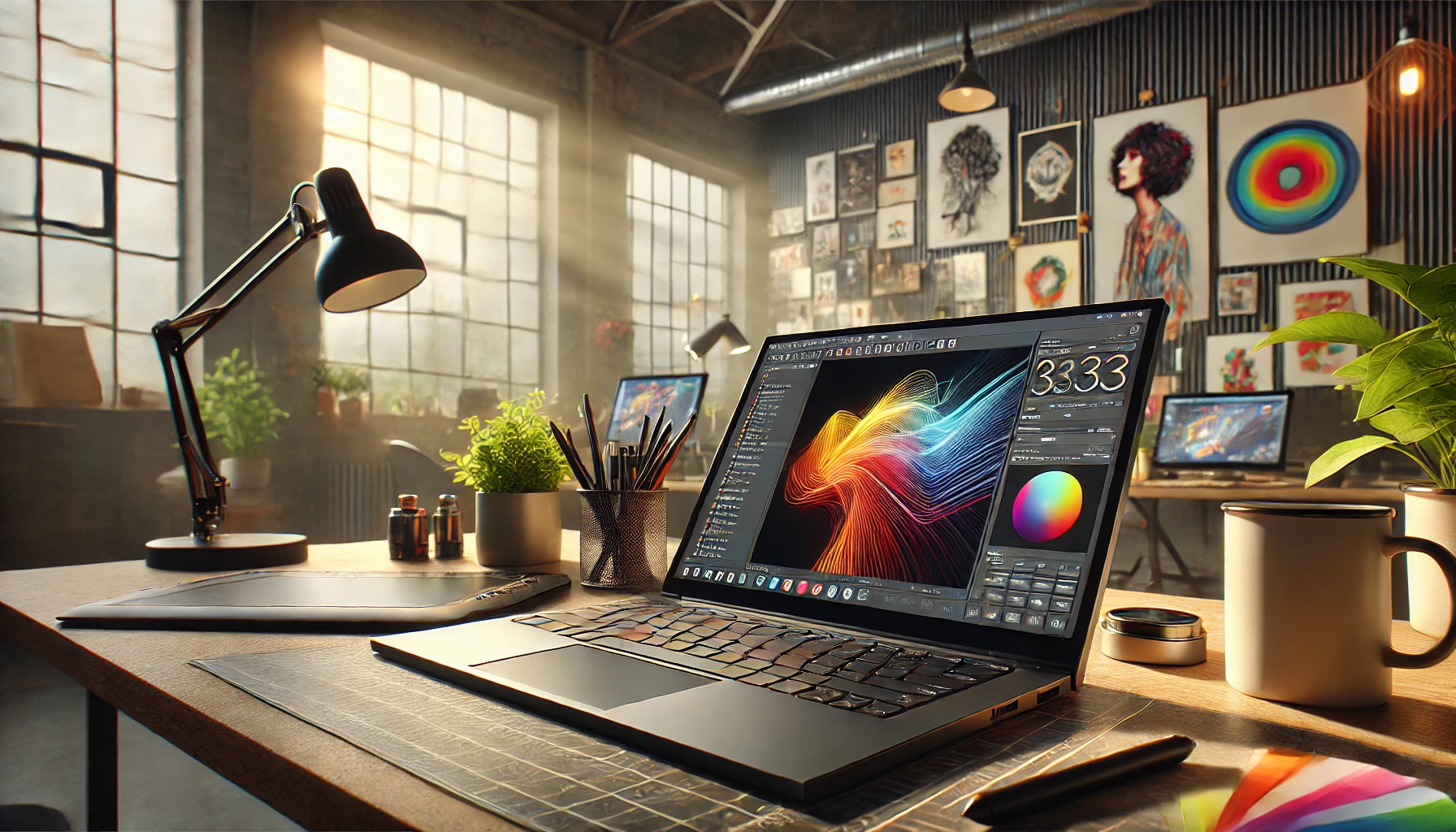
A mobile workstation is no longer a niche product, but rather an indispensable tool for creative professionals in graphic design, video editing, CAD, and 3D applications. These high-performance laptops combine powerful processing capabilities, color-accurate displays, and robust reliability. In this comparison, we’ll show you what matters most in a mobile workstation, which models are best suited for which applications, and why rental—rather than buying—is particularly beneficial for businesses. Anyone looking to rent a workstation should carefully match the device to their intended use.
What is a mobile workstation?
A mobile workstation is a high-performance laptop designed specifically for computationally intensive, professional applications. Unlike standard business laptops, it offers:
- Powerful CPUs and professional GPUs, optimized for computationally intensive tasks
- Professional-grade graphics cards such as NVIDIA Quadro or RTX
- ISV Certifications to Support Professional Software
- High-resolution and color-accurate displays
- Rugged construction for continuous mobile use
These features make the mobile workstation the top choice for architects, engineers, video producers, and designers who need full performance even when they’re on the go.
What Matters in a Mobile Workstation
1. CPU and GPU Performance
Most mobile workstations rely on Intel Core i7 or i9 processors, complemented by professional NVIDIA Quadro or RTX graphics cards. A powerful GPU is essential, especially for software such as Adobe Premiere Pro, DaVinci Resolve, 3D rendering tools, or CAD applications.
2. Color-accurate display for mobile graphics
Creative professionals need monitors with accurate color reproduction. For mobile graphic design work, resolutions of Full HD or higher, as well as color space standards such as AdobeRGB or DCI-P3, are important to ensure that colors are displayed faithfully.
3. RAM and Storage
Since creative projects generate large amounts of data, a mobile workstation should have at least 16 GB of RAM, ideally 32 GB or more. Fast SSDs ensure quick load times for large project files.
4. battery life and mobility
Performance and portability don’t have to be mutually exclusive. Good mobile workstations offer battery life that’s sufficient for a productive workday without having to constantly search for an outlet.
5. connectivity
Thunderbolt ports, SD card readers, and plenty of USB ports come standard. This makes it easy to connect additional monitors, cameras, or external storage devices.
Mobile Workstation Comparison: These Are the Models for Rental
The following overview compares the mobile workstations available for rental from get-IT-easy, along with their typical areas of application.
| Model | Processor | Graphics | Display | Ideal for |
|---|---|---|---|---|
| HP ZBook Studio G7 | Intel Core i7 | NVIDIA Quadro T1000 (optional Quadro RTX 3000) | 15.6″ Full HD, anti-glare | CAD, graphic design, video editing |
| HP ZBook Firefly 15 G8 | Intel Core i7 (11th Gen) | NVIDIA Quadro T500 | 15.6″ Full HD or 4K UHD | Entry-level workstation, image and video editing |
| Apple MacBook Pro (M4 Pro/Max) | Apple M4 Pro or M4 Max | Integrated GPU | 16″ Liquid Retina XDR | Video editing, design, macOS workflows |
| Lenovo Legion Slim 5 | Intel Core i7-13700H | NVIDIA GeForce RTX 4070 | 16″ WQXGA IPS | Budget-friendly alternative for lighter creative workflows |
The Lenovo Legion Slim 5 is primarily a gaming laptop without ISV certification, but thanks to its powerful GPU and good display, it offers a solid, more affordable alternative for less demanding tasks such as photo editing or Full HD video editing.
Which mobile workstation is best for your needs?
The best mobile workstation always depends on the specific use case. A video producer has different needs than a CAD designer or a photographer. The following guidelines will help you make your choice:
- Video editing and rendering: Models with a powerful GPU and plenty of RAM, such as the HP ZBook Studio G7 or a MacBook Pro with an M4 Pro/Max.
- CAD and 3D design: Devices with professional Quadro graphics and ISV certification, such as the HP ZBook series.
- Photo and graphic editing on the go: A color-accurate display is essential; the ZBook Firefly 15 G8 or the MacBook Pro are good choices here.
- Budget-Friendly Creative Workflows: A High-Performance Alternative Like the Lenovo Legion Slim 5 for Beginners.
Why mobile workstations are essential for creative professionals
- Performance-intensive applications: Editing and rendering tasks in tools such as Autodesk Maya, Adobe Photoshop, and DaVinci Resolve require hardware that runs smoothly.
- Multitasking: Whether it’s live streaming, concurrent workloads, or 3D simulations, mobile workstations are designed to handle multiple demanding tasks at the same time.
- ISV Certification: It ensures compatibility and optimal performance with professional software, a key factor for reliable workflows.
Rental of a Mobile Workstation Instead of Buying One
Precisely because mobile workstations are expensive and quickly become outdated, rental is a worthwhile option for companies:
- No large one-time investment; predictable costs based on the rental period
- Always-up-to-date hardware instead of writing off outdated devices
- Flexible staffing levels for projects, teams, or temporary assignments
- Preconfigured with the necessary software upon request
This allows you to use high-performance technology exactly when a project requires it, without tying up capital in the long term.
FAQ
What is the difference between a mobile workstation and a gaming laptop?
Mobile workstations are optimized for professional software and often come with ISV certifications and professional GPUs such as NVIDIA Quadro. Gaming laptops, on the other hand, are designed for gaming performance, but can be a more affordable alternative for simpler creative tasks.
Which mobile workstation is best suited for video editing?
For video editing and rendering, models with a powerful GPU, plenty of RAM, and a fast SSD are ideal—such as the HP ZBook Studio G7 or a MacBook Pro with an M4 Pro or M4 Max chip.
Should I choose a 4K display?
For graphics and video editing, a high-resolution, color-accurate display is recommended. For CAD applications alone, a good Full HD display is often sufficient.
Conclusion
A mobile workstation offers creative professionals a level of performance that conventional laptops cannot match. It combines computing power, mobility, and reliability for demanding tasks in graphics, video, CAD, and 3D. The best model depends on your specific needs—ranging from the HP ZBook Studio G7 for CAD and video editing to the MacBook Pro for macOS workflows, to the Lenovo Legion Slim 5 as a budget-friendly alternative. Instead of incurring high upfront costs, companies can opt for workstation rental and remain technically flexible. Feel free to contact us for a no-obligation consultation.
Read more - You may also be interested in
Would you like to delve deeper into the topic or discover similar content? Below, we have compiled three additional articles for you that are thematically related to this article. These may also be relevant and interesting for your company.

Leasing Solutions for Businesses
Rental vs. Buying Trade Show and Event Hardware: Costs, Flexibility, and Typical Setups for Businesses
Rental of trade show and event equipment instead of buying it: Cut costs, stay flexible,
Sep

Leasing Solutions for Businesses
Bring-Your-Own-Device vs. Rented Devices: When Each Strategy Is Worth It for Doctoral Programs
BYOD or Rented Devices? 📱 Find out which strategy is best for promotions in 2026—considering
Aug

Leasing Solutions for Businesses
TV/Display Rentals for Trade Show Booths & Events: Resolution, Mounts/Stands, Setup & Data Protection
TV and Display Rentals for Trade Show Booths and Events: Tips on resolution, mounts, stands,
Aug

Guide
Transfer Data Quickly Between PCs Without a USB Drive: Simple Methods for Event Teams
Transfer data quickly between PCs without a USB drive: simple, secure methods for event teams—from
Aug

Technology Trends
EUDI Wallet & Digital Identities: Potential Applications for Check-In, Access Control, and Verification at Events
EUDI Wallet at Events: Digital identities for fast check-in, secure access control, and reliable verification.
Aug

Sustainability
Making Packaging & Logistics Sustainable: Reusable Shipping Containers, Return Shipping Processes, and CO2 Reduction
📦 Making Packaging & Logistics Sustainable: Reusable shipping boxes, efficient return processes, and lower CO₂
Aug

Technology Trends
5G & Alternative Event Internet: Wi-Fi/5G Setup, VoWiFi, and Stratospheric Internet—What’s Realistic?
A Look at Internet for Events in 2026: 5G, Wi-Fi Setup, VoWiFi, and Stratospheric Internet.
Jul

Guide
Secure Wi-Fi on the Go & at Events: Which Smartphone/Hotspot Features You Should Disable and Why
Secure Wi-Fi on the Go & at Events: These Smartphone & Hotspot Features You Should
Jul