





Guide
Patch and Update Management for Rented Equipment at Events: How to Minimize Zero-Day and Patch Day Risks (Windows & Apple)
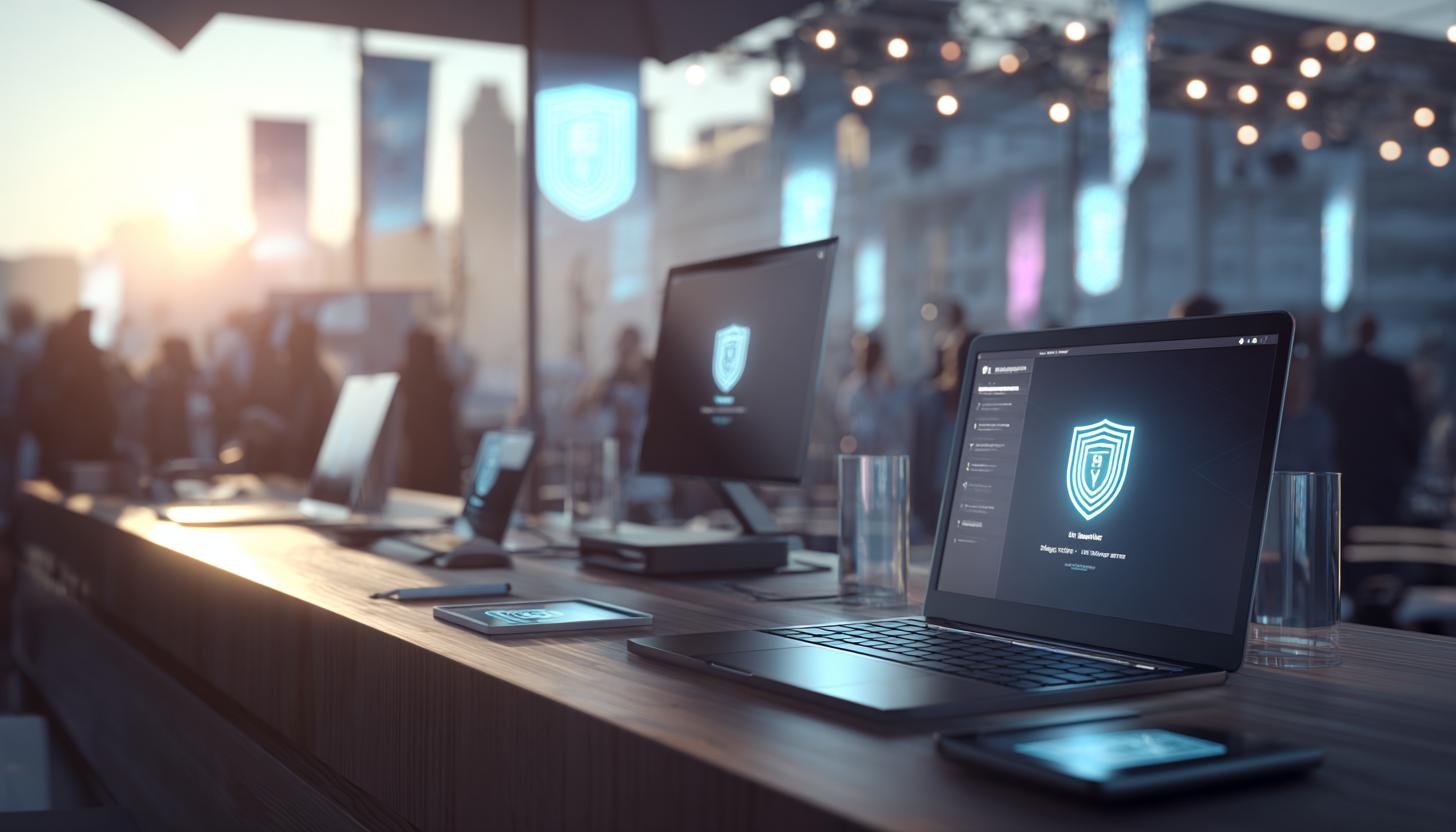
Efficient Patch and Update Management for Rental Equipment at Events
In the dynamic world of event planning, technological tools such as rental equipment have become indispensable. Whether it’s a laptop or an iPad —they are essential for successfully hosting events and offer organizers the greatest possible flexibility. But this reliance also comes with risks, especially when it comes to keeping devices up to date. Zero-day vulnerabilities and patch day issues are potential threats that must be addressed to ensure trouble-free events. In this article, we explain what efficient patch and update management for Windows and Apple rental devices can look like and why it’s essential for your event planning.
What are zero-day and patch day risks?
Zero-day risks: These refer to security vulnerabilities in software that are unknown to developers but can be exploited by attackers. When such vulnerabilities are discovered, they pose critical threats to data and system security.
Patch Day Risks: Patch Day is the day on which software updates are released to address known security vulnerabilities. If these updates are not installed promptly, systems become vulnerable to attacks.
The Importance of Patch Management for Event Rental Equipment
Especially at events, where a large number of rental devices are often used, it’s important to protect these devices from security vulnerabilities. The reputation of your event depends on all technical aspects functioning smoothly. Here are a few reasons why patch management is important:
- Ensuring security: Regular updates close security vulnerabilities and protect against cyberattacks.
- Ensuring functionality: Patches not only fix security issues but also resolve functional errors in the software.
- Legal compliance: Installing updates ensures that legal requirements are met and compliance guidelines are followed.
Current Challenges in Patch Management
In recent years, various aspects of patch management have changed. Modern devices, such as the Lenovo ThinkPad T14 or the 13″ MacBook Air, present particular challenges and demands in terms of flexibility and compatibility:
| Challenge | Description | Coping Strategy |
|---|---|---|
| Range of Devices | Rental devices cover a wide range of operating systems and versions. | Use of cross-platform management tools. |
| Time Management | The limited time available during an event calls for quick updates. | Routine checks and scheduled update windows. |
| Network Overload | Simultaneous updates can strain network capacity. | Roll out updates in phases or use dedicated update servers. |
Strategies for Successful Patch Management
The following strategies help minimize zero-day and patch-day risks and keep modern rental equipment as up-to-date as possible:
1. Use automated systems
Implement software solutions that trigger automatic updates for your leased devices—for example, for the latest Microsoft Surface Pro models or the newest iPads. This significantly reduces manual effort and helps ensure you never miss an update.
2. Regular Security Checks
Conduct regular security policy reviews to ensure that all devices are up to date. Security audit tools can help identify vulnerabilities in devices such as the iPad Air M2 or the iPad Pro M4 at an early stage.
3. Training and Awareness
The staff responsible for managing leased devices—whether Windows laptops or Apple tablets—should be trained on the importance of security updates. A high level of awareness minimizes human error.
4. Backup Strategy
Before performing updates, a backup of all important data should always be made to avoid the risk of data loss in the event of a faulty update.
Patch Management for Windows and Apple Devices
Regardless of the operating system, there are both general and specific measures:
Windows
- Windows Update: Use the Windows Update feature to install regular automatic patches, such as those for modern laptops like the Lenovo ThinkPad T14.
- Active Directory Group Policy: Group Policy allows you to centrally manage and deploy updates.
Apple
- Apple Business Manager: Deploy software updates centrally via the Apple Business Manager dashboard, for example, for the 13-inch iPad Pro or 13-inch MacBook Air.
- Device Enrollment Program (DEP): Use DEP to enable automatic device enrollment and updates.
Encouraging Product Use
In practice, it’s clear that choosing the right partner for technology solutions at events is crucial. With us, you’ll receive full support for patch and update management for your rental devices—from Windows laptops to business iPads. We offer the latest devices, such as the Surface Pro 10, the 13″ MacBook Air, or the iPad Air M2, tailored precisely to your event. Our experienced support team ensures that your hardware is always up to date, so you can focus entirely on the success of your event.
FAQ
What happens if I miss an update?
Missing updates can leave your system vulnerable to security risks. Make sure to install updates regularly and promptly—our rental devices always come with the latest updates, whether they’re Windows tablets or iPad Pros.
How often should I update my leased devices?
Depending on the software release cycles, devices should be checked at least once a month. If any zero-day vulnerabilities are discovered, immediate action should be taken.
How much does patch management cost?
Costs vary depending on the scope and complexity of the management system. Contact us for a customized quote—and take advantage of attractive rates on laptop or iPad rentals, for example.
Conclusion
Minimizing risks posed by zero-day vulnerabilities and ensuring regular patchday updates is essential for the smooth operation of events. Only through a well-thought-out and automated patch and update management system can you ensure that your rented devices function optimally at events. Don’t leave anything to chance—choose devices like the Lenovo T14, the iPad Air M2, or the Surface Pro 10, which offer impressive update security thanks to state-of-the-art technology. Protect yourself against unforeseen technical issues by partnering with an experienced provider who offers comprehensive support for equipment rental and management.
Contact us today for a comprehensive consultation and inquire about the equipment you need—we look forward to helping make your events a success!
Read more - You may also be interested in
Would you like to delve deeper into the topic or discover similar content? Below, we have compiled three additional articles for you that are thematically related to this article. These may also be relevant and interesting for your company.

Leasing Solutions for Businesses
Rental vs. Buying Trade Show and Event Hardware: Costs, Flexibility, and Typical Setups for Businesses
Rental of trade show and event equipment instead of buying it: Cut costs, stay flexible,
Sep

Leasing Solutions for Businesses
Bring-Your-Own-Device vs. Rented Devices: When Each Strategy Is Worth It for Doctoral Programs
BYOD or Rented Devices? 📱 Find out which strategy is best for promotions in 2026—considering
Aug

Leasing Solutions for Businesses
TV/Display Rentals for Trade Show Booths & Events: Resolution, Mounts/Stands, Setup & Data Protection
TV and Display Rentals for Trade Show Booths and Events: Tips on resolution, mounts, stands,
Aug

Guide
Transfer Data Quickly Between PCs Without a USB Drive: Simple Methods for Event Teams
Transfer data quickly between PCs without a USB drive: simple, secure methods for event teams—from
Aug

Technology Trends
EUDI Wallet & Digital Identities: Potential Applications for Check-In, Access Control, and Verification at Events
EUDI Wallet at Events: Digital identities for fast check-in, secure access control, and reliable verification.
Aug

Sustainability
Making Packaging & Logistics Sustainable: Reusable Shipping Containers, Return Shipping Processes, and CO2 Reduction
📦 Making Packaging & Logistics Sustainable: Reusable shipping boxes, efficient return processes, and lower CO₂
Aug

Technology Trends
5G & Alternative Event Internet: Wi-Fi/5G Setup, VoWiFi, and Stratospheric Internet—What’s Realistic?
A Look at Internet for Events in 2026: 5G, Wi-Fi Setup, VoWiFi, and Stratospheric Internet.
Jul

Guide
Secure Wi-Fi on the Go & at Events: Which Smartphone/Hotspot Features You Should Disable and Why
Secure Wi-Fi on the Go & at Events: These Smartphone & Hotspot Features You Should
Jul