





Technology Trends
Perfect VR TV setup configuration for the trade fair – how to create an impressive company presentation
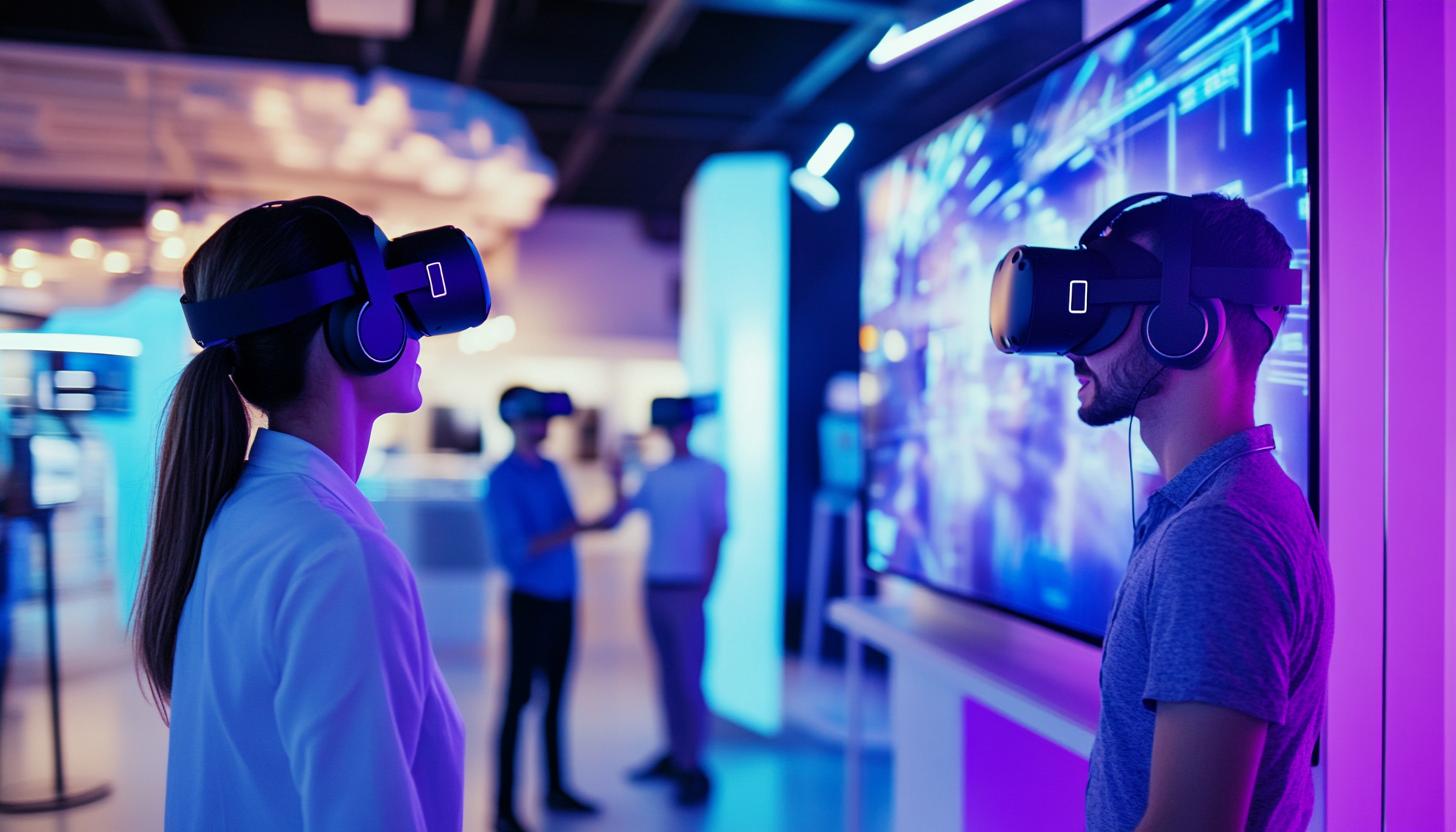
VR TV setup configuration for trade fairs – creating interactive experiences that impress
The world of trade fairs is changing: interactive, immersive presentations are increasingly replacing traditional trade fair stands. In B2B communication, it is becoming increasingly important to bring products and services to life. A professional VR TV setup offers a powerful solution here. Combined with powerful technology and a well thought-out configuration, you can create an unforgettable trade fair experience. In this blog post, we will show you how to configure a modern VR TV setup, what is important and what equipment you can rent to wow at your next trade fair.
Why a VR TV setup at the trade fair?
Virtual reality (VR) is becoming increasingly important in the exhibition sector. A VR TV setup essentially consists of VR goggles that are connected to a central playback point (PC or console) and a large screen (e.g. TV or LED wall) that makes the content visible to bystanders in parallel with the VR display. This has several advantages:
- Interactive product presentation: Customers experience your product in 3D – intuitively, realistically and comprehensibly.
- Increased dwell time: Interactive interactions mean that visitors stay longer at your stand.
- Visibility: The TV screen attracts attention – it shows what the VR user is currently experiencing.
- Lasting impression: Immersive experiences are much more memorable than classic slideshows or brochures.
The right technology for your VR TV setup
A successful setup depends largely on the right hardware and its configuration. Five components are particularly important here:
| Component | Recommended options (2024) | Special features |
|---|---|---|
| VR glasses | Meta Quest 3, HTC Vive Pro 2, Pico 4 Enterprise | High resolution, tracking, integrated sensors |
| PC/Workstation | Intel i9, NVIDIA RTX 4080, 32GB RAM | Powerful GPU for a smooth VR experience |
| TV/monitor | 55-75″ 4K screens, touch option possible | Mirrors VR content – Can also be used as an info screen |
| Tracking system | Inside-Out (e.g. Oculus), Lighthouse (HTC) | Precisely determines user position in the room |
| Cable management & accessories | Stands, cable ducts, VR rigs | Important factor for safety & order |
Some providers such as Meta and HTC already offer complete bundles that are specially preconfigured for trade fairs. Alternatively, you can rent complete VR setups including setup and support services from providers like us.
Installation & configuration – How to achieve the optimum setup
The correct configuration of the VR TV setup determines the quality of the overall experience. The following steps are essential:
1. Calculate space requirements and safety
An interactive VR experience requires freedom of movement. Ideally 2×2 meters of free space, without obstacles. Mark VR zones clearly visible to protect spectators and participants.
2. Tracking and synchronization
Coordinated tracking systems are key. Inside-out tracking (Pico, Oculus) requires less setup. HTC uses the Lighthouse system, where external sensors have to be installed. The central PC synchronizes all components – including the TV display.
3. Content preparation
Do not underestimate the relevance of VR content. Depending on the target group, the following concepts are suitable, for example:
- Virtual factory tours
- Immersive brand history experiences
- Gamification approaches for lead generation
4. Correctly mirror the TV display
The TV screen should mirror exactly what the VR users see – alternatively a freer camera position as a “third-person” live view. Many VR platforms (e.g. SteamVR, Oculus Link) offer mirroring functions that can be routed to the TV via HDMI. Alternatively, you can use smartphones for additional interaction for control or additional information display, which you can easily rent for this purpose.
5. Plan for support & assistance
A trained member of staff should always be on the stand to guide new users into VR. Technical support for troubleshooting is essential, especially at trade fairs lasting several days.
Frequently used VR setups for trade fairs in 2024
Based on customer feedback and industry trends, the following two VR configurations have proven themselves at trade fairs:
Setup 1: Compact & self-sufficient (ideal for small areas)
- 1x Meta Quest 3 stand-alone
- 1x 55″ 4K TV incl. roll stand
- Mirror via Chromecast / AirLink
- Portable hygiene set for VR glasses
Setup 2: High-performance experience (for premium stands)
- 1x HTC Vive Pro 2 with Lighthouse
- 1x high-end VR-PC (RTX 4080)
- 1x 75″ UltraHD display with HDMI splitter
- Branding kiosk + play area with carpet surface
Get in touch with us – we can offer you customized VR solutions including hardware, setup, content and technical support. Request your individual VR setup for your next trade fair event now!
Read more - You may also be interested in
Would you like to delve deeper into the topic or discover similar content? Below, we have compiled three additional articles for you that are thematically related to this article. These may also be relevant and interesting for your company.
Leasing Solutions for Businesses
Rental vs. Buying Trade Show and Event Hardware: Costs, Flexibility, and Typical Setups for Businesses
Rental of trade show and event equipment instead of buying it: Cut costs, stay flexible,
Sep
Leasing Solutions for Businesses
Bring-Your-Own-Device vs. Rented Devices: When Each Strategy Is Worth It for Doctoral Programs
BYOD or Rented Devices? 📱 Find out which strategy is best for promotions in 2026—considering
Aug
Leasing Solutions for Businesses
TV/Display Rentals for Trade Show Booths & Events: Resolution, Mounts/Stands, Setup & Data Protection
TV and Display Rentals for Trade Show Booths and Events: Tips on resolution, mounts, stands,
Aug
Guide
Transfer Data Quickly Between PCs Without a USB Drive: Simple Methods for Event Teams
Transfer data quickly between PCs without a USB drive: simple, secure methods for event teams—from
Aug
Technology Trends
EUDI Wallet & Digital Identities: Potential Applications for Check-In, Access Control, and Verification at Events
EUDI Wallet at Events: Digital identities for fast check-in, secure access control, and reliable verification.
Aug
Sustainability
Making Packaging & Logistics Sustainable: Reusable Shipping Containers, Return Shipping Processes, and CO2 Reduction
📦 Making Packaging & Logistics Sustainable: Reusable shipping boxes, efficient return processes, and lower CO₂
Aug

Technology Trends
5G & Alternative Event Internet: Wi-Fi/5G Setup, VoWiFi, and Stratospheric Internet—What’s Realistic?
A Look at Internet for Events in 2026: 5G, Wi-Fi Setup, VoWiFi, and Stratospheric Internet.
Jul
Guide
Secure Wi-Fi on the Go & at Events: Which Smartphone/Hotspot Features You Should Disable and Why
Secure Wi-Fi on the Go & at Events: These Smartphone & Hotspot Features You Should
Jul