





Technology Trends
Securing Single Sign-On for Event and Project Accounts: Best Practices (MFA, Conditional Access, Least Privilege)
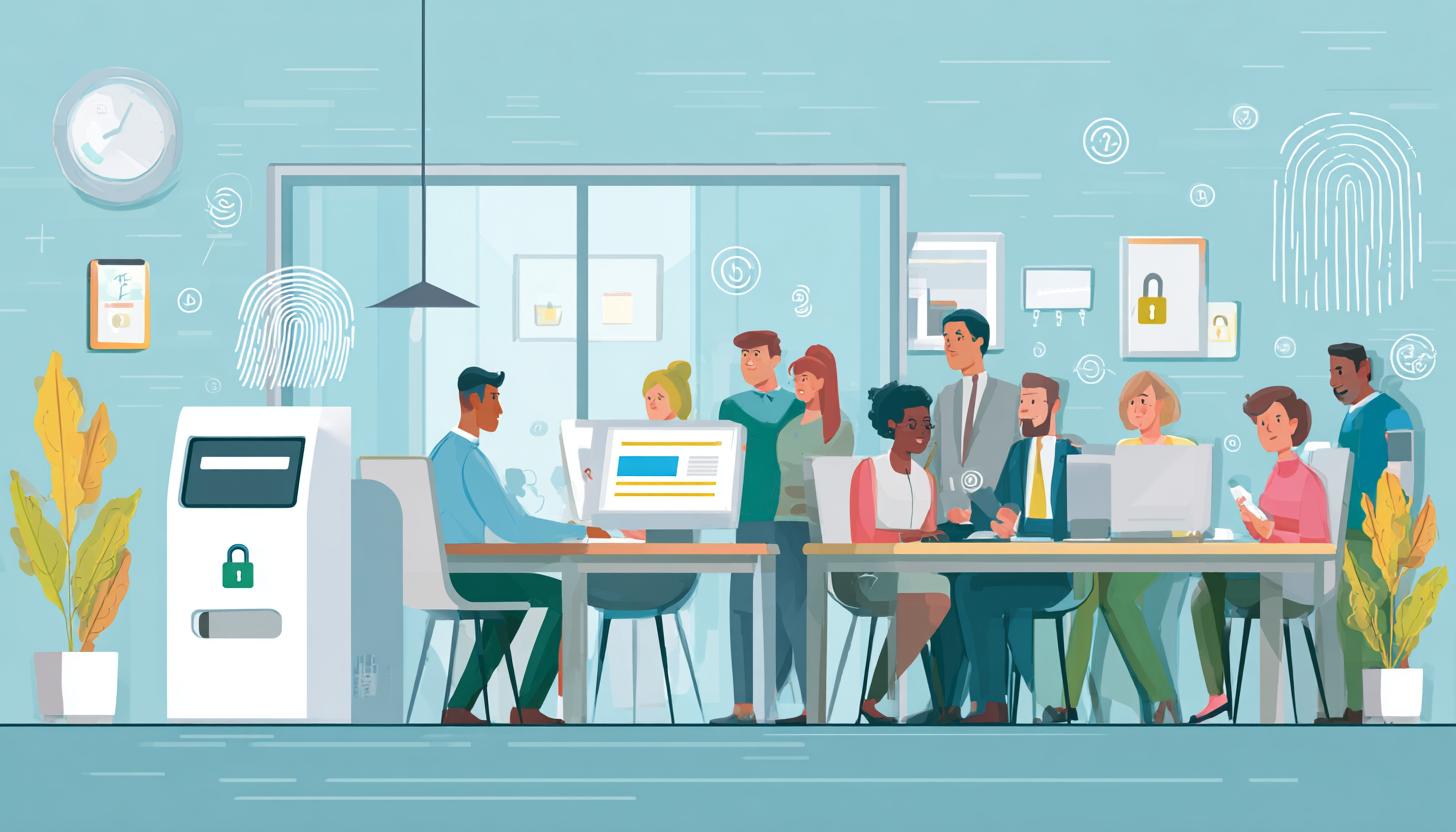
Securing Single Sign-On for Event and Project Accounts: Best Practices for Modern Businesses
Single Sign-On has long been a central component of the digital work environment in many companies. SSO offers enormous advantages, particularly for temporary assignments, mobile teams, trade shows, roadshows, training sessions, rollouts, or project-based workstations: Employees, partners, and external service providers can conveniently access designated applications without having to log in separately to each system. However, as convenience increases, so does the security implications. If a central access point is compromised, in the worst-case scenario, multiple applications could be affected simultaneously.
For companies that work with event and project accounts, this issue is particularly critical. These accounts are often created on short notice, set up for rotating teams, used on rented devices, or not consistently deleted once a project ends. This is precisely where it is determined whether SSO security is actually managed at a professional level within a company or whether unnecessary vulnerabilities are created.
Anyone who wants to provide secure yet flexible digital workplaces in 2026 will therefore need a well-thought-out strategy combining multi-factor authentication, conditional access, least privilege, device hardening, and proper lifecycle management. This security can be easily standardized, particularly in environments with rental end devices—such as rental Apple iPhones, tablets, or laptops—provided that identities, end devices, and access rules are planned together.
Why SSO Poses a Particular Risk for Event and Project Accounts
Traditional user accounts in companies are often set up for the long term, embedded in established processes, and tied to fixed roles. Event and project accounts work differently. They often need to be set up quickly, are active only temporarily, are used by different people, and must function on a wide variety of devices. At the same time, they frequently access sensitive platforms—such as CRM systems, collaboration tools, ticketing systems, email, digital signage, event software, inventory management, or internal project portals.
Recent developments in identity and access management clearly show that attackers today no longer target only traditional password theft, but also session hijacking, MFA fatigue, poorly secured guest accounts, token abuse, and inadequate device compliance. This becomes particularly critical in SSO environments, where a successful login directly grants access to multiple cloud and enterprise services.
Event and project accounts present additional challenges:
- Short deployment times and high organizational pressure
- Shared or short-term mobile devices
- Temporary external users such as hostesses, technicians, promoters, trainers, or agency staff
- Changing work locations with different networks and an increased risk of phishing
- Failure to deprovision or delayed deprovisioning after project completion
That is precisely why SSO should not limit enterprise security to the login process alone. The key lies in the combination of identity protection, device security, and automated policies.
What Modern SSO Must Deliver in Enterprises in 2026
A modern SSO approach in an enterprise environment is no longer based solely on centralized login and password management. Today, a more context-aware security approach is considered best practice. With this approach, every login is verified to determine who is accessing the system, with which device, from which location, to which application, and under what risk conditions. This is precisely where multi-factor authentication and conditional access come into play.
This architecture can offer significant advantages, particularly in environments where devices are rented for events, trade shows, project teams, or temporary workspaces. Devices can be rolled out in a standardized manner in advance, managed via Mobile Device Management or Unified Endpoint Management, and integrated into defined SSO policies. This gives users fast access, but only within clearly defined and secure boundaries. For example, organizations that rely on high-performance, centrally manageable tablets can take Samsung Galaxy Tab S models on rental and configure them specifically for secure project access.
MFA: The Most Important Defense Against Compromised Login Credentials
Multi-factor authentication is no longer an optional extra—it’s a basic requirement. Passwords alone do not provide sufficient protection—even if they are complex. Phishing campaigns, password reuse, social engineering, and stolen session cookies make password-only logins a significant risk.
For enterprise environments with SSO, an MFA approach that relies on more than just traditional push notifications is recommended. This is because push notifications, in particular, are vulnerable to so-called MFA fatigue attacks, in which users receive requests repeatedly until they accidentally or under stress agree to them. Today, phishing-resistant factors such as hardware security keys, passkey-based methods, certificate authentication, or context-aware authenticator methods with number matching and app binding are considered more secure.
For event and project accounts, choosing the right MFA method is particularly important. A method must be secure, but it must also fit the realities of the workplace. When teams are working with loaner devices provided on short notice, MFA must work without the need for cumbersome ad-hoc improvisation. Standardized rollout processes help here, in which devices are delivered preconfigured and equipped with the appropriate authentication mechanisms. This applies both to smartphones—such as the iPhone 16 Pro— as well as to other mobile-managed devices that are directly integrated into existing identity processes.
Conditional Access: Access Only Under Secure Conditions
Conditional Access has established itself as one of the most effective measures for SSO security in enterprises. Rather than treating every successful login the same, the system evaluates the conditions of a login attempt and dynamically decides whether to allow access, block it, or perform additional checks.
Typical policies are based on factors such as user role, device status, location, network, application sensitivity, or detected login risk. This is particularly helpful for event and project teams because access can be specifically restricted to the actual operational context.
| Risk Factor | Example from an event or project setting | Recommended Action |
|---|---|---|
| Unknown Device | Login from an external helper’s personal smartphone | Block access or allow only browser isolation with restricted permissions |
| Unusual Location | Login from a country outside the authorized service area | Request automatic lockout or additional strong MFA |
| Non-compliant device | Tablet without the latest security updates or without device management | Access only to non-critical applications or complete blocking |
| Increased Risk During Sign-In | Sign-in shows signs of credential stuffing or an anonymized IP address | Block the session, reset the password, and alert the security team |
| Sensitive Applications | Access to CRM, email accounts, or administrative interfaces | Require phishing-resistant MFA and managed devices |
Conditional access is particularly effective when companies differentiate not only between users but also between device types. A leased, properly preconfigured laptop or a centrally managed tablet can be considered a trusted device. Spontaneous access from a private, unmanaged device, on the other hand, should be severely restricted or denied entirely. For traditional office and project applications, for example, rental office laptops are a good option, as they can be uniformly secured and rolled out in compliance with regulations.
Least Privilege: Grant only the permissions that are truly necessary
A major problem in many project environments is the excessive granting of permissions. Because things need to move quickly, users are often granted too many access rights across the board. While this is convenient, it contradicts the security principle of least privilege. Each account should have only the rights necessary for its specific use—and no more.
For event and project accounts, this means: no full access to systems when only read permissions are needed; no default access to internal directories when only a single application is relevant; and no permanent roles for temporary tasks. It is also particularly important to separate regular work accounts, administrative accounts, and temporary assignment accounts.
Modern IAM platforms enable finely granular role models, time-based access grants, and just-in-time access. This allows permissions to be activated only for defined time periods—such as the setup and teardown of a trade show, the duration of a roadshow, or the operation of a project office. Once this period expires, access is automatically revoked.
The often-overlooked factor: the device itself
SSO security doesn’t end at the login screen. If a device is compromised, outdated, or poorly managed, even strong access controls are of limited help. End devices are particularly vulnerable to higher risks during mobile operations: loss, theft, use on public networks, sudden changes in location, and rotating users are all part of everyday life.
This highlights the advantage of professionally provided and managed rental devices for businesses. Those who rent smartphones, tablets, or laptops on a project-by-project basis can define security standards from the very beginning. These include encrypted storage devices, up-to-date operating systems, MDM/UEM integration, secure browser profiles, certificate-based device identity, app whitelisting, and clearly separated user profiles.
For many companies in the event and project industries, this is precisely a key advantage: Instead of relying on the unpredictable, ad-hoc use of personal or mixed devices, standardized, ready-to-use devices can be integrated into the SSO and security architecture. Depending on the intended use, this could involve tablet rental services for a high-performance device like the Samsung Galaxy Tab S10 Plus or high-quality business laptops.
Lifecycle Management: Accounts Must Also Be Deleted
One of the most common vulnerabilities associated with temporary identities is not their creation, but rather the end of their lifecycle. If event or project accounts remain active after an assignment is completed, this creates unnecessary security risks. This is particularly true for external users, seasonal workers, agency partners, or short-term service providers.
Best practice, therefore, is to implement a complete Joiner-Mover-Leaver model even for temporary accounts. An expiration date should be defined at the time of creation. Roles and access permissions must be tied to actual usage, not to indefinite time periods. Once the project is complete, sessions should be terminated, tokens invalidated, group memberships removed, and devices reset or provisioned anew.
Automated processes are significantly more secure than manual checklists in this context. When SSO, directory services, ticketing processes, and device management are integrated, the risk of legacy accounts being overlooked is reduced. This offers a clear security benefit, especially in environments with frequently changing assignments.
A zero-trust mindset instead of blanket trust
Many companies’ security strategies are now based on the zero-trust principle. Put simply, this means that no access is trusted solely because someone already works within the company or has successfully logged in once. Every request is continuously evaluated. This approach is especially essential for SSO, since a single successful login could otherwise lead to excessive trust.
For event and project accounts, this means, specifically, that access is segmented, sessions are monitored, applications are evaluated separately, and sensitive actions are subject to special security measures. For example, a user might be able to access an event app but not administrative systems. Or an account might be allowed to view data but not export it. Continuous access evaluation and risk-based session controls are also playing an increasingly important role here.
An Overview of Best Practices for Businesses
- Mandatory implementation of MFA: ideally, phishing-resistant for sensitive applications and privileged access.
- Fine-tune conditional access: Allow access only from approved, managed, and compliant devices.
- Consistently implement the principle of least privilege: Define roles narrowly, set time limits, and review them regularly.
- Manage temporary accounts automatically: with start and end dates, deprovisioning, and token revocation.
- Standardize devices: Rely on professionally preconfigured rental devices, especially for events and projects.
- Clearly separate guest and external access: avoid unnecessary mixing with standard internal accounts.
- Actively use monitoring and logging: detect suspicious login attempts, risky sessions, and authorization anomalies.
- Planning Recovery Processes: for lost devices, locked accounts, compromised sessions, and rapid replacement.
How Businesses Benefit from Professionally Provided Devices
In practice, it has been shown time and again that even the best SSO strategy becomes significantly more effective when the end devices in use are under control. For trade shows, promotional campaigns, point-of-sale (PoS) projects, inventory counts, training sessions, field assignments, or temporary project teams, it therefore makes sense to rely on professionally prepared devices. Companies benefit not only from availability and flexibility but also from a significantly higher level of security.
Pre-configured rental devices can be set up to integrate directly into existing SSO and IAM solutions. These include preconfigured authenticator apps, certificates, compliance policies, browser configurations, VPN profiles, app kiosk systems, and restricted user roles. This saves time during rollout, reduces misconfigurations, and makes it easier to comply with internal security requirements. For executives, consultants, or project managers, for example, an HP Dragonfly G4 notebook PC can be a suitable choice when security, mobility, and professional productivity need to come together.
For readers in the B2B sector, this also offers a business advantage: Instead of repurposing internal devices or incorporating personal hardware into sensitive project contexts, mobile devices can be requested as needed and provisioned securely. This is often the more practical and secure solution, especially for short-term scaling or nationwide deployments. If teams also need to switch between laptop and tablet modes, a flexible device like the HP Spectre x360 2-in-1 laptop can be effectively integrated into modern workplaces.
Conclusion
For businesses, SSO security has long been more than just a matter of technical convenience. Especially when it comes to event and project accounts, the quality of the security strategy determines whether temporary flexibility and professional protection can coexist. The key components are clear: strong MFA, consistent conditional access, least privilege, properly managed endpoints, and automated processes throughout the entire account lifecycle.
Companies that regularly work with rotating teams, external staff, mobile operations, or temporary workstations should not view SSO in isolation. Identity and endpoints go hand in hand. By relying on standardized, professionally configured mobile devices, organizations lay the foundation for secure, scalable, and practical access—without slowing down day-to-day operations.
If you want to equip event, trade show, rollout, or project environments safely and efficiently, it’s worth considering professionally provided mobile devices. Depending on the intended use, this also includes larger smartphones designed for intensive mobile use—such as renting an iPhone 16 Pro Max—when range, battery life, and display size play a key role in secure mobile workflows.
FAQ
Why is single sign-on critical for enterprise security?
Because a central login often grants access to multiple applications at once. If an SSO account is compromised, the damage can be significantly greater than with isolated individual logins.
Is MFA really essential for SSO?
Yes. Passwords alone are not enough. Especially in SSO environments, MFA should be mandatory—ideally with phishing-resistant methods for particularly sensitive applications.
What are the concrete benefits of conditional access?
Conditional access evaluates the context of a login. This allows you to specify that only managed devices, certain locations, or low-risk logins are granted access to defined applications.
What does “least privilege” mean for project accounts?
Users are granted only the permissions they actually need—and only for a limited time. This reduces the attack surface and prevents unnecessary access.
Why are rented devices often more secure for events and projects?
Because they can be standardized, preconfigured, managed, and integrated into security policies. This is usually more secure than the ad-hoc use of private or inconsistent hardware.
How can temporary accounts be securely removed?
Ideally,this should be automated: through expiration dates, revocation of group permissions, session invalidation, token revocation, and resetting or reinstalling the devices in use.
Read more - You may also be interested in
Would you like to delve deeper into the topic or discover similar content? Below, we have compiled three additional articles for you that are thematically related to this article. These may also be relevant and interesting for your company.

Leasing Solutions for Businesses
Rental vs. Buying Trade Show and Event Hardware: Costs, Flexibility, and Typical Setups for Businesses
Rental of trade show and event equipment instead of buying it: Cut costs, stay flexible,
Sep

Leasing Solutions for Businesses
Bring-Your-Own-Device vs. Rented Devices: When Each Strategy Is Worth It for Doctoral Programs
BYOD or Rented Devices? 📱 Find out which strategy is best for promotions in 2026—considering
Aug

Leasing Solutions for Businesses
TV/Display Rentals for Trade Show Booths & Events: Resolution, Mounts/Stands, Setup & Data Protection
TV and Display Rentals for Trade Show Booths and Events: Tips on resolution, mounts, stands,
Aug

Guide
Transfer Data Quickly Between PCs Without a USB Drive: Simple Methods for Event Teams
Transfer data quickly between PCs without a USB drive: simple, secure methods for event teams—from
Aug

Technology Trends
EUDI Wallet & Digital Identities: Potential Applications for Check-In, Access Control, and Verification at Events
EUDI Wallet at Events: Digital identities for fast check-in, secure access control, and reliable verification.
Aug

Sustainability
Making Packaging & Logistics Sustainable: Reusable Shipping Containers, Return Shipping Processes, and CO2 Reduction
📦 Making Packaging & Logistics Sustainable: Reusable shipping boxes, efficient return processes, and lower CO₂
Aug

Technology Trends
5G & Alternative Event Internet: Wi-Fi/5G Setup, VoWiFi, and Stratospheric Internet—What’s Realistic?
A Look at Internet for Events in 2026: 5G, Wi-Fi Setup, VoWiFi, and Stratospheric Internet.
Jul

Guide
Secure Wi-Fi on the Go & at Events: Which Smartphone/Hotspot Features You Should Disable and Why
Secure Wi-Fi on the Go & at Events: These Smartphone & Hotspot Features You Should
Jul